


Diamond Painting ASMR Coloring
Play on PC with BlueStacks – the Android Gaming Platform, trusted by 500M+ gamers.

Page Modified on: Jun 26, 2026
Main Diamond Painting ASMR Coloring on PC
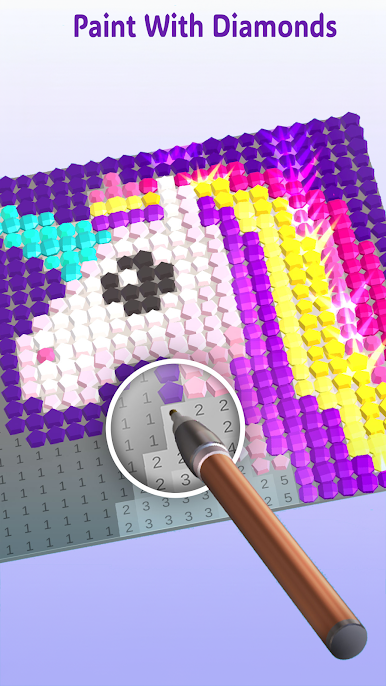
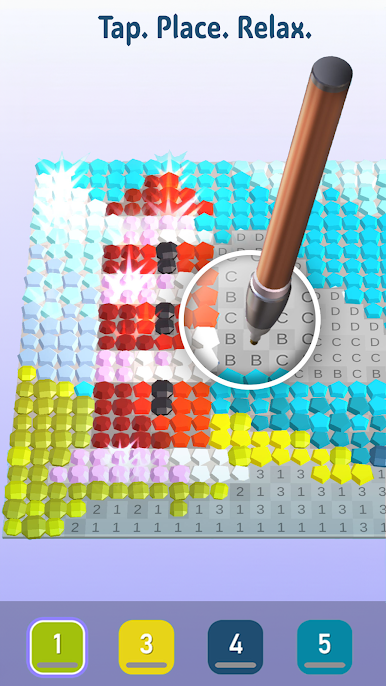
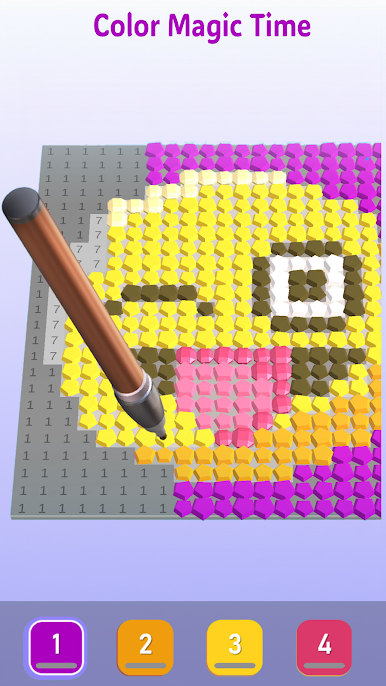
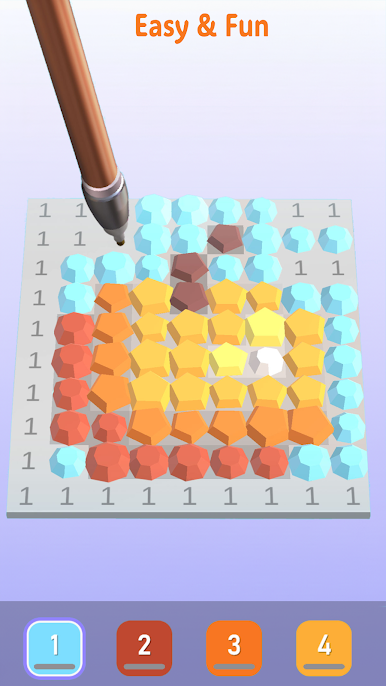
Simply follow the numbers and paint as quickly or slowly as you like - thrill to the satisfying ‘click’ with the color pop as the diamond finds its place. Watch your masterpiece sparkle with each color you complete.
A soothing, zen experience that is sure to leave you happy and mindful.
To opt out of CrazyLabs sales of personal information as a California resident, please visit our Privacy Policy: https://crazylabs.com/app


Play Diamond Painting ASMR Coloring on PC. It’s easy to get started.
-
Download and install BlueStacks on your PC
-
Complete Google sign-in to access the Play Store, or do it later
-
Look for Diamond Painting ASMR Coloring in the search bar at the top right corner
-
Click to install Diamond Painting ASMR Coloring from the search results
-
Complete Google sign-in (if you skipped step 2) to install Diamond Painting ASMR Coloring
-
Click the Diamond Painting ASMR Coloring icon on the home screen to start playing

