


Crystal Beam Wheel
Play on PC with BlueStacks – the Android Gaming Platform, trusted by 500M+ gamers.

Page Modified on: Sep 9, 2026
Play Crystal Beam Wheel on PC
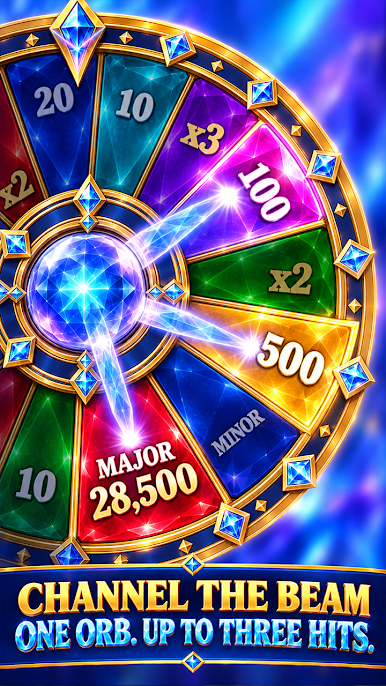
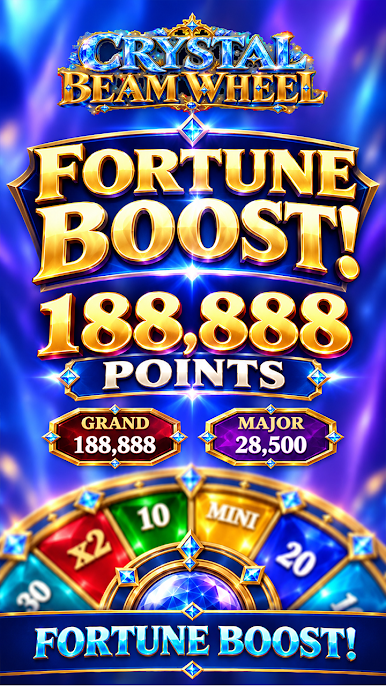
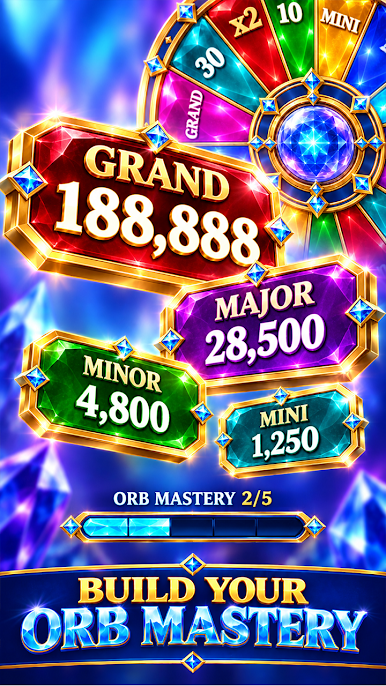
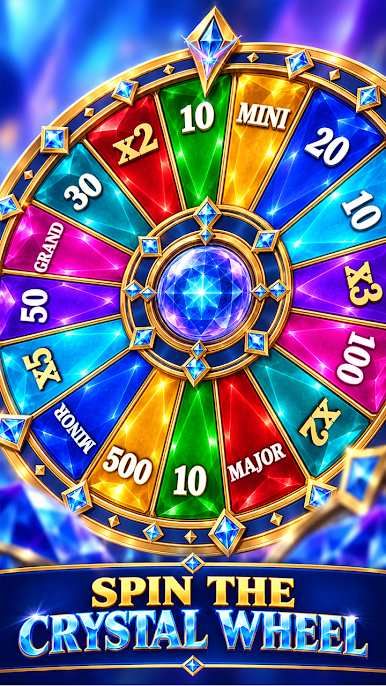
Tap SPIN and watch the orb release one to three dazzling beams, marking targets as the wheel turns beneath its fixed pointer. Each round reveals a bright sector result and adds points to your visible progress track, keeping the action lively and easy to follow.
With crystal artwork, glowing labels, and a dedicated result panel, every spin feels like a burst of prism energy — quick, rewarding, and full of entertainment sparkle.
Compliance Notes
This game is intended only for users aged 18 and above.
The game does not provide opportunities to win real money or prizes.
Achievements or practice in this social entertainment game do not imply success in real‑money gambling.
Play Crystal Beam Wheel on PC. It’s easy to get started.
-
Download and install BlueStacks on your PC
-
Complete Google sign-in to access the Play Store, or do it later
-
Look for Crystal Beam Wheel in the search bar at the top right corner
-
Click to install Crystal Beam Wheel from the search results
-
Complete Google sign-in (if you skipped step 2) to install Crystal Beam Wheel
-
Click the Crystal Beam Wheel icon on the home screen to start playing

