

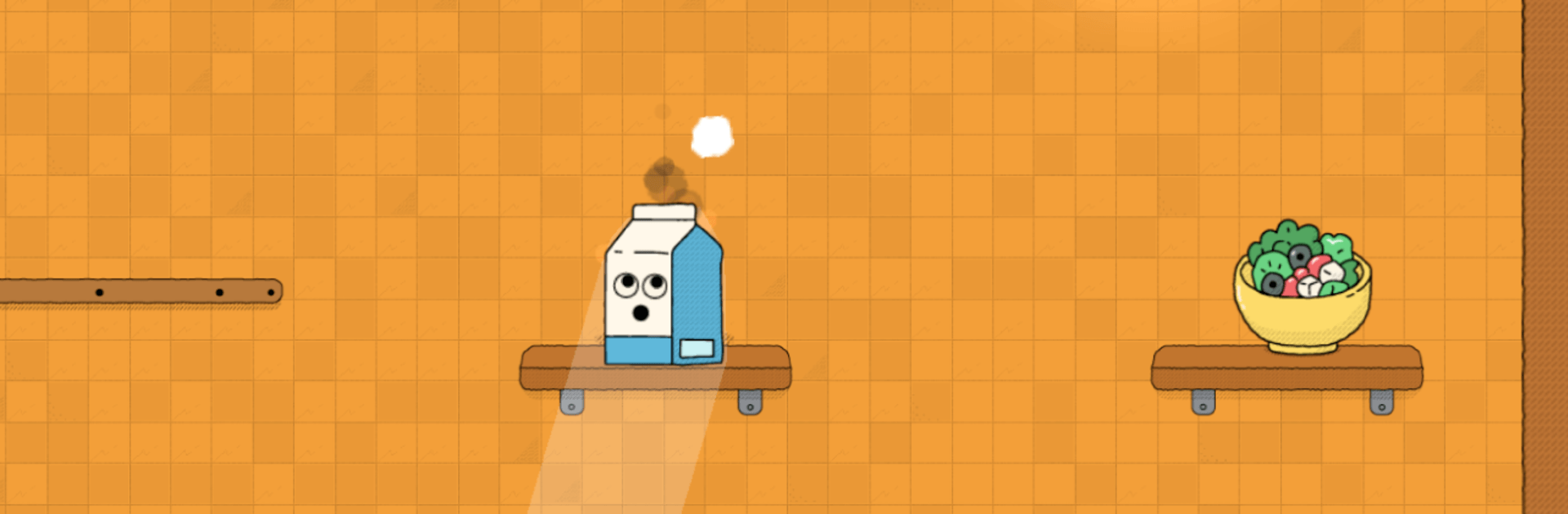
Oh, Snack!
Play on PC with BlueStacks – the Android Gaming Platform, trusted by 500M+ gamers.

Page Modified on: Oct 5, 2026
Play Oh, Snack! on PC or Mac
Oh, Snack! brings the Adventure genre to life, and throws up exciting challenges for gamers. Developed by Tepes Ovidiu, this Android game is best experienced on BlueStacks, the World’s #1 app player for PC and Mac users.
About the Game
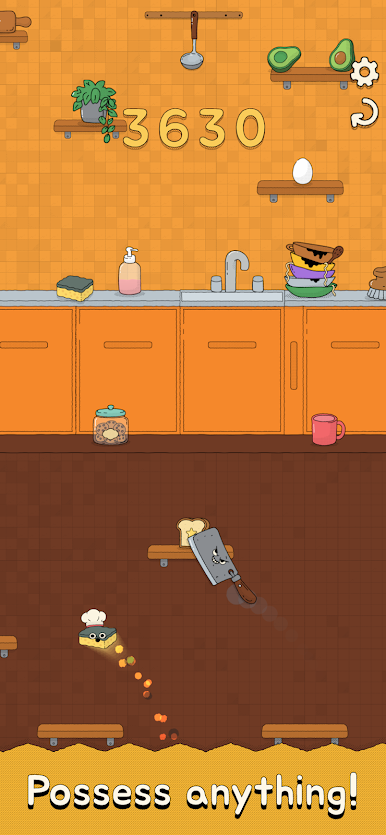
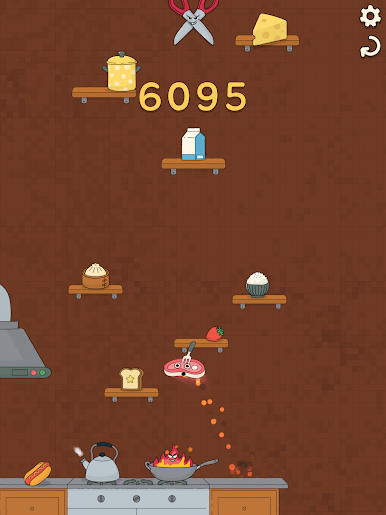
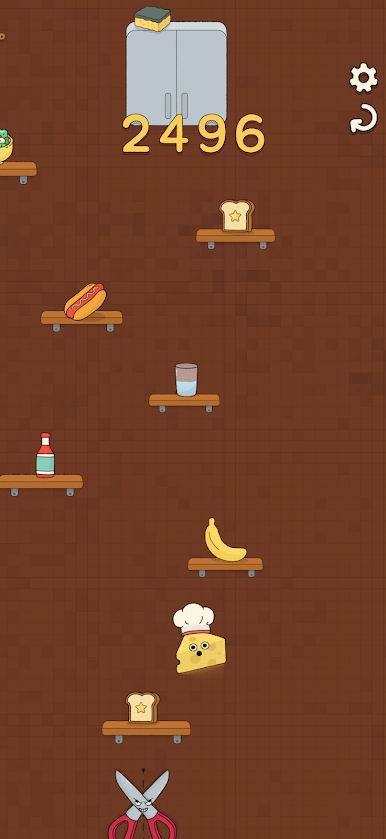
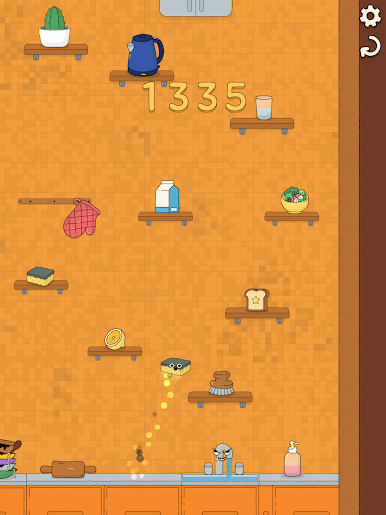
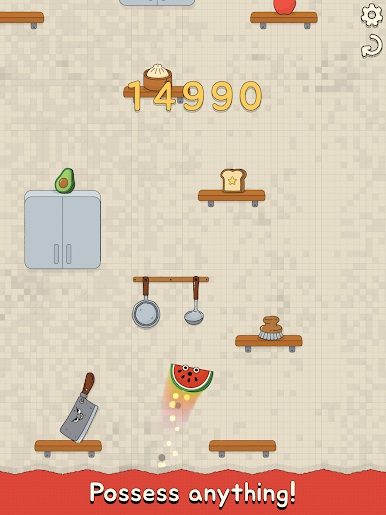
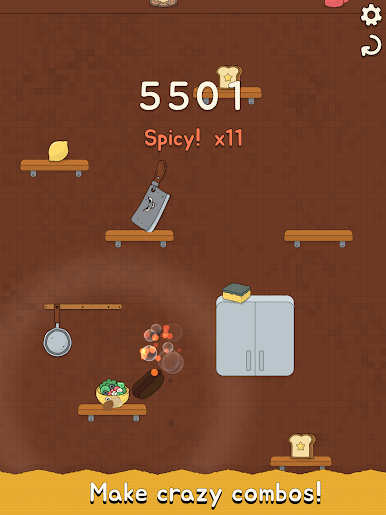
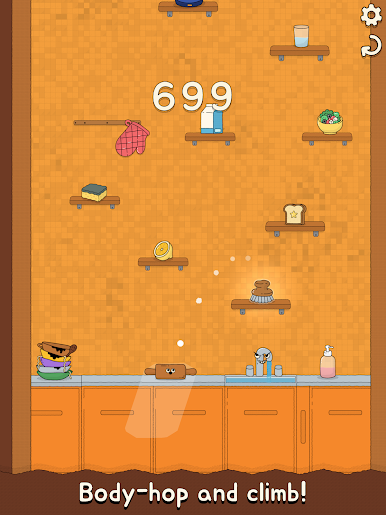
Oh, Snack! is a fast, snack-flinging Adventure where you body-hop between food and kitchen knickknacks to scramble toward a sunlit window. You’ll aim, launch, and swap into anything that looks helpful—each “body” handles differently, and the room isn’t exactly playing nice. It’s a playful score-chaser with physics you can feel and a strong “okay, one more run” vibe.
Game Features
- Pick-up-and-flick controls: Pull back to aim, release to launch, and thread tight angles across slippery counters.
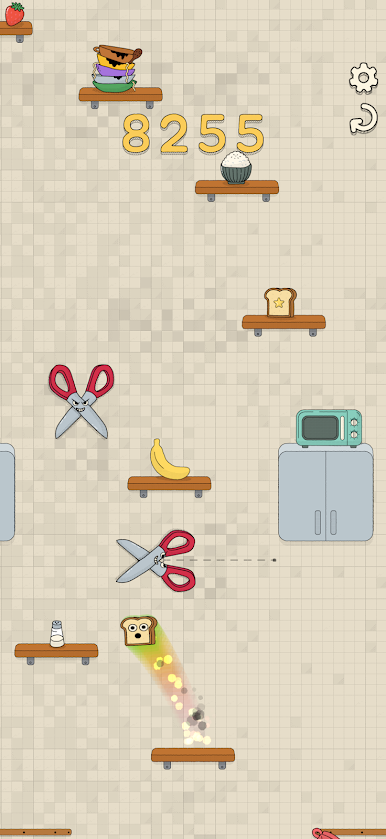
- Body swapping with personality: Possess toast, mugs, sponges, and more—each has its own weight, bounce, and slide, so the right body turns a risky jump into a sure thing.
- Physics that matter: Every object moves in its own weird way, encouraging you to experiment, adapt mid-run, and steal a better body when a leap won’t cut it.
- Combo climb scoring: Chain clean hops to build combos and push your score higher with every confident landing.
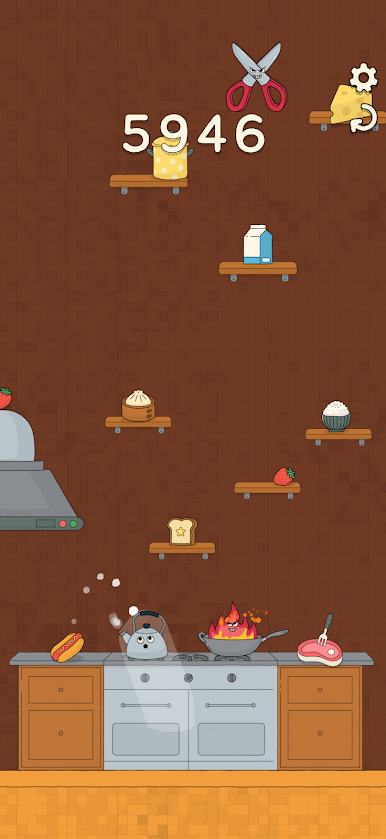
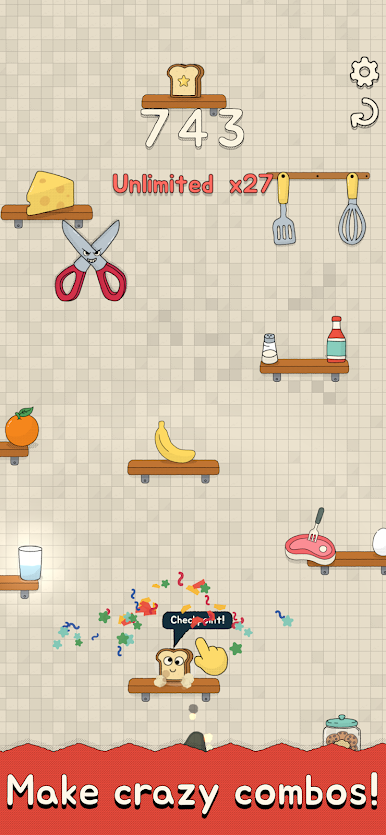
- Toasty checkpoints: Tag crunchy toast checkpoints to lock in progress and keep longer runs from going stale.
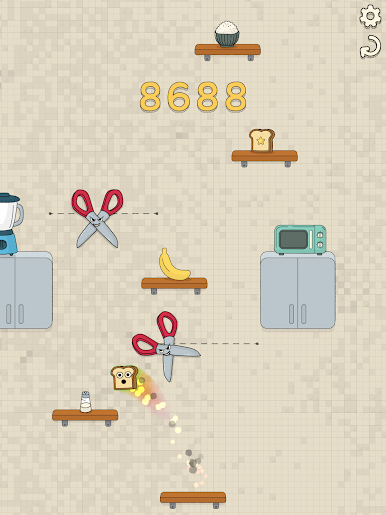
- Kitchen hazards to outsmart: Skirt burners, blades, spills, and other mischievous obstacles before the whole kitchen closes in.
- Leaderboards and achievements: Chase bragging rights, compare runs, and tick off challenges at your own pace.
- Accessibility and comfort options: Tweak visuals, motion, and assists so the action feels just right.
- Smooth on PC with BlueStacks: Play Oh, Snack! on BlueStacks for crisp visuals and steady, responsive controls—great with keys or a controller.
BlueStacks gives you more room to focus on the game and less time adjusting around mobile limitations.

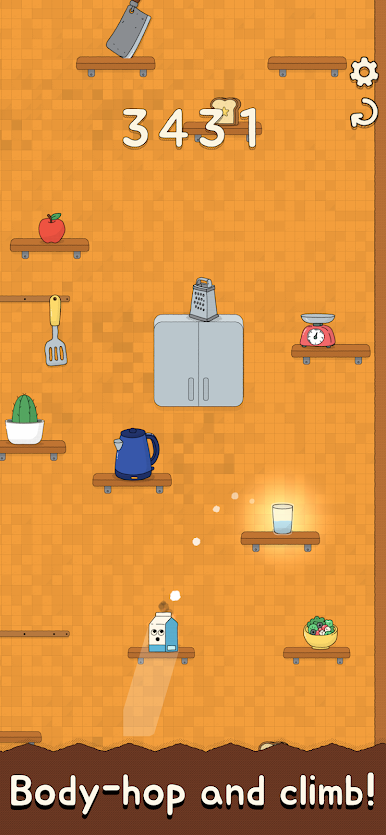
Play Oh, Snack! on PC. It’s easy to get started.
-
Download and install BlueStacks on your PC
-
Complete Google sign-in to access the Play Store, or do it later
-
Look for Oh, Snack! in the search bar at the top right corner
-
Click to install Oh, Snack! from the search results
-
Complete Google sign-in (if you skipped step 2) to install Oh, Snack!
-
Click the Oh, Snack! icon on the home screen to start playing

