


Design Home™: House Makeover
Play on PC with BlueStacks – the Android Gaming Platform, trusted by 500M+ gamers.

Page Modified on: Mar 12, 2026
Play Design Home™: House Makeover on PC or Mac
Bring your A-game to Design Home™: House Makeover, the Simulation game sensation from Crowdstar Inc. Give your gameplay the much-needed boost with precise game controls, high FPS graphics, and top-tier features on your PC or Mac with BlueStacks.
About the Game
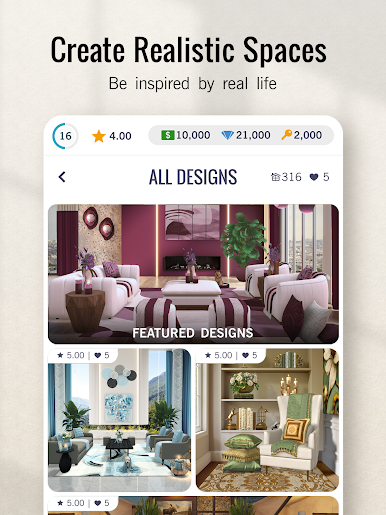
Design Home™: House Makeover is a relaxed, creativity-first Simulation from Crowdstar Inc where you get to style rooms, renovate spaces, and play with real furniture and decor. It feels like a mood board that came to life: pick a theme, choose from tons of pieces, and see your vision click together in polished 3D scenes. Want to go big? There are global challenges, exterior makeovers, and a community that votes on your designs.
Game Features
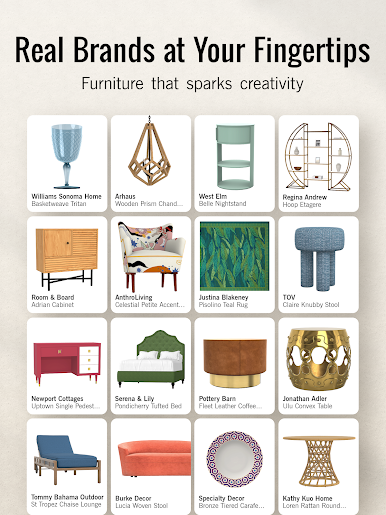
- Real brands and designers — Work with recognizable names like Jonathan Adler and West Elm, plus fresh drops added regularly so your rooms never feel stale.
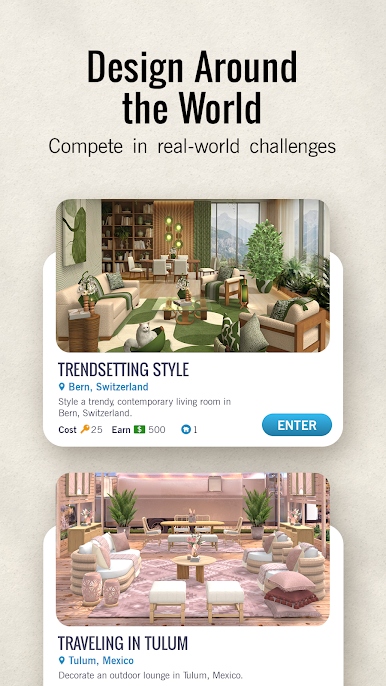
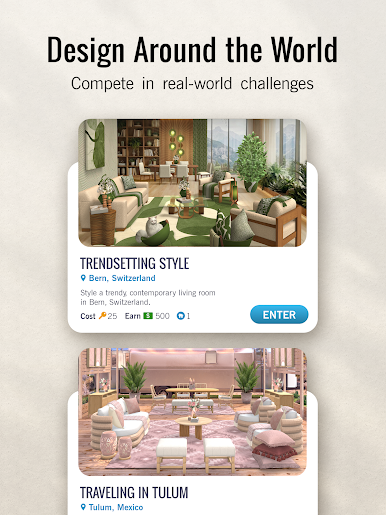
- Interior and exterior makeovers — From cozy bedrooms to sleek kitchens and outdoor spaces, take on themed challenges across different cities and looks.
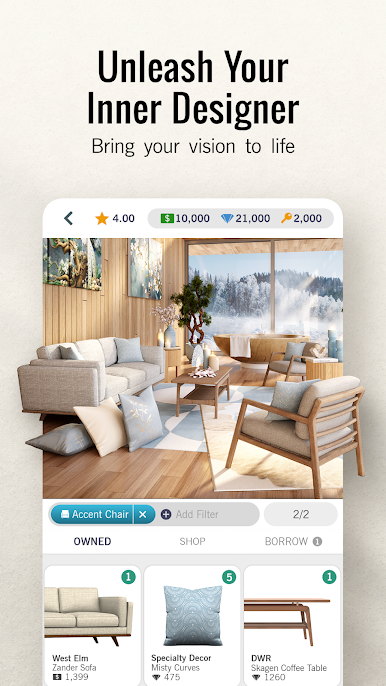
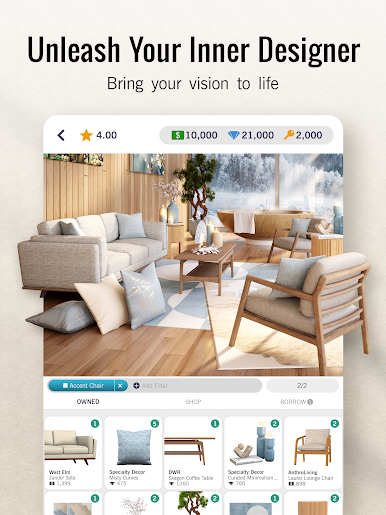
- Intuitive 3D room planning — Place, rotate, and fine-tune everything—sofas, lighting, rugs, wall art—until the space feels just right.
- Trend spotlights — Monthly themes highlight what’s in style, with special designer-led challenges that nudge you to try new ideas.
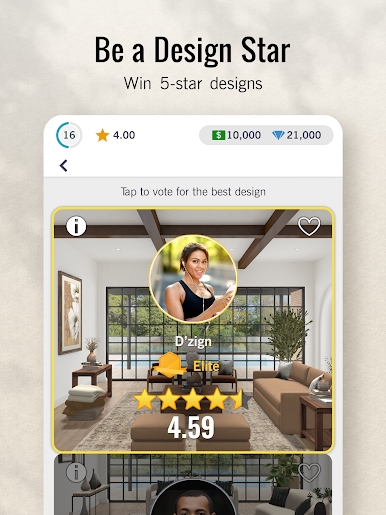
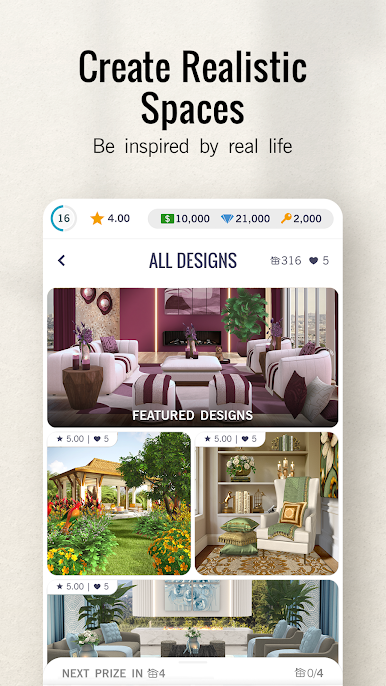
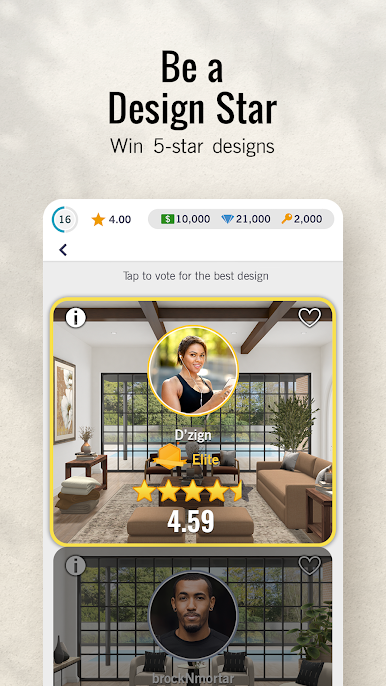
- Community voting — Submit your creations, vote on other players’ rooms, borrow pieces, and get inspired by what’s trending right now.
- Tablescaping Tuesdays — Set the perfect table with dinnerware, flatware, and centerpieces in weekly mini-challenges made for detail lovers.
- Pets and personality — Add cats, dogs, fish, birds, and more to bring your scenes to life.
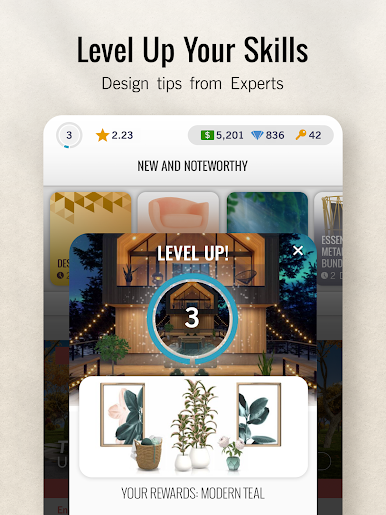
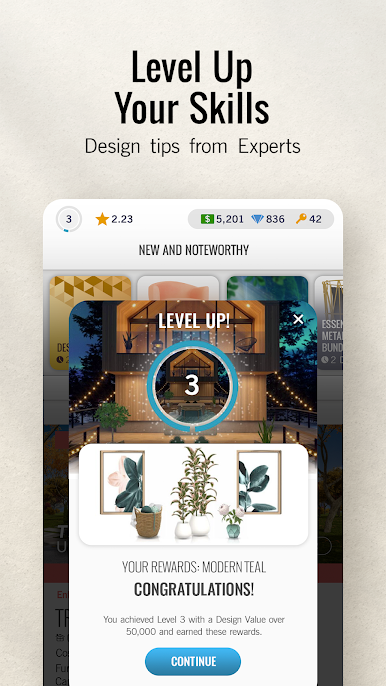
- Rewards and progression — Complete challenges, unlock decor, and use the Design Pass to earn diamonds, cash, and handy bonuses.
- Play your way — On your phone or comfortably on PC with BlueStacks if you prefer a bigger canvas for planning.
Get ready for a buttery smooth, high-performance gaming action only on BlueStacks.


Play Design Home™: House Makeover on PC. It’s easy to get started.
-
Download and install BlueStacks on your PC
-
Complete Google sign-in to access the Play Store, or do it later
-
Look for Design Home™: House Makeover in the search bar at the top right corner
-
Click to install Design Home™: House Makeover from the search results
-
Complete Google sign-in (if you skipped step 2) to install Design Home™: House Makeover
-
Click the Design Home™: House Makeover icon on the home screen to start playing

