

Crumple Zone : Crash & Smash
Play on PC with BlueStacks – the Android Gaming Platform, trusted by 500M+ gamers.

Page Modified on: May 23, 2026
Play Crumple Zone : Crash & Smash on PC or Mac
Step into the World of Crumple Zone : Crash & Smash, a thrilling Racing game from the house of Simplyplay. Play this Android game on BlueStacks App Player and experience immersive gaming on PC or Mac.
About the Game
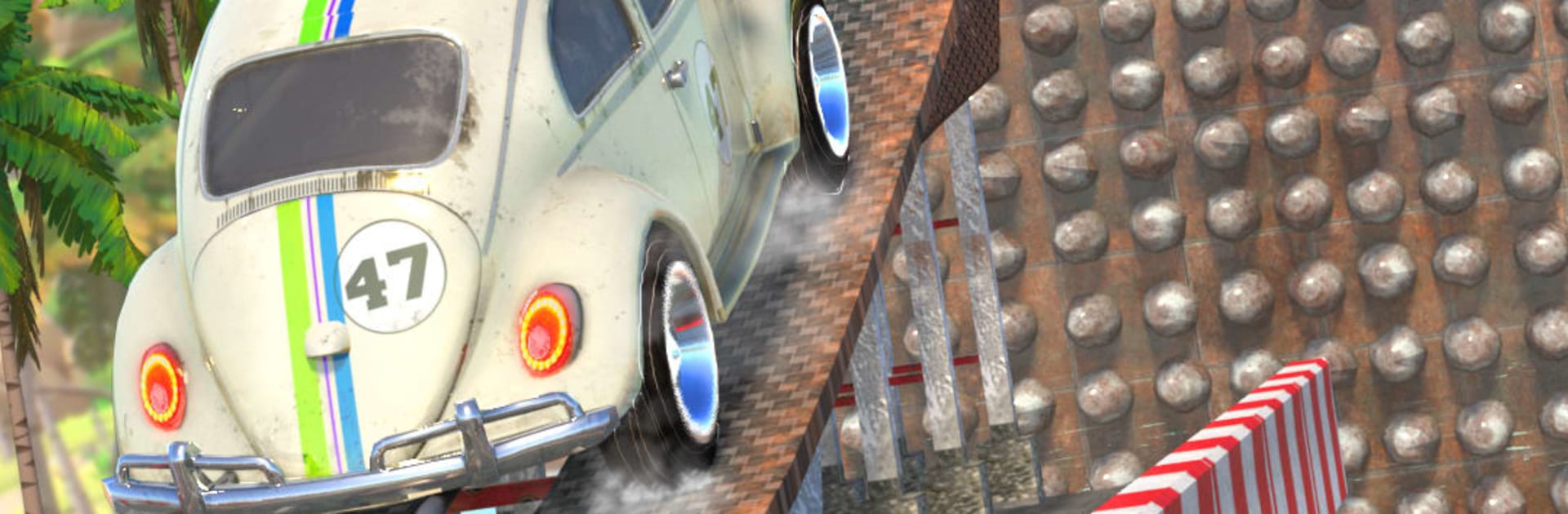
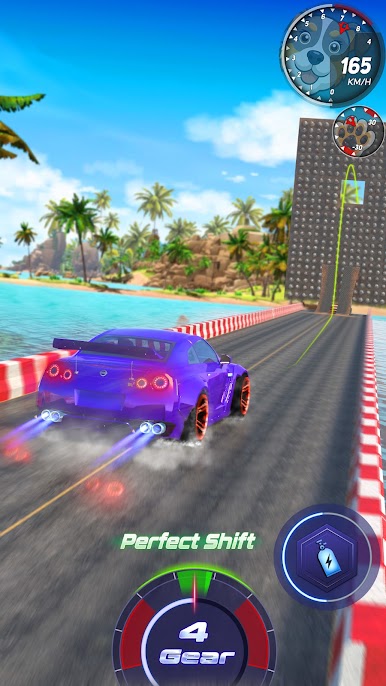
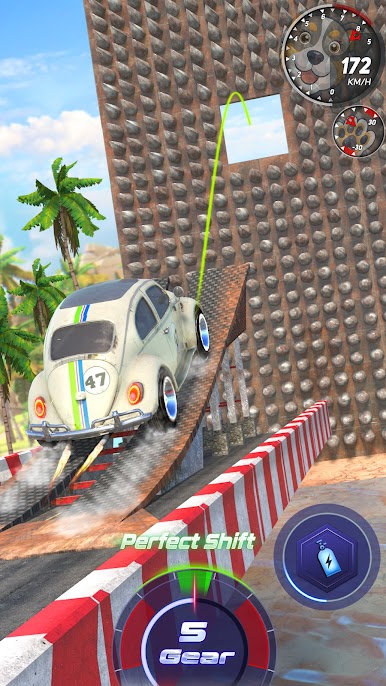
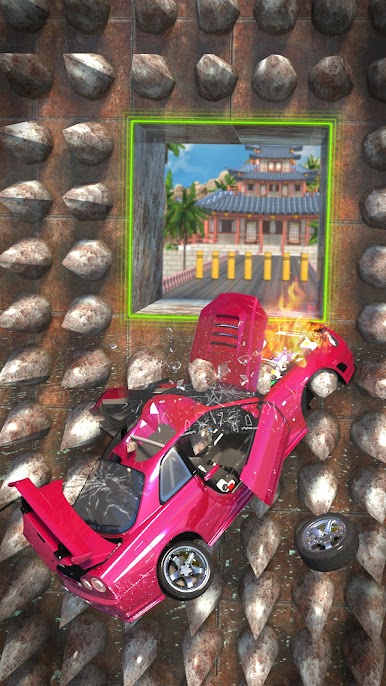
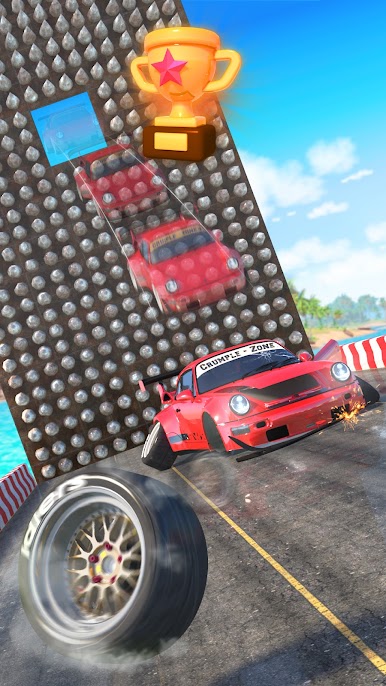
Crumple Zone : Crash & Smash turns car jumping into a full-on physics playground. You’re launching tons of metal across ridiculous gaps, trimming speed and angle to stick the landing instead of turning your ride into scrap art. It’s loud, messy, and surprisingly precise—the kind of Racing fix where every crash teaches you something new.
Game Features
- Physics-Driven Jumps: Weight, momentum, and takeoff angle decide everything—from a clean touchdown to a glorious wipeout.
- 35+ Vehicles, Each with a Personality: Supercars for pure distance, off-roaders with tough suspension for brutal drops, and heavy trucks or tanks when you want unstoppable mass.
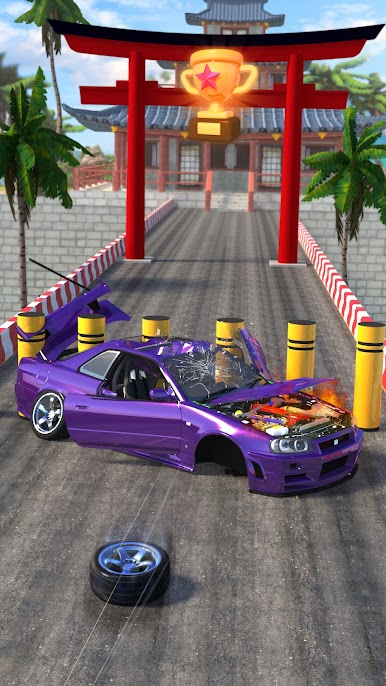
- Realistic Damage & Breakable Worlds: Metal folds, glass shatters, and parts fly; environments react when you miss the mark.
- Varied Arenas: Leap across city rooftops, clear canyon gaps, and thread through neon nights—each location changes how you plan your run.
- Mid-Air Control Made Simple: Use tilt or touch to nudge pitch and roll so your tires hit first and your chassis lives to tell the tale.
- Deep Tuning: Upgrade engines, add nitro, and fine-tune power delivery to push for longer, cleaner flights.
- Tough Challenges: From tight urban obstacle courses to wild natural routes that test timing and nerve.
- Stunts That Pay: Barrel rolls, spins, and drifts rack up points and currency—if you can land them.
- Easy to Pick Up, Hard to Master: One-touch inputs hide a satisfying, physics-heavy loop with real depth.
- Smooth on BlueStacks: Prefer a bigger screen or keyboard? It plays great there without fuss.
Ready to top the leaderboard? We bet you do. Let precise controls and sharp visuals optimized on BlueStacks lead you to victory.
Play Crumple Zone : Crash & Smash on PC. It’s easy to get started.
-
Download and install BlueStacks on your PC
-
Complete Google sign-in to access the Play Store, or do it later
-
Look for Crumple Zone : Crash & Smash in the search bar at the top right corner
-
Click to install Crumple Zone : Crash & Smash from the search results
-
Complete Google sign-in (if you skipped step 2) to install Crumple Zone : Crash & Smash
-
Click the Crumple Zone : Crash & Smash icon on the home screen to start playing

