


Crystal Realms
Play on PC with BlueStacks – the Android Gaming Platform, trusted by 500M+ gamers.

Page Modified on: Mar 11, 2026
Main Crystal Realms on PC
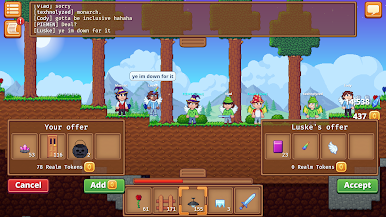
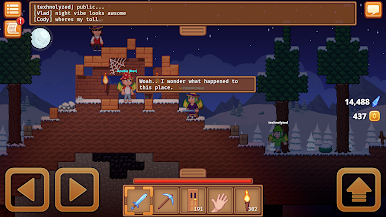
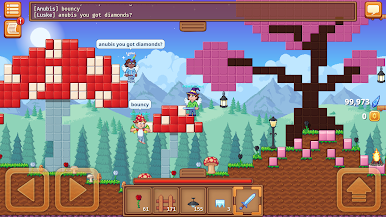
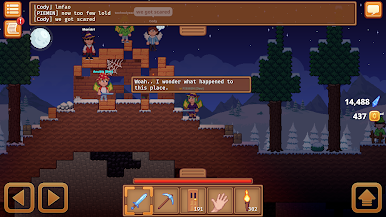
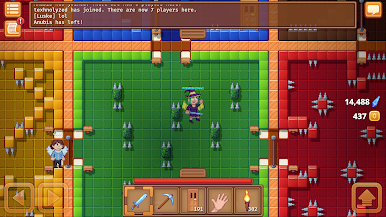
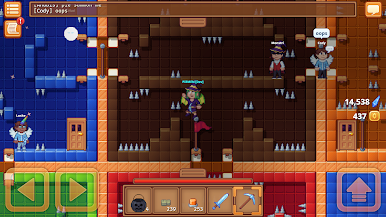
Crystal Realms is a mmo game where you can gather resources and make your own worlds! You can fight enemies, complete quests, craft items, make friends and much more.
Almost everything in this game is player created. You have the tools to create anything you can imagine, and instantly share it with other players. Create parkour, pixel art, houses, stories, or your own minigames.

Play Crystal Realms on PC. It’s easy to get started.
-
Download and install BlueStacks on your PC
-
Complete Google sign-in to access the Play Store, or do it later
-
Look for Crystal Realms in the search bar at the top right corner
-
Click to install Crystal Realms from the search results
-
Complete Google sign-in (if you skipped step 2) to install Crystal Realms
-
Click the Crystal Realms icon on the home screen to start playing

