


Viral Streamer: Idle Clicker
Play on PC with BlueStacks – the Android Gaming Platform, trusted by 500M+ gamers.

Page Modified on: Sep 14, 2026
Play Viral Streamer: Idle Clicker on PC or Mac
Explore a whole new adventure with Viral Streamer: Idle Clicker, a Simulation game created by CSCMobi Studios. Experience great gameplay with BlueStacks, the most popular gaming platform to play Android games on your PC or Mac.
About the Game
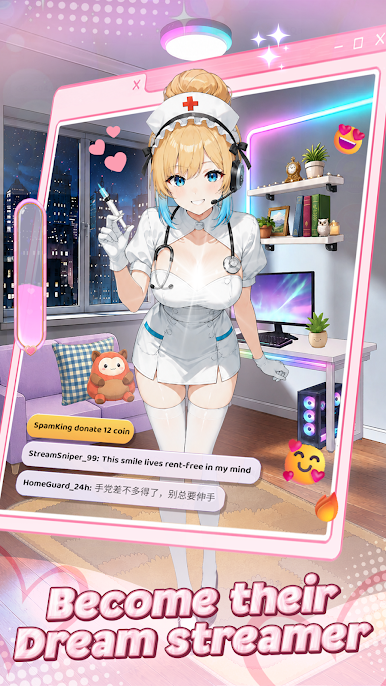
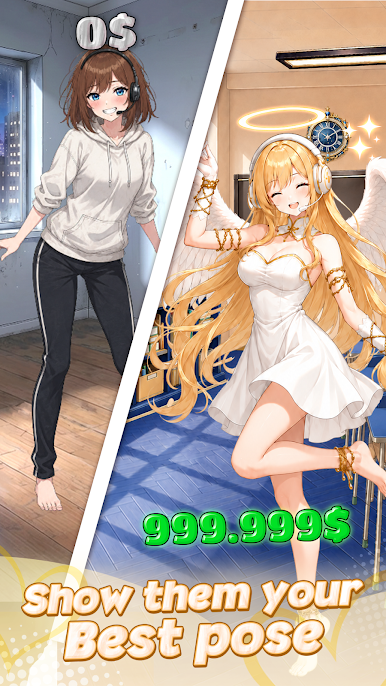
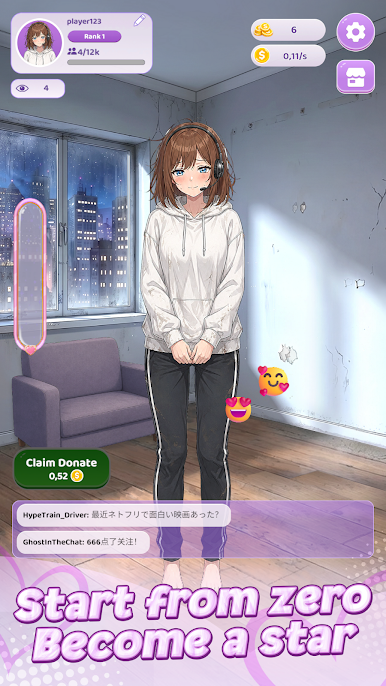
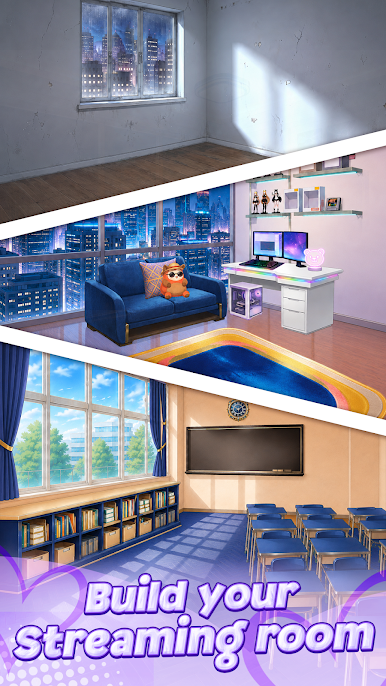
Viral Streamer: Idle Clicker drops you into the messy, exciting grind of building a channel from scratch. It’s a chill, tap-friendly Simulation where you start in a tiny room and slowly shape a streaming empire—gear, looks, audience, the whole package. Want a bigger screen while you manage upgrades and clicks? It also runs smoothly on BlueStacks without getting in the way.
Game Features
- From Bedroom to Studio: Begin with a bare-bones setup and turn it into a polished creator space packed with better gear, comfy furniture, and eye-catching decor.
- Tap-Boosted Progress: Give your momentum a quick jolt with bursts of tapping, then sit back as your earnings stack and your next move becomes clear.
- Ranks and Reach: Climb through creator tiers by pulling in more viewers, improving your setup, and unlocking perks that help your channel snowball.
- Streamer Style, Your Way: Collect and equip outfits to craft a look that matches your vibe—cute, cool, or somewhere in between.
- Smart Upgrades, Big Payoffs: Decide where your coins go—camera, mic, lighting, or aesthetics—and watch the right choices push your numbers higher.
- Audience Support: Viewers chip in with donations you can funnel into faster growth, time-limited boosts, and extra customization.
- Clear Goals, Steady Wins: Chase bite-size milestones that keep you moving forward, making each session feel productive and satisfying.
- Simple Controls, Satisfying Loop: Easy taps and menus keep everything intuitive while the anime flair and steady progress keep you hooked.
Start playing Viral Streamer: Idle Clicker on BlueStacks and get a smoother, more comfortable PC or Mac setup.


Play Viral Streamer: Idle Clicker on PC. It’s easy to get started.
-
Download and install BlueStacks on your PC
-
Complete Google sign-in to access the Play Store, or do it later
-
Look for Viral Streamer: Idle Clicker in the search bar at the top right corner
-
Click to install Viral Streamer: Idle Clicker from the search results
-
Complete Google sign-in (if you skipped step 2) to install Viral Streamer: Idle Clicker
-
Click the Viral Streamer: Idle Clicker icon on the home screen to start playing

