


Viral Streamer: Idle Clicker
Play on PC with BlueStacks – the Android Gaming Platform, trusted by 500M+ gamers.

Page Modified on: Sep 23, 2026
Main Viral Streamer: Idle Clicker on PC
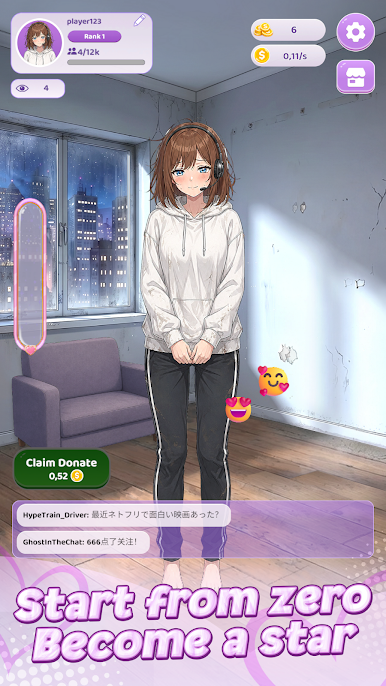
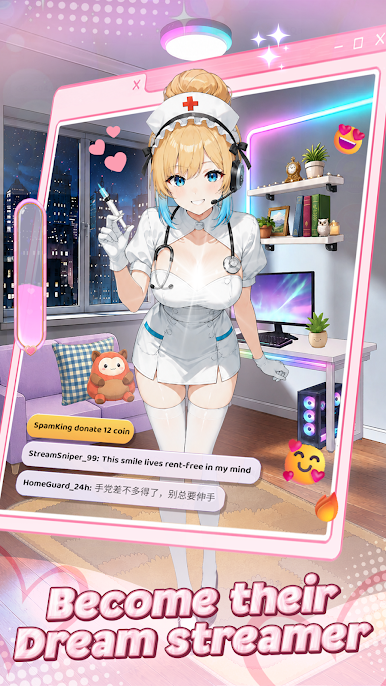
Attract viewers, collect virtual donations, and invest your coins in better gear, room improvements, outfits, and income boosts. Each upgrade helps your streamer reach new ranks, expand the audience, and build a more successful channel.
Build your streaming career
Grow from a beginner creator into a recognized online star. Increase viewers, improve your in-game income, and work toward the next rank.
Enjoy easy idle clicker gameplay
Tap to speed up progress, then choose upgrades that strengthen your channel over time. The controls are simple, while the progression gives you new goals to pursue.
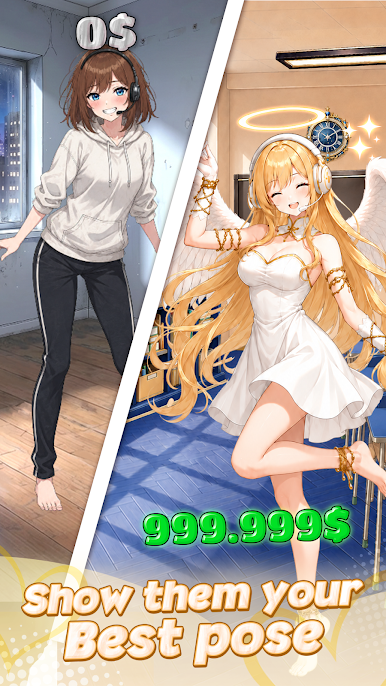
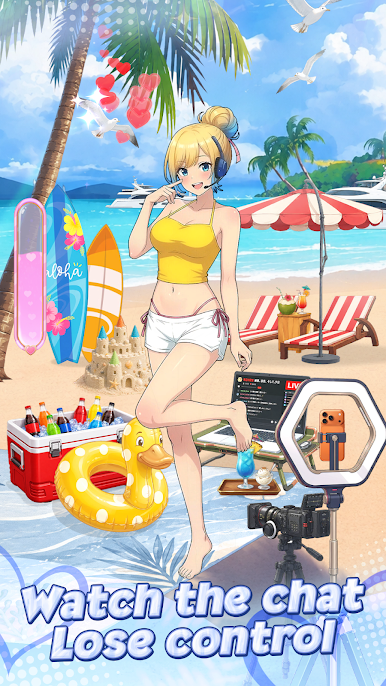
Customize your anime streamer
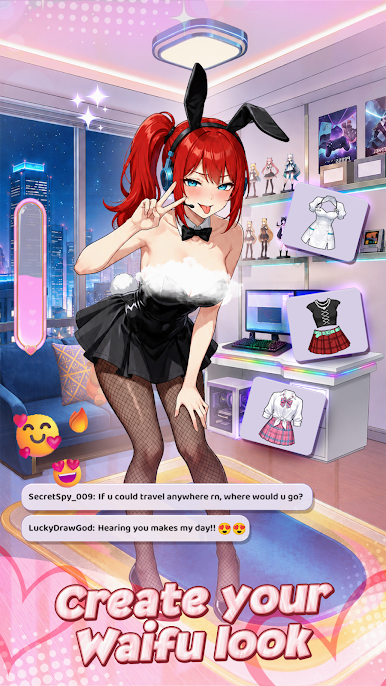
Unlock and equip stylish outfits to change your streamer’s appearance and create a personal look.
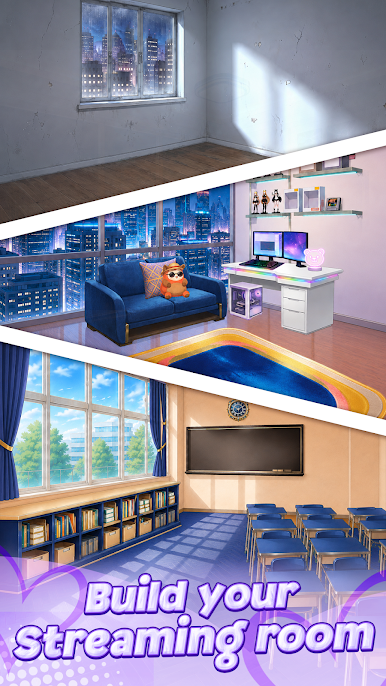
Upgrade your room and setup
Improve the streaming space with furniture, equipment, and decorations. Transform a basic room into a polished creator studio.
Collect donations and rewards
Receive virtual donations from your in-game audience and use them to unlock more upgrades, boosts, and customization options.
Game features:
- Anime-inspired streamer simulator
- Relaxing idle clicker progression
- Viewer, income, and rank upgrades
- Outfit collection and customization
- Room and streaming setup improvements
- Virtual donations, coins, and boosts
- Simple tap controls with clear goals
Build your channel, improve your style, and see how far your streaming career can grow.
Play Viral Streamer: Idle Clicker on PC. It’s easy to get started.
-
Download and install BlueStacks on your PC
-
Complete Google sign-in to access the Play Store, or do it later
-
Look for Viral Streamer: Idle Clicker in the search bar at the top right corner
-
Click to install Viral Streamer: Idle Clicker from the search results
-
Complete Google sign-in (if you skipped step 2) to install Viral Streamer: Idle Clicker
-
Click the Viral Streamer: Idle Clicker icon on the home screen to start playing

