

Bubble Shooter : Story Game
Play on PC with BlueStacks – the Android Gaming Platform, trusted by 500M+ gamers.

Page Modified on: Nov 12, 2025
Play Bubble Shooter : Story Game on PC or Mac
Join millions to experience Bubble Shooter : Story Game, an exciting Puzzle game from CSCMobi Studios. With BlueStacks App Player, you are always a step ahead of your opponent, ready to outplay them with faster gameplay and better control with the mouse and keyboard on your PC or Mac.
About the Game
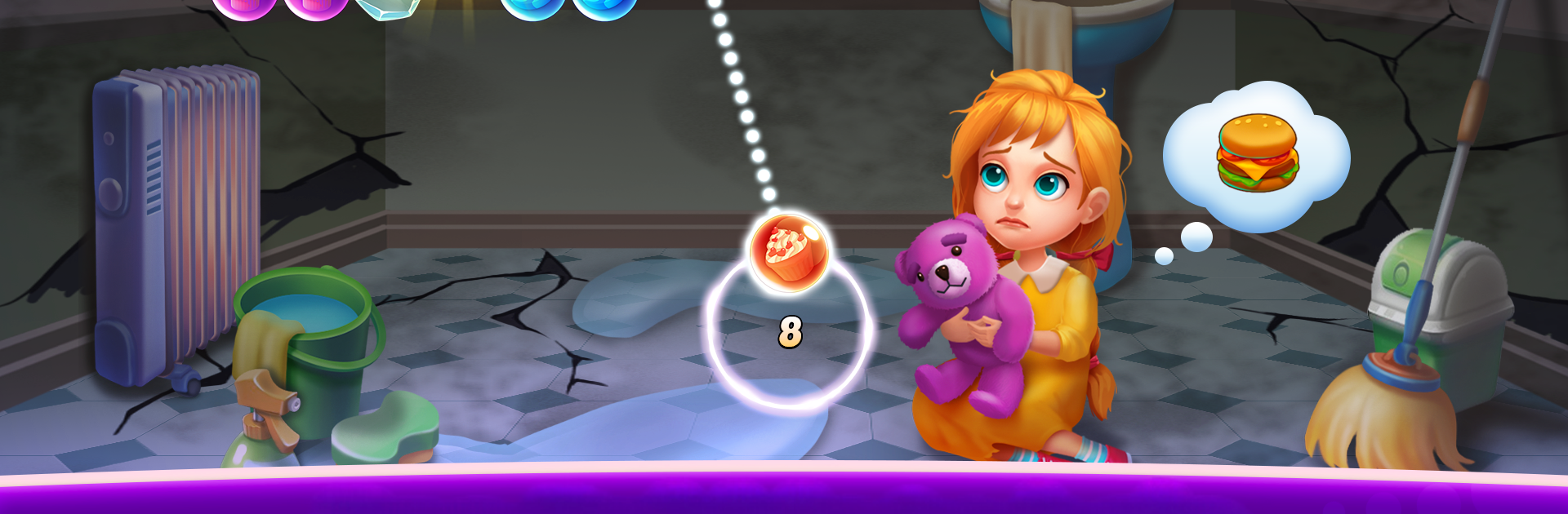
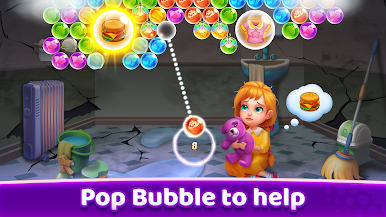
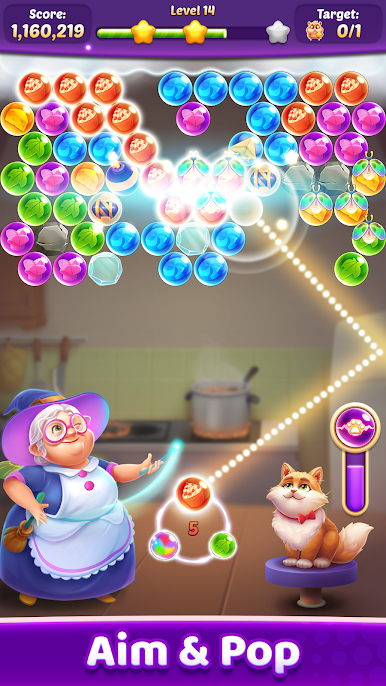
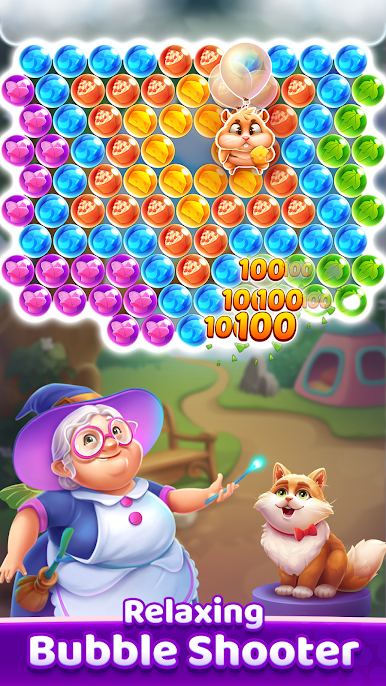
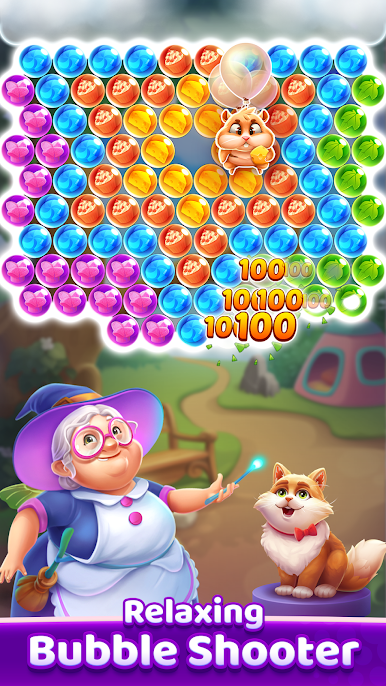
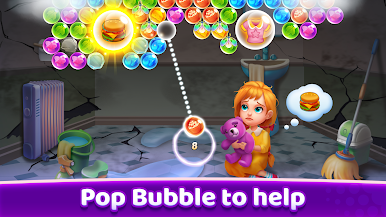
Step into Bubble Shooter : Story Game and get ready for more than just popping bubbles. Here, every shot isn’t just about racking up points—it’s about helping a cast of characters through real struggles and sweet moments. If you’re into puzzles with a bit of a heartwarming touch, you’ll find a cozy spot in this one.
Game Features
-
3D Visuals That Pop
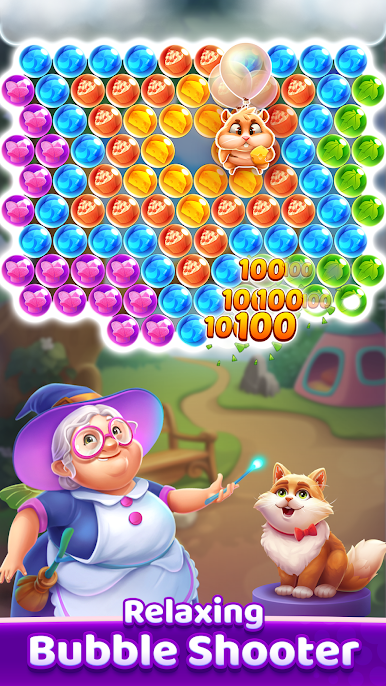
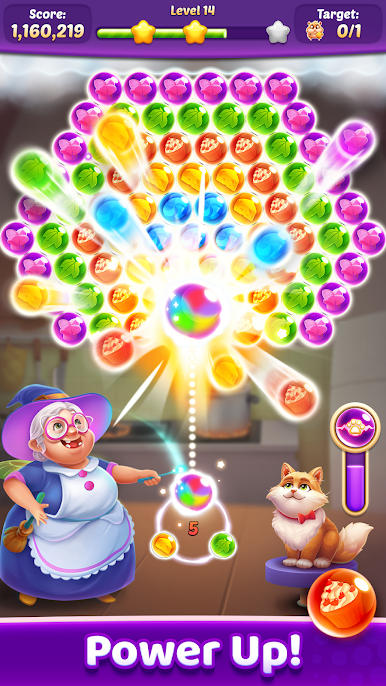
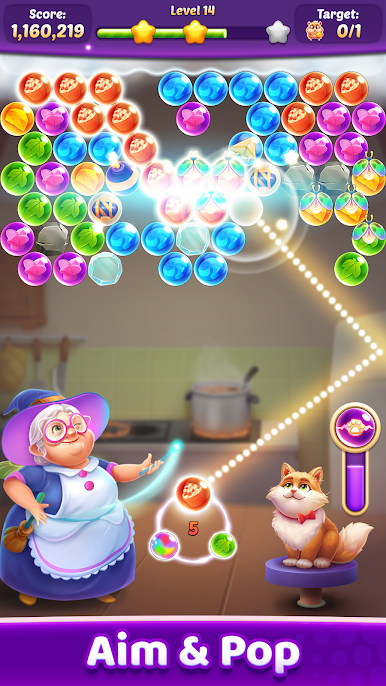
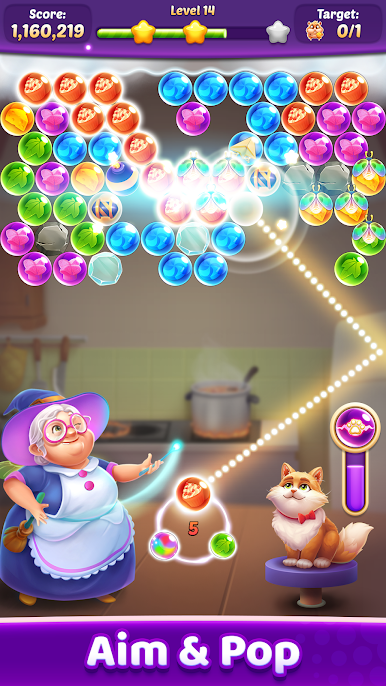
Bright, colorful bubbles and lively scenes make every level feel fresh. Those 3D graphics aren’t just for show—they really pull you into the world. -
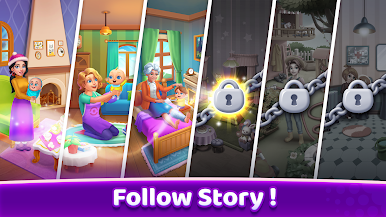
Stories That Matter
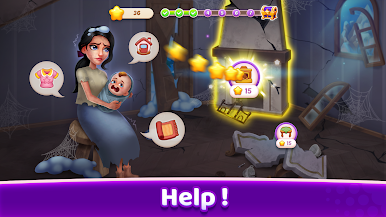
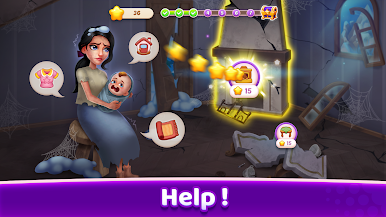
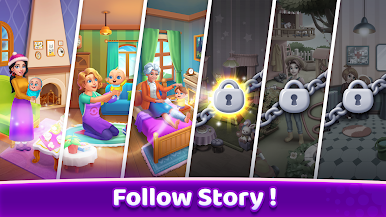
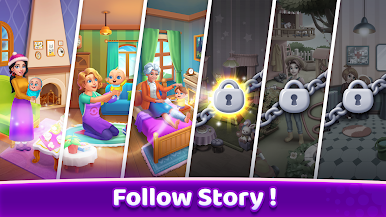
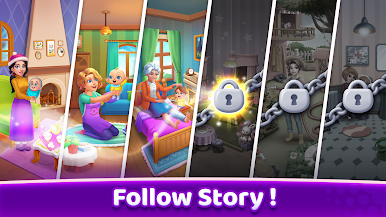
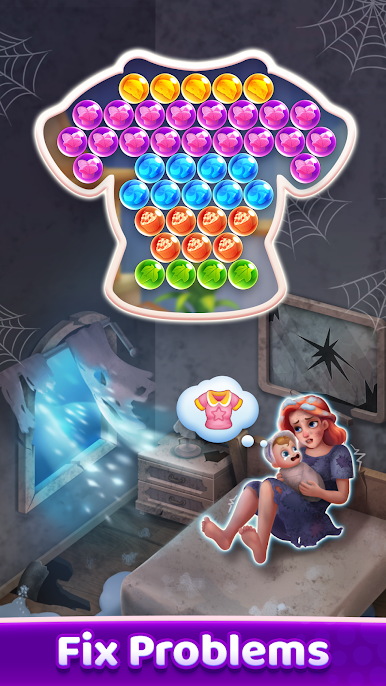
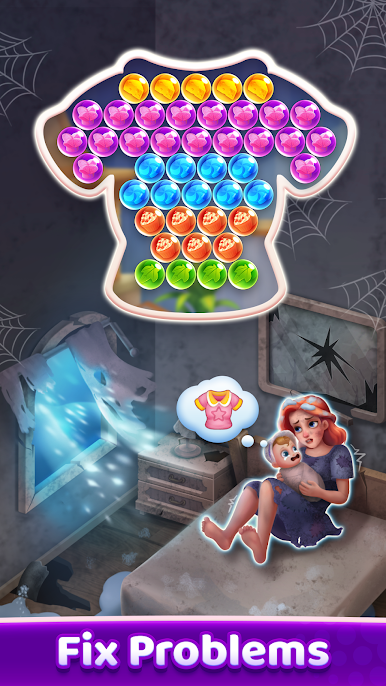
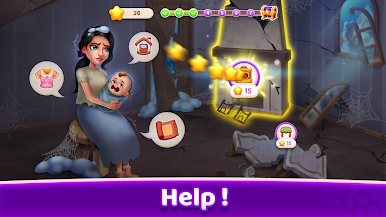
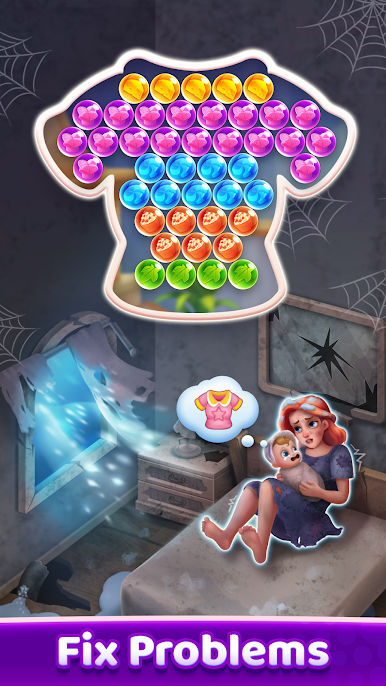
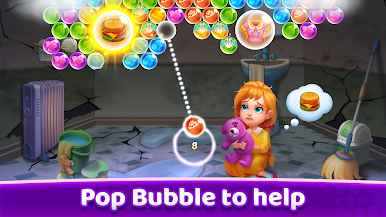
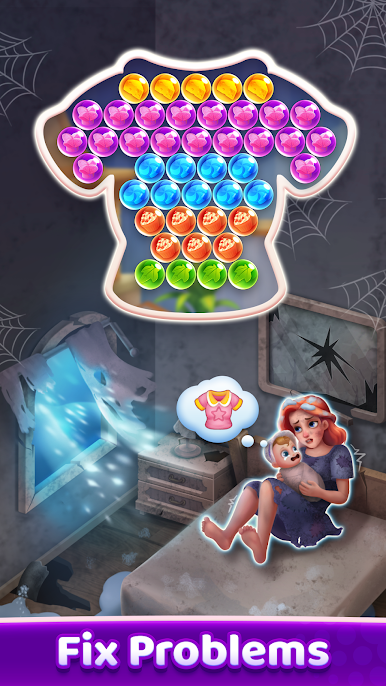
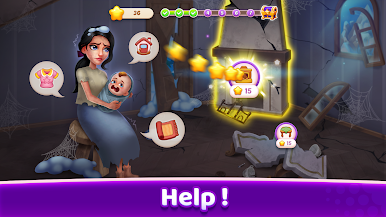
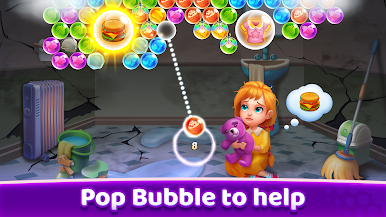
This isn’t your average puzzle game. You’ll meet characters facing all kinds of tough situations and help them out by solving levels. Every win uncovers new pieces of their journey. -
Puzzles With a Twist
Things start off easy, but before long, you’ll be strategizing to get that last bubble. Each level comes with its own challenge, so you’re always thinking on your feet. -
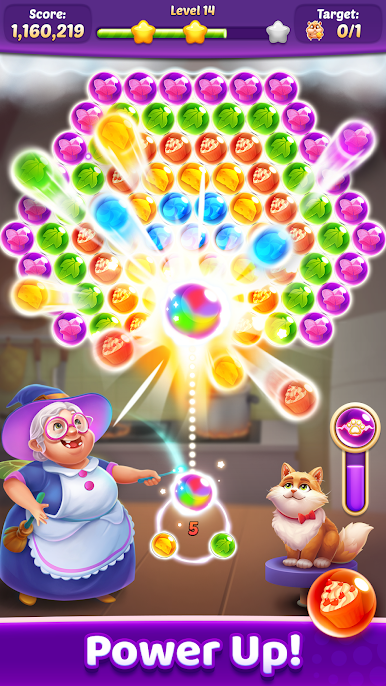
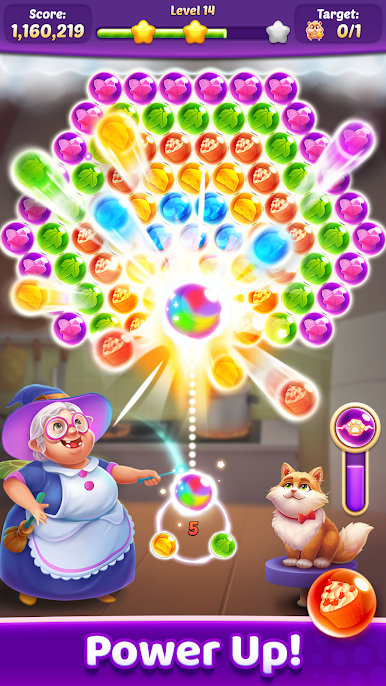
Handy Power-Ups
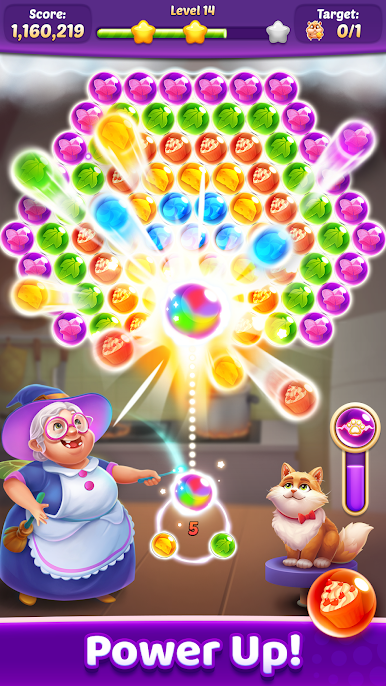
Stuck on a tricky level? Grab a bomb or rainbow bubble to clear the way. There are all sorts of boosters to play around with. -
Home Makeover Fun
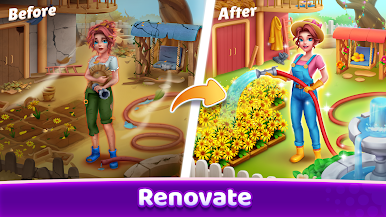
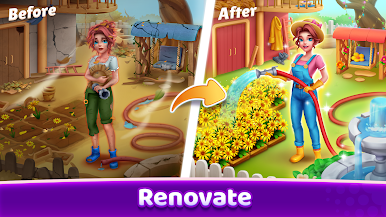
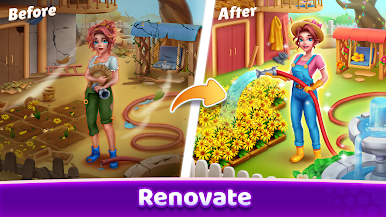
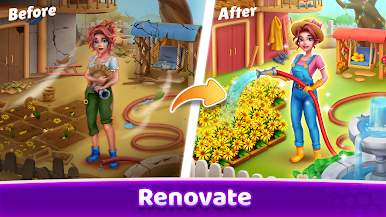
Each level earns you stars—spend them fixing up and decorating the homes of your new friends. Switch up the furniture, add some flair, and see their spaces transform. -
Play Across Devices
Bubble Shooter : Story Game isn’t limited to your phone. Enjoy it on the big screen with BlueStacks for a whole new perspective on those tricky bubbles.
Slay your opponents with your epic moves. Play it your way on BlueStacks and dominate the battlefield.

Play Bubble Shooter : Story Game on PC. It’s easy to get started.
-
Download and install BlueStacks on your PC
-
Complete Google sign-in to access the Play Store, or do it later
-
Look for Bubble Shooter : Story Game in the search bar at the top right corner
-
Click to install Bubble Shooter : Story Game from the search results
-
Complete Google sign-in (if you skipped step 2) to install Bubble Shooter : Story Game
-
Click the Bubble Shooter : Story Game icon on the home screen to start playing

