


Smash Arena
Play on PC with BlueStacks – the Android Gaming Platform, trusted by 500M+ gamers.

Page Modified on: Aug 28, 2026
Play Smash Arena on PC or Mac
Smash Arena is a strategy game developed by CSCMobi Publishing. BlueStacks app player is the best PC platform (emulator) to play this Android game on your PC or Mac for an immersive gaming experience!
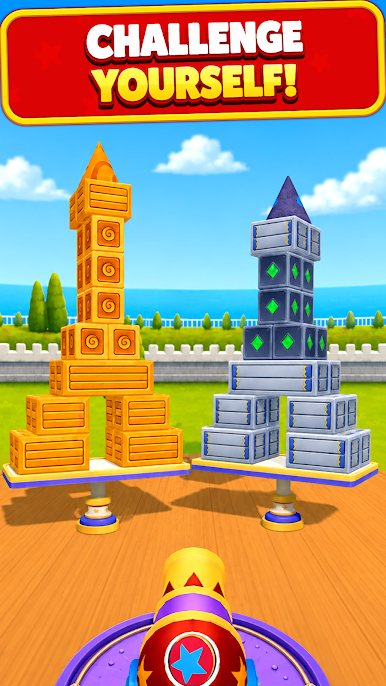
Play Smash Arena on PC and enjoy this action strategy game from the large and gorgeous display on your PC! Exciting modern graphics and new action-packed physics combat make for an exciting gameplay!
In the Smash Arena PC game, you collect new heroes in three different rarities. Each hero belongs to a different class and possesses unique abilities and skills. Build the ultimate hero formations and battle enemies as you make your way to the top.
Enjoy a turn-based RPG strategy game where you assume a different hero class with each level. There are different heroes, including the Dark Elf Warlock, the Fire Wizard, and so on! Level up your heroes to increase their fighting abilities to crush your enemies.
Strategize and create the perfect lineups to counter enemy squads. Choose the best heroes and release them to unleash deadly abilities and combos on the enemies. Match up against challenging bosses like the Evil Serpent Queen and her hatchlings.
Download Smash Arena on PC to play an exciting action strategy game!




Play Smash Arena on PC. It’s easy to get started.
-
Download and install BlueStacks on your PC
-
Complete Google sign-in to access the Play Store, or do it later
-
Look for Smash Arena in the search bar at the top right corner
-
Click to install Smash Arena from the search results
-
Complete Google sign-in (if you skipped step 2) to install Smash Arena
-
Click the Smash Arena icon on the home screen to start playing

