


Fast VPN: Secure Speedy Proxy
Play on PC with BlueStacks – the Android Gaming Platform, trusted by 500M+ gamers.

Page Modified on: Oct 14, 2026
Play Fast VPN: Secure Speedy Proxy on PC
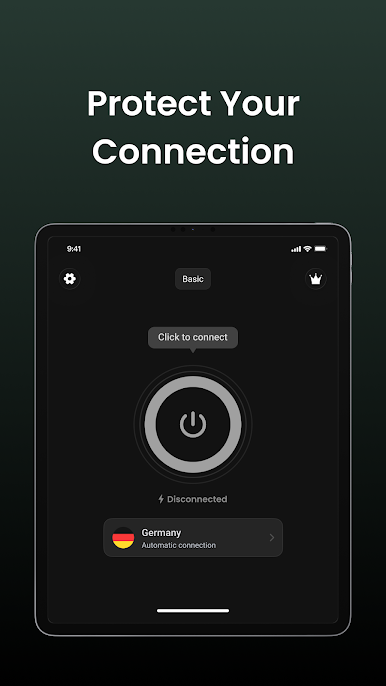
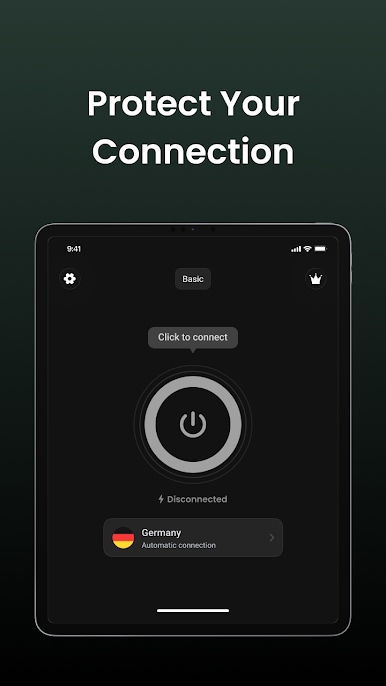
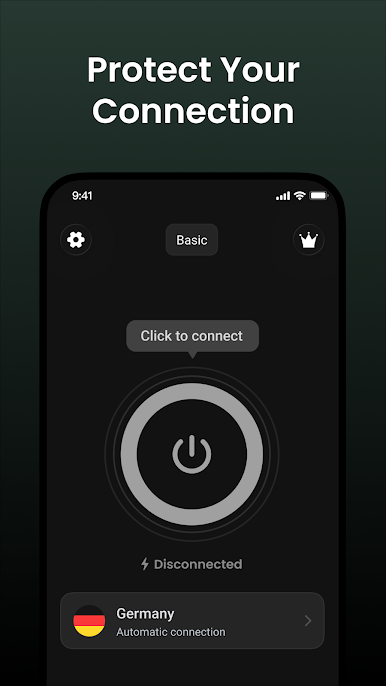
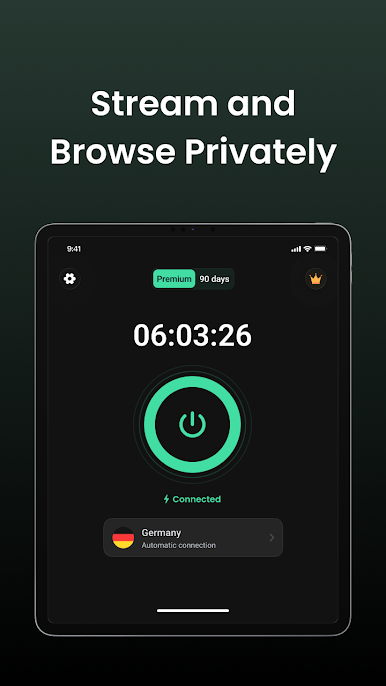
One-tap connection
Choose a server and start or stop the connection with one tap.
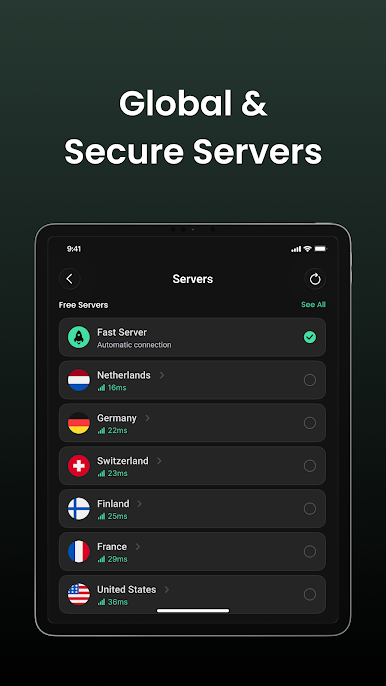
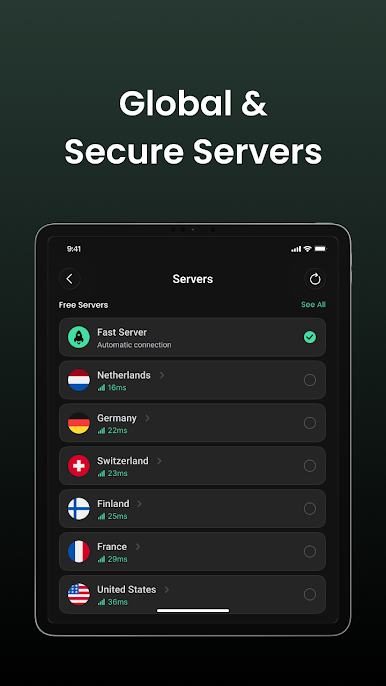
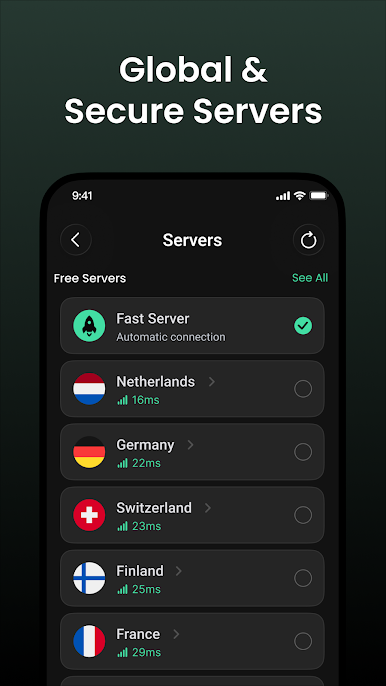
Server and protocol options
Select from the servers available in the app. Multiple connection protocols are supported, depending on the selected server and its configuration.
Split tunneling
Choose which apps use the VPN connection and which apps connect directly.
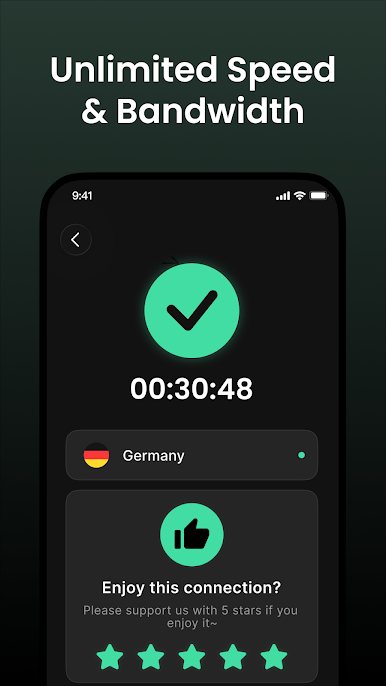
Connection statistics
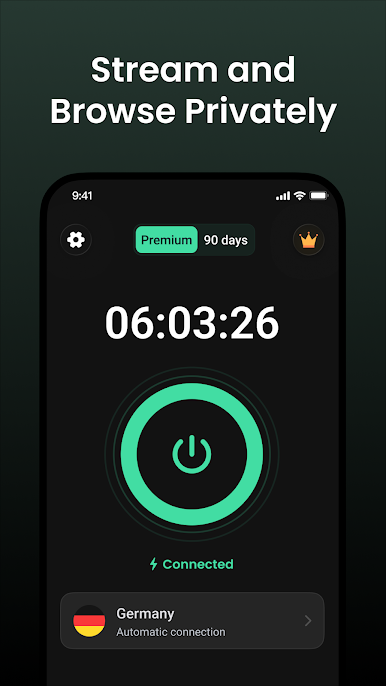
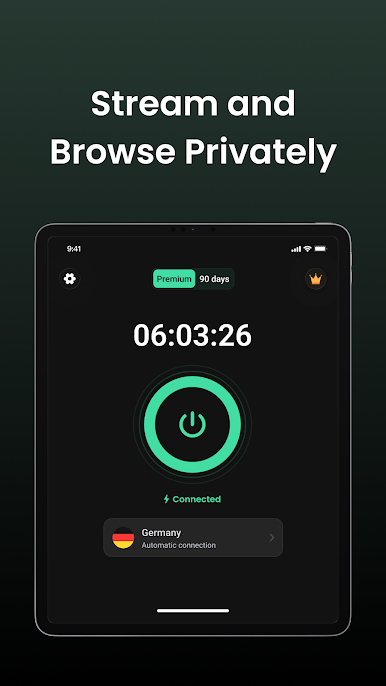
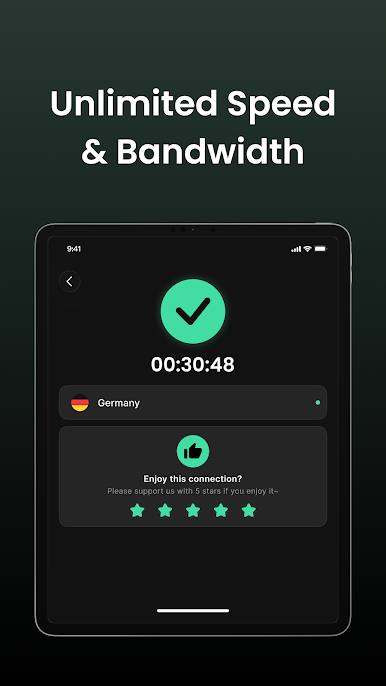
View connection status, download data, and upload data while connected.
Always-on VPN
Use the in-app guide to open Android VPN settings and configure Always-on VPN when supported by your device.
Account and subscription
Sign in to your account and view your subscription details.
Available servers, protocols, and subscription features may vary by account, plan, region, and service configuration. An active subscription may be required for some features.
A VPN does not make you completely anonymous and cannot guarantee connection speed, access to specific content, or uninterrupted availability. Please review the Privacy Policy and Terms of Service before use, and use the service in accordance with applicable laws.
Play Fast VPN: Secure Speedy Proxy on PC. It’s easy to get started.
-
Download and install BlueStacks on your PC
-
Complete Google sign-in to access the Play Store, or do it later
-
Look for Fast VPN: Secure Speedy Proxy in the search bar at the top right corner
-
Click to install Fast VPN: Secure Speedy Proxy from the search results
-
Complete Google sign-in (if you skipped step 2) to install Fast VPN: Secure Speedy Proxy
-
Click the Fast VPN: Secure Speedy Proxy icon on the home screen to start playing

