


Double Helix (Gold)
Play on PC with BlueStacks – the Android Gaming Platform, trusted by 500M+ gamers.

Page Modified on: Aug 17, 2025
Play Double Helix (Gold) on PC
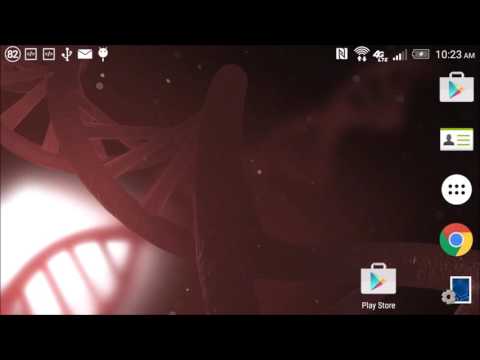
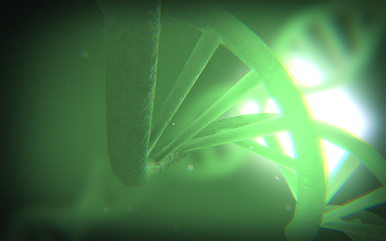
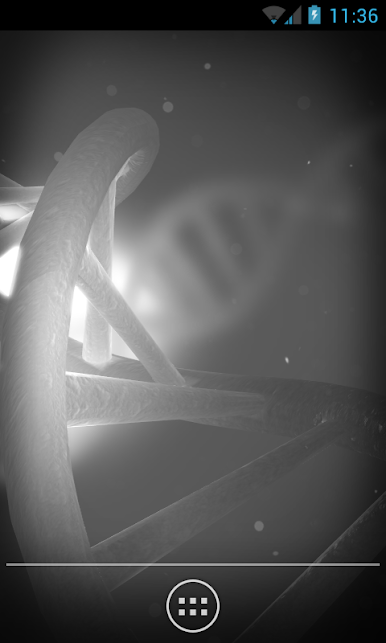
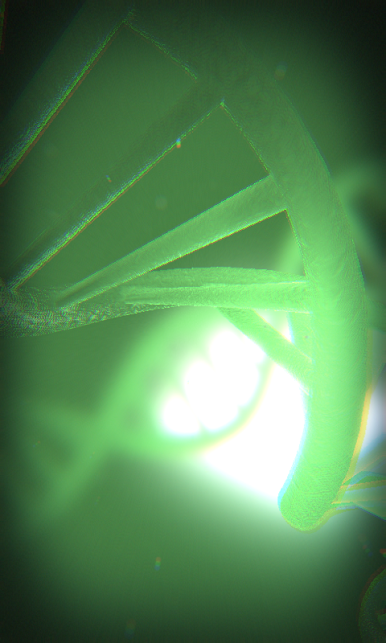
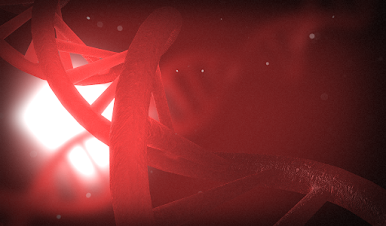
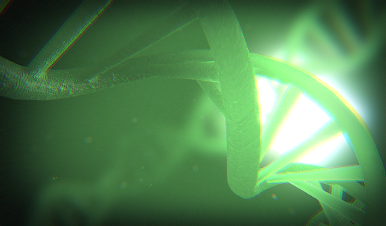
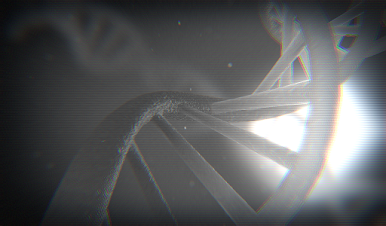
Double Helix is a live wallpaper and daydream that features an immersive 3D scene with a stylized version of DNA molecules. Swiping the screen shifts the viewpoint and subtly stirs the particles.
It is built on the libGDX game framework, and uses several custom OpenGL ES shaders to produce the translucent glass material, out-of-focus background, chromatic aberration, and particle depth-of-field transitions.
The scene color can be set to change with the battery level, and there are optional film-grain, scan-line, and vignette effects.







Play Double Helix (Gold) on PC. It’s easy to get started.
-
Download and install BlueStacks on your PC
-
Complete Google sign-in to access the Play Store, or do it later
-
Look for Double Helix (Gold) in the search bar at the top right corner
-
Click to install Double Helix (Gold) from the search results
-
Complete Google sign-in (if you skipped step 2) to install Double Helix (Gold)
-
Click the Double Helix (Gold) icon on the home screen to start playing

