


Royal Smash!
Play on PC with BlueStacks – the Android Gaming Platform, trusted by 500M+ gamers.

Page Modified on: Jun 29, 2026
Play Royal Smash! on PC
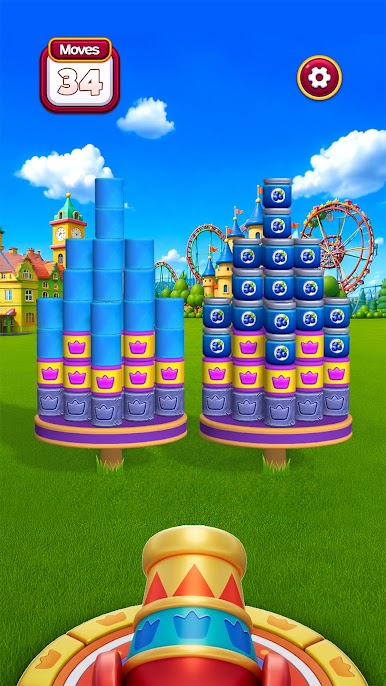
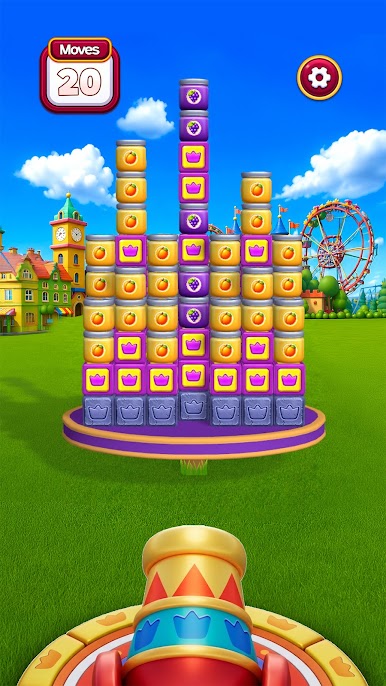
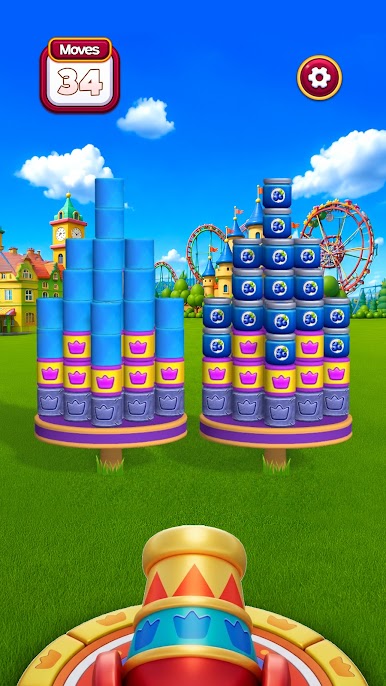
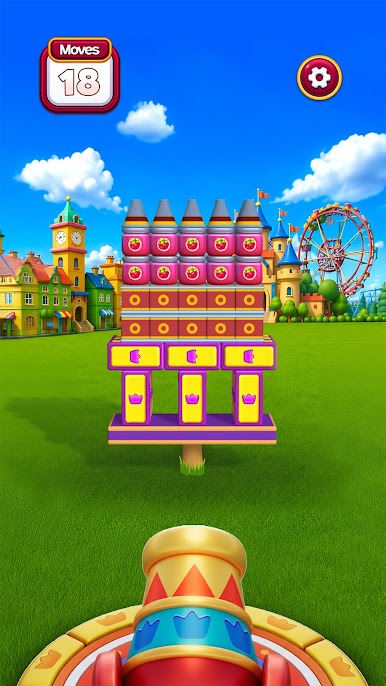
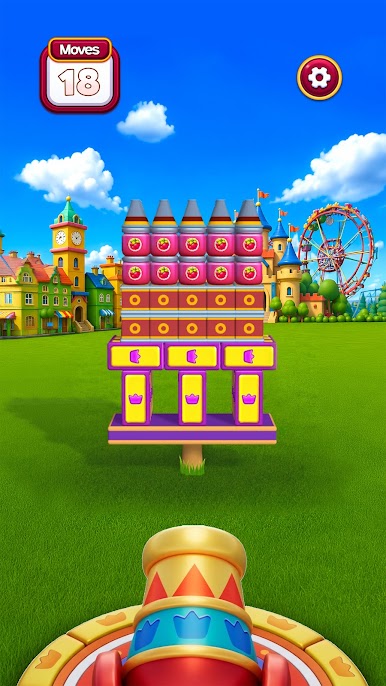
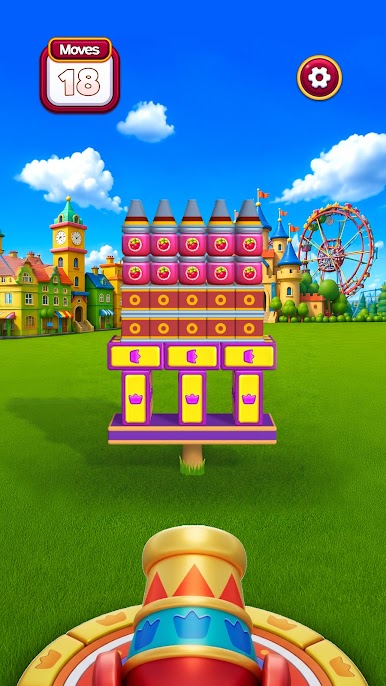
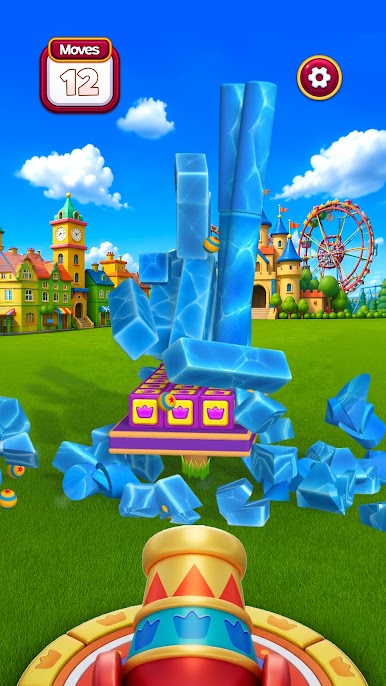
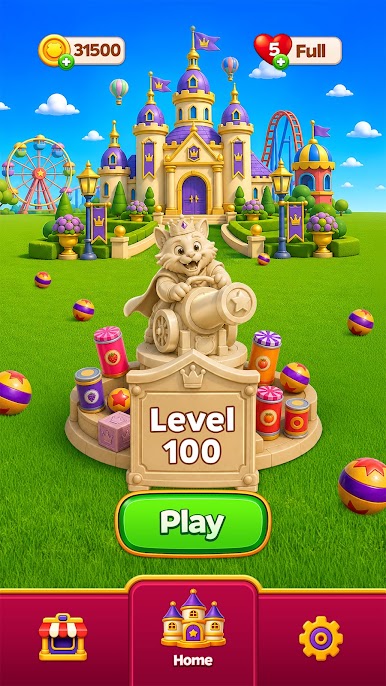
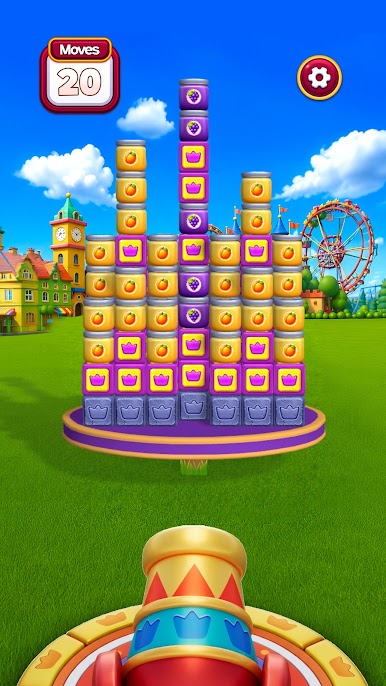
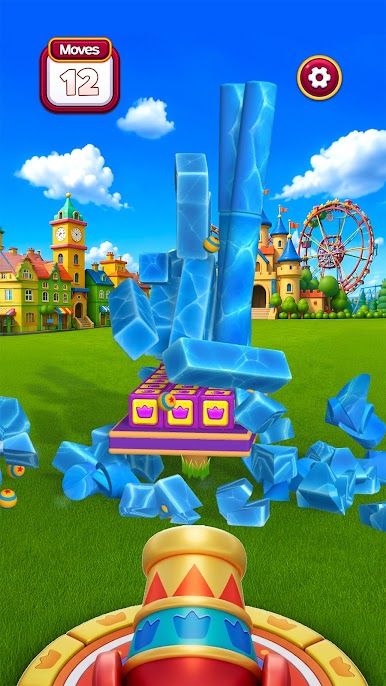
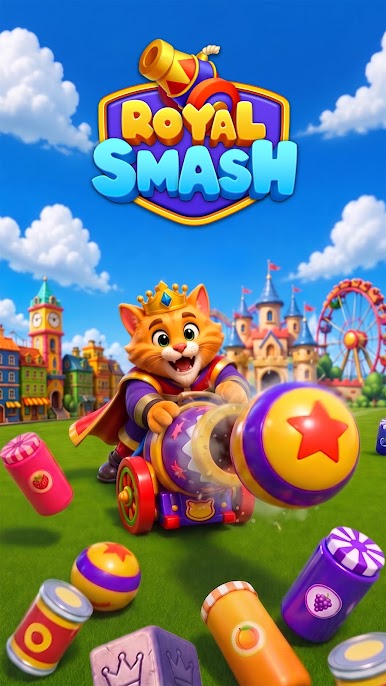
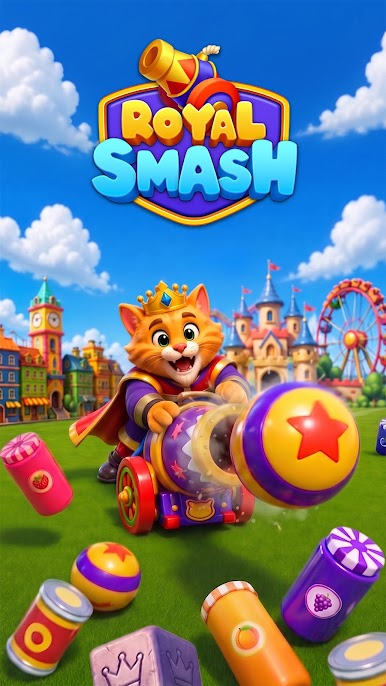
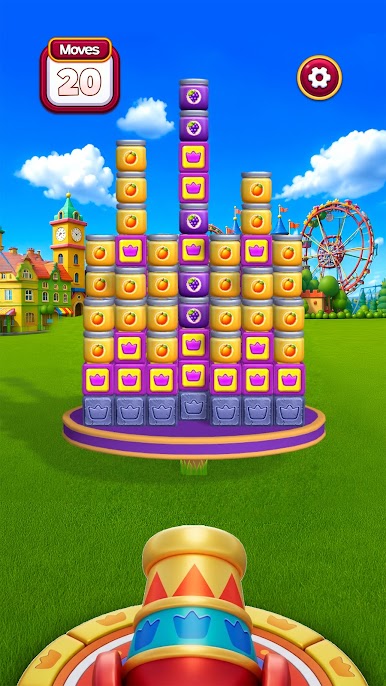
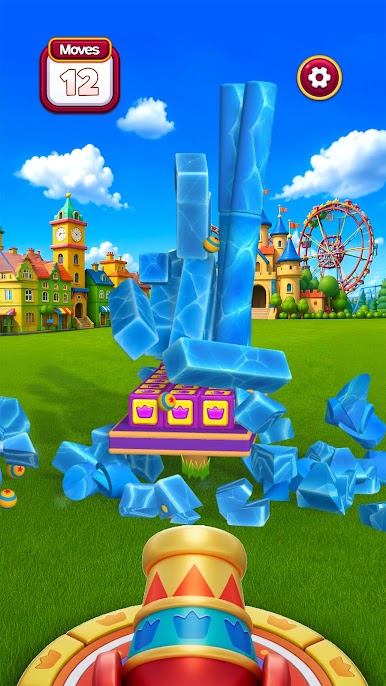
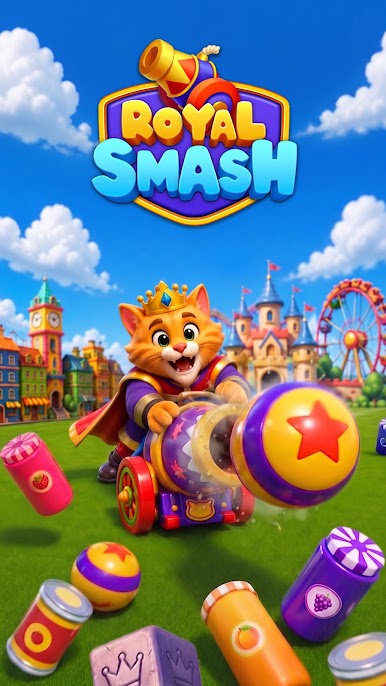
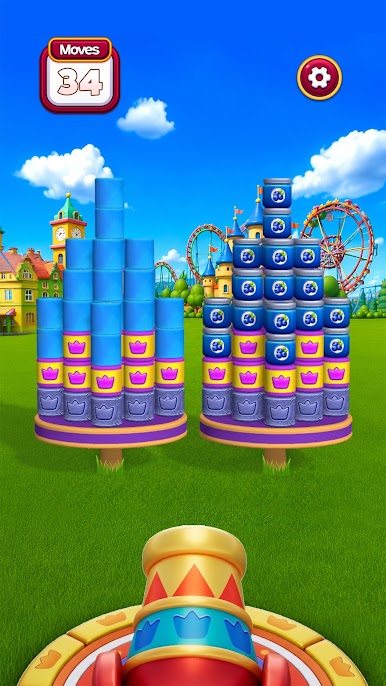
Load the royal cannon, line up your angle and power, and smash the whole royal arena to pieces. Fire across the kingdom to smash fragile jars, crush heavy stones, and bring royal towers crashing down in glorious 3D. One clean smash can trigger an unstoppable chain reaction that smashes the entire scene at once.
Easy to play in your first minute, but every royal level rewards precision, timing, and a little destructive genius.
🎯 HOW TO PLAY
• Aim the royal cannon — set the perfect angle and power
• Fire and smash through fragile jars and heavy stones
• Trigger chain reactions to smash everything in one shot
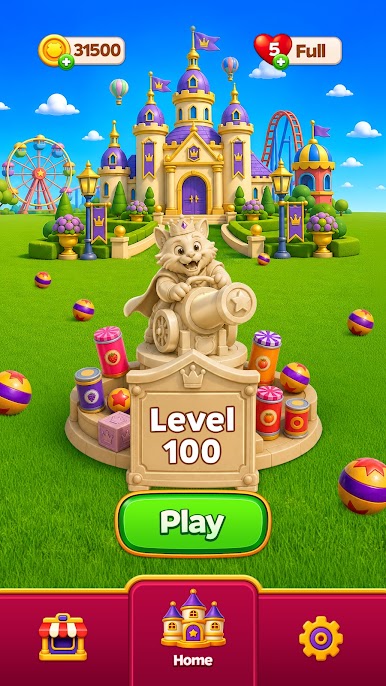
• Clear each stage to unlock the next royal arena
💥 GAME FEATURES
• Satisfying smash physics — every royal smash feels real
• Stunning high-quality 3D graphics and animated festival scenes
• Hundreds of royal levels packed with new objects and challenges
• Simple one-tap controls anyone can smash instantly
• Skill-based aiming that rewards the perfect smash
• Colorful royal kingdoms to demolish, one blast at a time
🏆 WHY YOU'LL LOVE IT
If you love smash games, blast games, and royal destruction challenges, Royal Smash! is your next obsession. Relax with oddly satisfying smashing, or chase the perfect royal smash chain to master every arena.
Grab the royal cannon, aim true, and smash the whole kingdom in Royal Smash!
👑 Download Royal Smash! now and start smashing!
Play Royal Smash! on PC. It’s easy to get started.
-
Download and install BlueStacks on your PC
-
Complete Google sign-in to access the Play Store, or do it later
-
Look for Royal Smash! in the search bar at the top right corner
-
Click to install Royal Smash! from the search results
-
Complete Google sign-in (if you skipped step 2) to install Royal Smash!
-
Click the Royal Smash! icon on the home screen to start playing

