

Idle Axe Thrower
Play on PC with BlueStacks – the Android Gaming Platform, trusted by 500M+ gamers.

Page Modified on: Apr 7, 2026
Play Idle Axe Thrower on PC or Mac
Step into the World of Idle Axe Thrower, a thrilling Arcade game from the house of Daedalus Lab LLC. Play this Android game on BlueStacks App Player and experience immersive gaming on PC or Mac.
About the Game
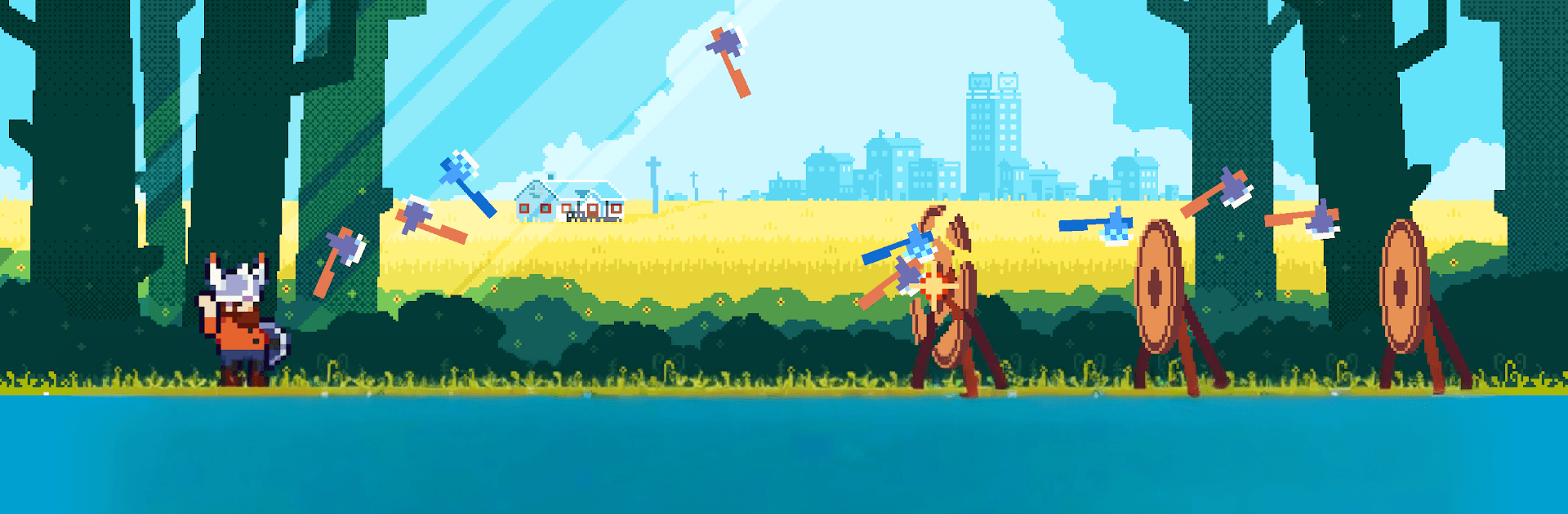
Idle Axe Thrower is an easygoing Arcade climb from Daedalus Lab LLC where a burned-out office worker discovers a surprisingly soothing talent: hurling axes for glory. You’ll start in a scruffy local league, tune your throws, and watch that underdog story snowball into full-on celebrity status. It’s snappy to play, oddly relaxing to watch, and feels great in short bursts or long chill sessions. Prefer a bigger screen? It runs smoothly on PC with BlueStacks.
Game Features
- Chill idle action: Set up your throws, watch the points roll in, and tweak your build as progress stacks up without constant tapping.
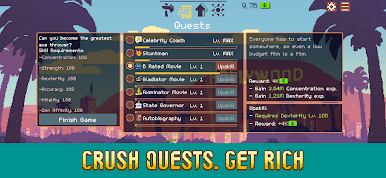
- Quests with personality: Offbeat challenges hand out hefty rewards while nudging you along the hero’s journey from nobody to name everyone knows.
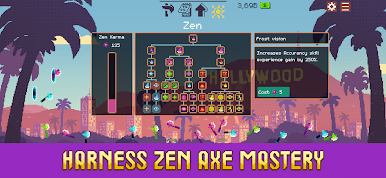
- Zen perks and sharp skills: Mix mindful boosts with active abilities to create a flow that feels calm yet surprisingly powerful.
- Axes with attitude: Flame-scorched, frost-slick, portal-bending—collect wild blades and upgrade them into real crowd-pleasers.
- From backroom boards to bright lights: Start in small-town brackets, then push into glitzier venues and big-audience showdowns.
- Quick to learn, satisfying to master: Simple aiming and timing at first, with plenty of room to refine your rhythm and rack up ridiculous scores.
- Progress that feels good: Short sessions still move the needle, and longer runs let your earnings and upgrades stack in a very satisfying way.
Get ready for a buttery smooth, high-performance gaming action only on BlueStacks.



Play Idle Axe Thrower on PC. It’s easy to get started.
-
Download and install BlueStacks on your PC
-
Complete Google sign-in to access the Play Store, or do it later
-
Look for Idle Axe Thrower in the search bar at the top right corner
-
Click to install Idle Axe Thrower from the search results
-
Complete Google sign-in (if you skipped step 2) to install Idle Axe Thrower
-
Click the Idle Axe Thrower icon on the home screen to start playing

