


DarkHavenSurvivors
Play on PC with BlueStacks – the Android Gaming Platform, trusted by 500M+ gamers.

Page Modified on: Mar 26, 2026
Play DarkHavenSurvivors on PC
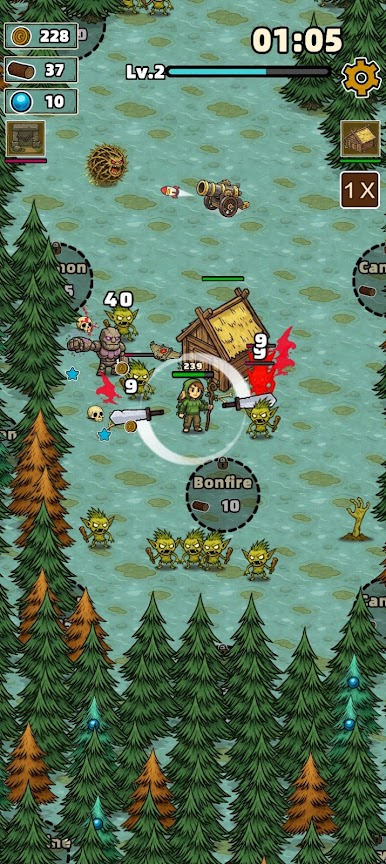
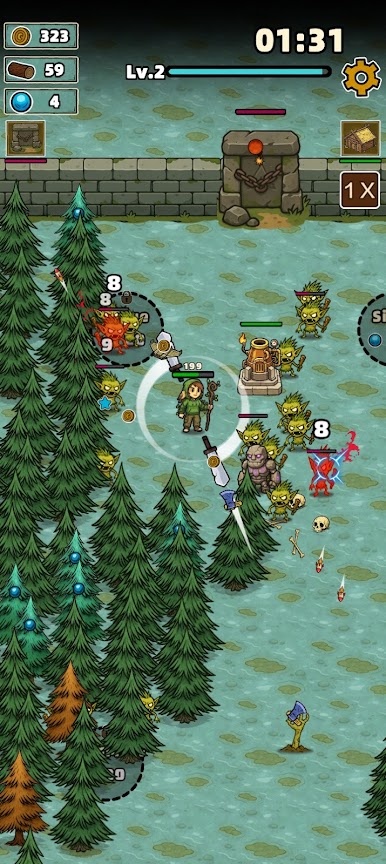
In this game, the forest features a unique dual-purpose mechanic: it acts as both a treasure trove of vital resources and a natural barrier sealing away evil. Reckless logging will awaken terrifying monsters, yet refusing to chop trees leaves you starving for upgrade energy. Players must make dynamic, strategic trade-offs between resource gathering, base defense, and survival.
A Roguelike casual survival game.
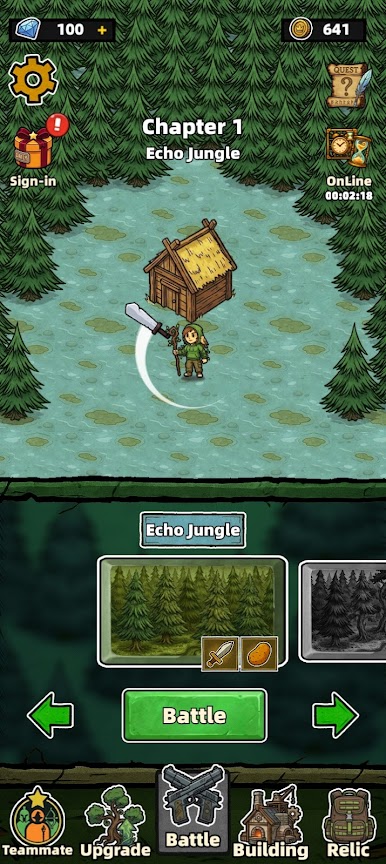
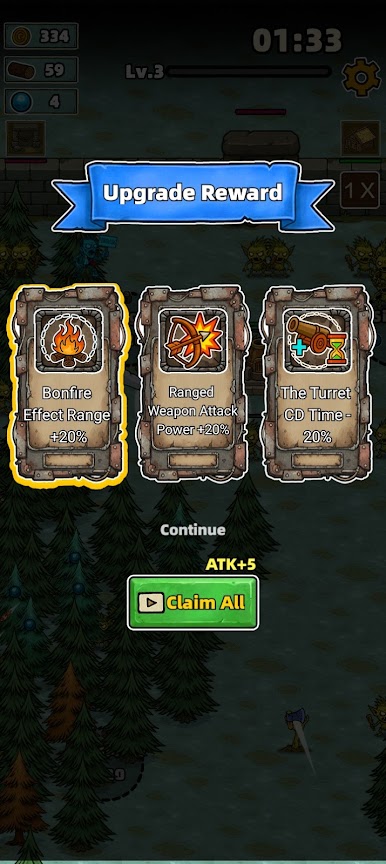
Core Gameplay: Master your movement to gather supplies, continuously upgrade your weapon systems, survive endless waves of enemy attacks, and eventually reach the promised sanctuary.
Game Features:
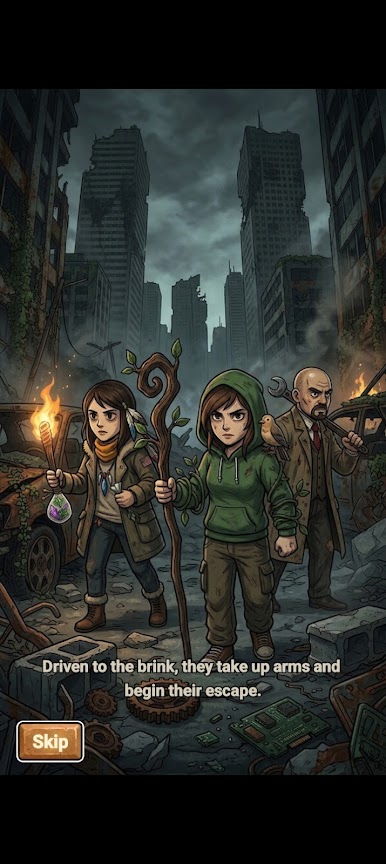
Immersive post-apocalyptic wasteland aesthetics;
Easy-to-learn yet engaging action combat;
A journey of redemption full of romance and excitement;
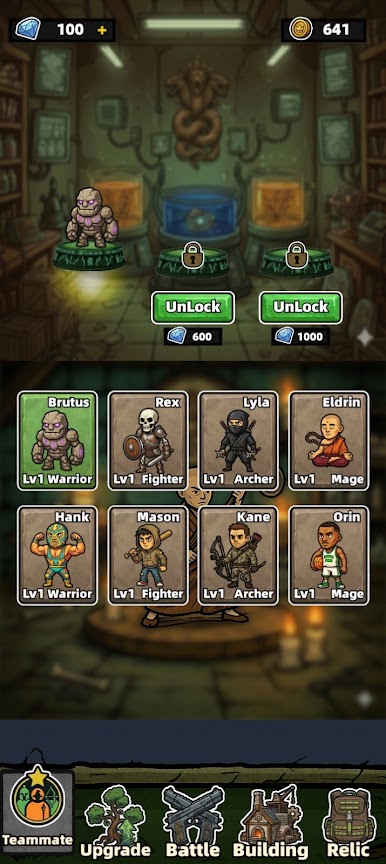
A massive collection of unique doomsday survival items;
Deep family bonds among the three protagonists;
Strategic and rewarding resource management.
The technological miracles of the past have turned to dust. Now it is your turn to rebuild the combat system, piece together the fragments of a lost civilization, locate the battleship sanctuary, and save the world!
In this cruel era, this is not merely a struggle of resources and willpower, but the ultimate trial of defending family and fighting for survival.
Play DarkHavenSurvivors on PC. It’s easy to get started.
-
Download and install BlueStacks on your PC
-
Complete Google sign-in to access the Play Store, or do it later
-
Look for DarkHavenSurvivors in the search bar at the top right corner
-
Click to install DarkHavenSurvivors from the search results
-
Complete Google sign-in (if you skipped step 2) to install DarkHavenSurvivors
-
Click the DarkHavenSurvivors icon on the home screen to start playing

