


MAJO - Apocalypse Tactics RPG
Play on PC with BlueStacks – the Android Gaming Platform, trusted by 500M+ gamers.

Page Modified on: Aug 7, 2026
Main MAJO - Apocalypse Tactics RPG on PC
https://www.facebook.com/majorstudio
Ever felt a strange sense of déjà vu — a fleeting scene brushing past the edge of a dream? What if reality itself is nothing more than a carefully crafted illusion?
Become the Observer...
The world has never been what you thought it was.
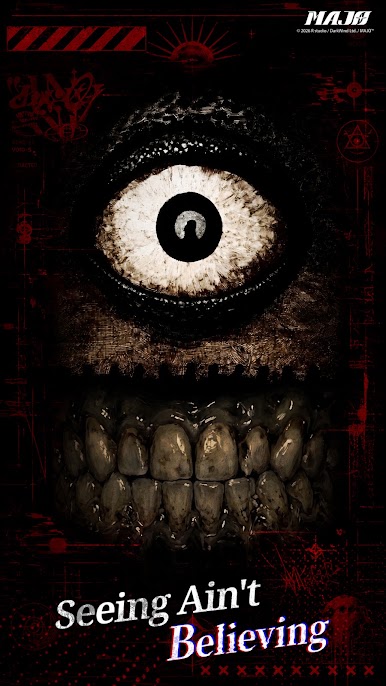
[Seeing Isn't Always Believing]
A collapsing era calls for the one true Observer. When fractured perception collides with an unforgiving truth, you'll uncover a deception that has endured for millennia and reclaim reality itself.
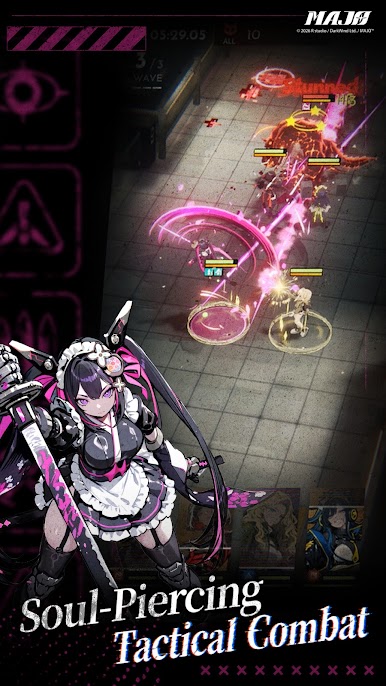
[Soul-Piercing Strategy]
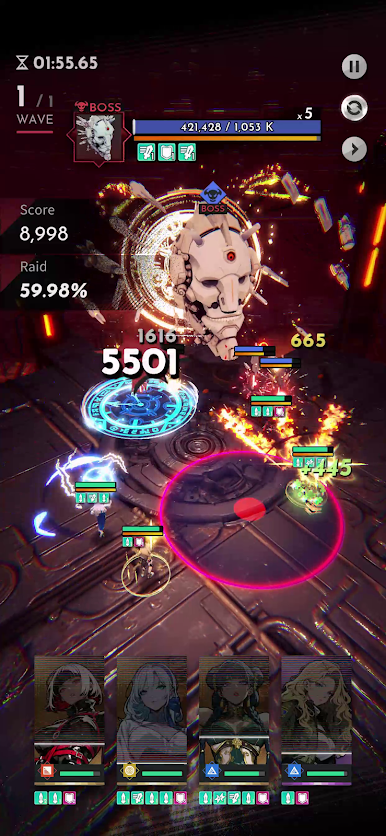
Simple controls, deep strategy. Dodge, block, and Knockdown at the perfect moment to unleash devastating Burst attacks and turn the tide of battle in an instant.
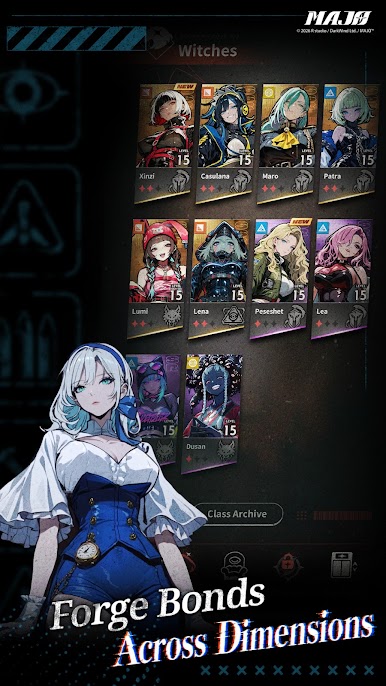
[Forge Bonds Across Dimensions]
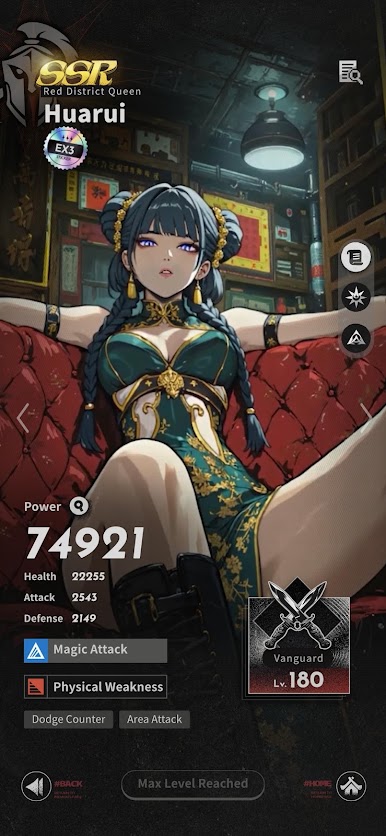
Witches dwell within the hidden cracks of human civilization, eliminating "social anomalies" that threaten society. Through soul resonance with the Observer, they awaken powers capable of bending causality itself.
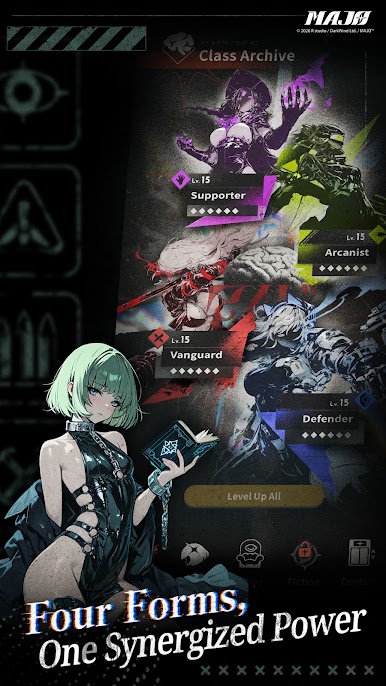
[Four Roles, Endless Synergy]
To confront anomalies across time and space, Witches take on four combat roles: Infiltration, Block, Enhancement, and Amplification. Build your team and overcome every mission.

Play MAJO - Apocalypse Tactics RPG on PC. It’s easy to get started.
-
Download and install BlueStacks on your PC
-
Complete Google sign-in to access the Play Store, or do it later
-
Look for MAJO - Apocalypse Tactics RPG in the search bar at the top right corner
-
Click to install MAJO - Apocalypse Tactics RPG from the search results
-
Complete Google sign-in (if you skipped step 2) to install MAJO - Apocalypse Tactics RPG
-
Click the MAJO - Apocalypse Tactics RPG icon on the home screen to start playing

