


Dash Scan QR Cord
Play on PC with BlueStacks – the Android Gaming Platform, trusted by 500M+ gamers.

Page Modified on: Sep 8, 2026
Play Dash Scan QR Cord on PC
Key Features:
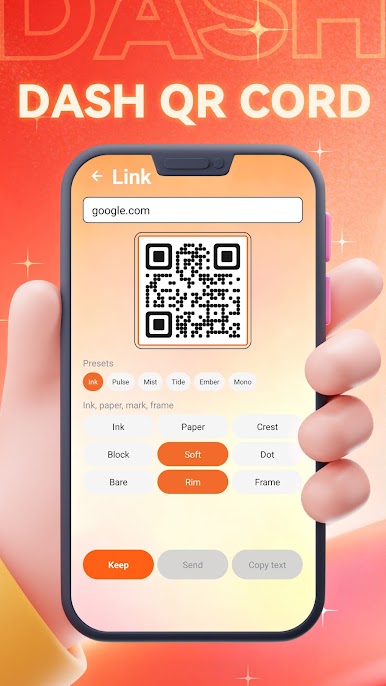
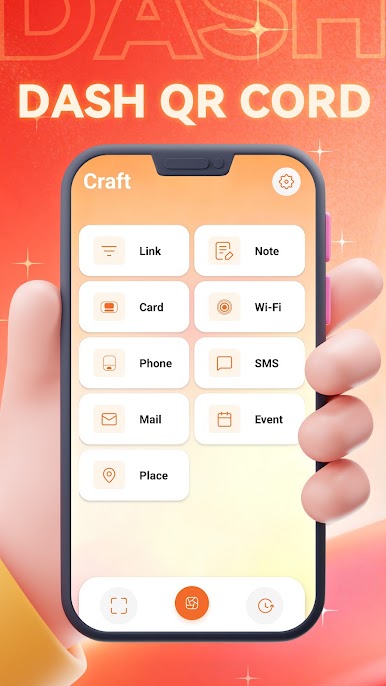
- Easy to use: Clean and intuitive interface – open and scan right away, with zero learning curve.
- Accurate and efficient: Powered by advanced image recognition technology, it maintains a high success rate even on blurry or complex codes.
- Lightweight and portable: The app is small in size and doesn’t take up much storage space on your phone.
Download Dash Scan QR Code now and enjoy secure scanning services.
Play Dash Scan QR Cord on PC. It’s easy to get started.
-
Download and install BlueStacks on your PC
-
Complete Google sign-in to access the Play Store, or do it later
-
Look for Dash Scan QR Cord in the search bar at the top right corner
-
Click to install Dash Scan QR Cord from the search results
-
Complete Google sign-in (if you skipped step 2) to install Dash Scan QR Cord
-
Click the Dash Scan QR Cord icon on the home screen to start playing

