


Hoop - Make new friends
Play on PC with BlueStacks – the Android Gaming Platform, trusted by 500M+ gamers.

Page Modified on: Dec 26, 2025
Main Hoop - Make new friends on PC
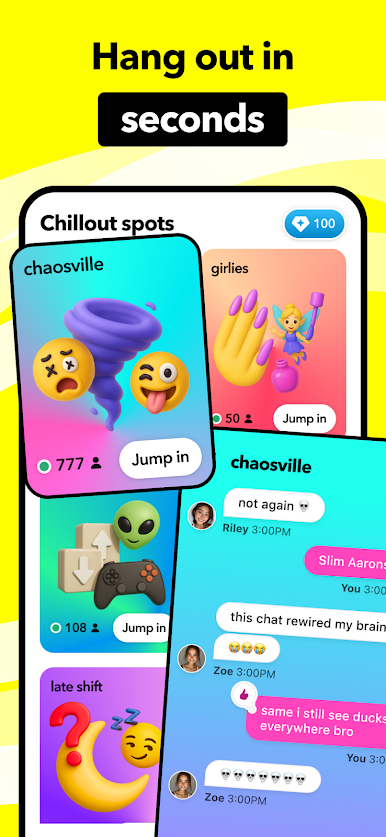
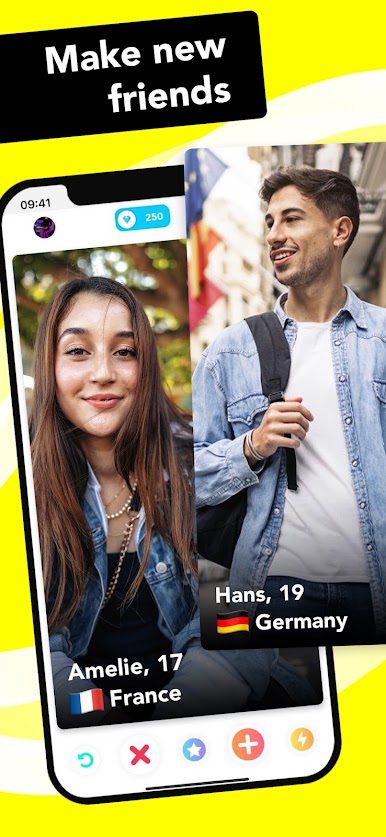
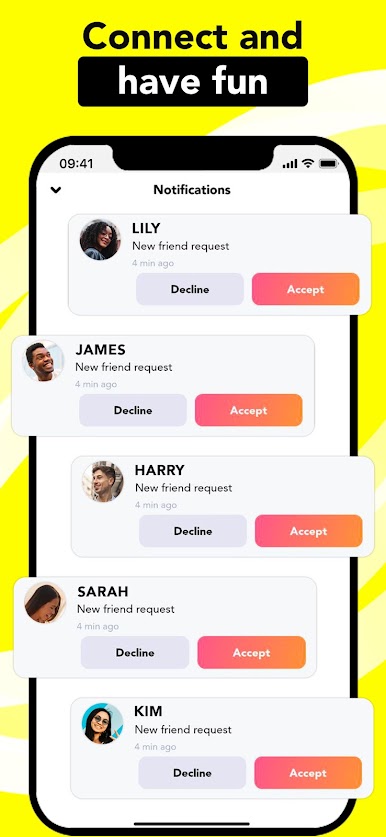
Make new friends all over the world with Hoop! Go through millions of profiles from you own country or worldwide. Send friend requests to the profiles you like and add them on your social apps. Keep control over your socials and decide who you want to share them with.
EARN DIAMONDS
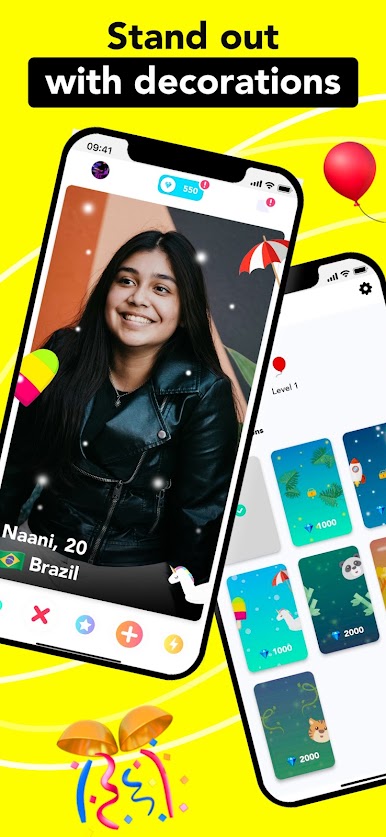
You can earn diamonds every day on Hoop. Use them to send friend requests, see the previous profile again or customize your own profile. There are many ways to earn diamonds:
• share your profile (the reward is doubled on Sundays!)
• daily check-in
• level up
• watch a video
• buy a pack of diamonds
Have fun!

Play Hoop - Make new friends on PC. It’s easy to get started.
-
Download and install BlueStacks on your PC
-
Complete Google sign-in to access the Play Store, or do it later
-
Look for Hoop - Make new friends in the search bar at the top right corner
-
Click to install Hoop - Make new friends from the search results
-
Complete Google sign-in (if you skipped step 2) to install Hoop - Make new friends
-
Click the Hoop - Make new friends icon on the home screen to start playing

