


Slow Mo Smash: Time Strike
Play on PC with BlueStacks – the Android Gaming Platform, trusted by 500M+ gamers.

Page Modified on: Oct 13, 2026
Main Slow Mo Smash: Time Strike on PC
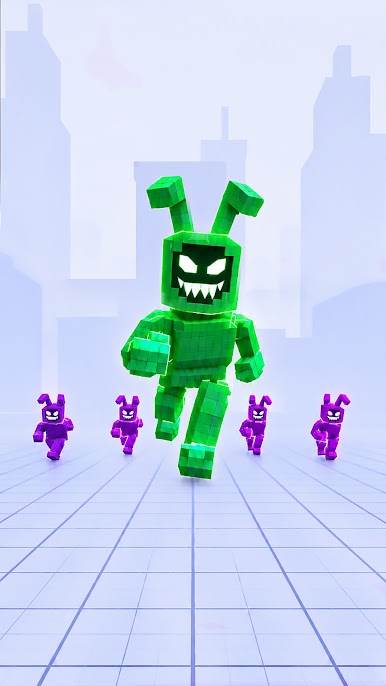
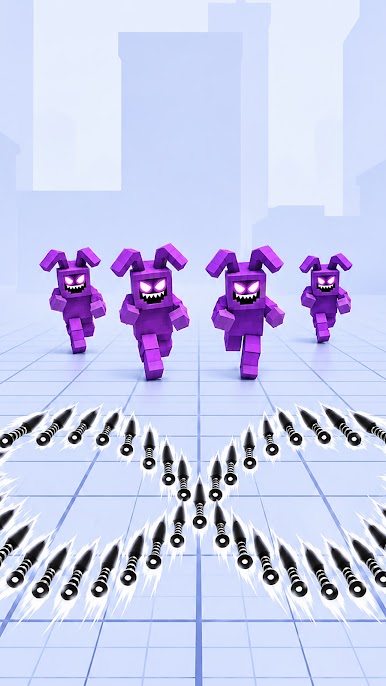
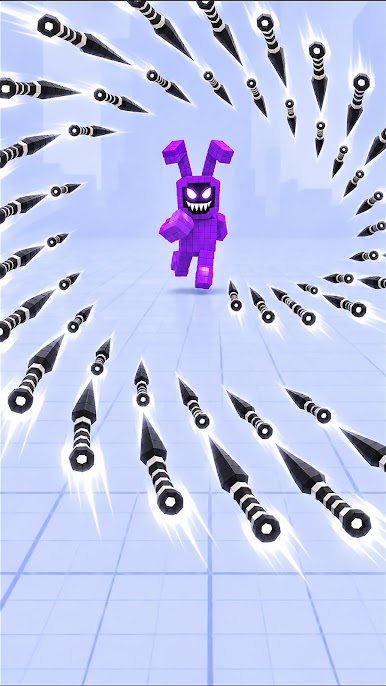
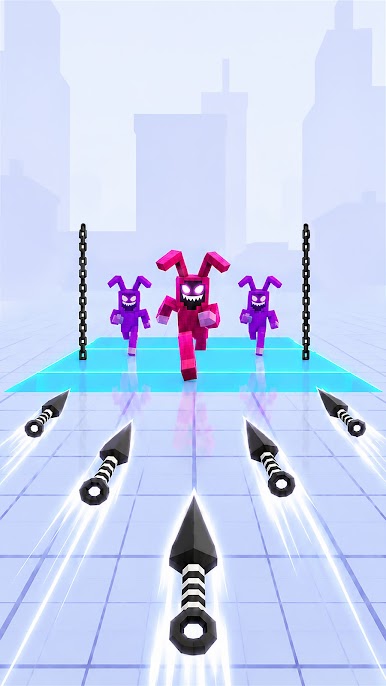
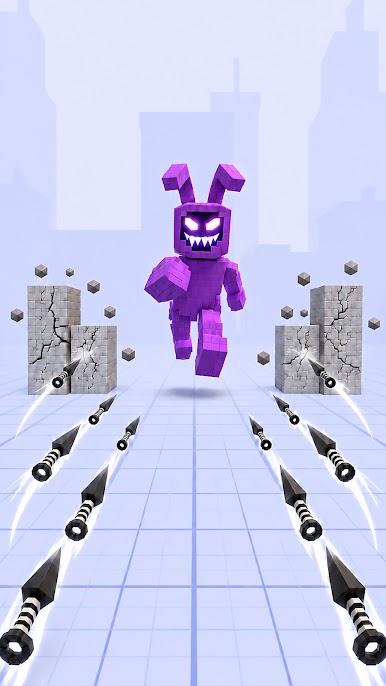
Drag your finger across the screen and place your knives along your path. Enemies stay frozen while you prepare your attack. Then release your finger. Time snaps back to full speed, and every weapon launches at once.
■ FREEZE TIME. DRAW KNIVES & RELEASE
Hold to slow down time
Draw to place your attack
Release everything at once
Simple controls. Big destruction.
■ TURN EVERY LEVEL INTO A PHYSICS PUZZLE
Don't just aim at the enemy.
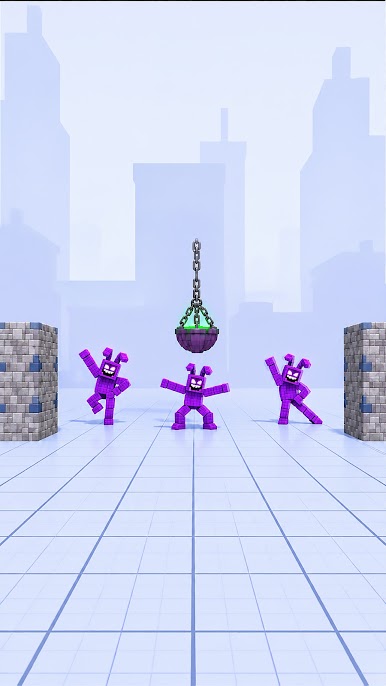
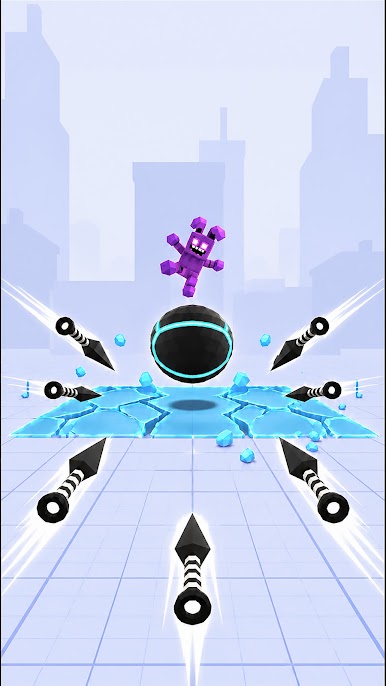
Explode barrels, break bridges, use multiplying gates, bypass shields, and turn the environment into part of your attack.
One smart release can clear the entire stage.
■ BUILD THE PERFECT ATTACK
Place one weapon for a precise hit or fill the screen and unleash them all together. The longer you plan, the more satisfying the release.
■ DISCOVER NEW CHALLENGES
Moving enemies, obstacles, and giant targets make every level different. Adapt your strategy to overcome each challenge.
■ UNLOCK MORE WAYS TO STRIKE
Experiment with different weapons and discover new ways to destroy targets, trigger combos, and create massive chain reactions.
■ PLAY ANYTIME, ANYWHERE
Whether you're looking for a quick break or an extended gaming session, Slow Mo Smash: Time Strike delivers fast-paced action that's easy to pick up and difficult to put down.
Play Slow Mo Smash: Time Strike on PC. It’s easy to get started.
-
Download and install BlueStacks on your PC
-
Complete Google sign-in to access the Play Store, or do it later
-
Look for Slow Mo Smash: Time Strike in the search bar at the top right corner
-
Click to install Slow Mo Smash: Time Strike from the search results
-
Complete Google sign-in (if you skipped step 2) to install Slow Mo Smash: Time Strike
-
Click the Slow Mo Smash: Time Strike icon on the home screen to start playing

