


DealDash - Bid & Save Auctions
Play on PC with BlueStacks – the Android Gaming Platform, trusted by 500M+ gamers.

Page Modified on: Mar 3, 2026
Play DealDash - Bid & Save Auctions on PC
How DealDash works:
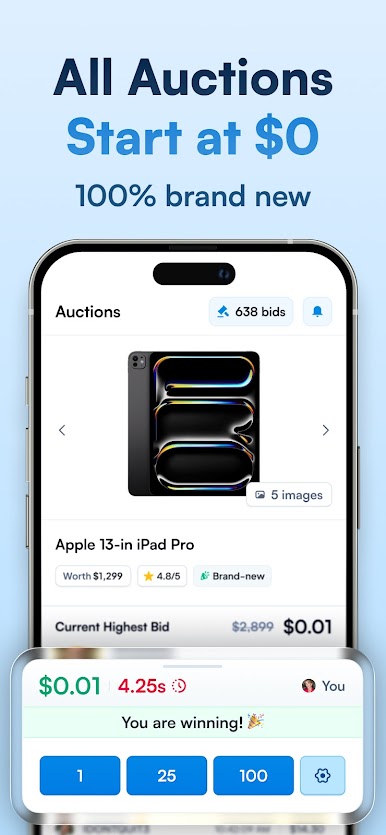
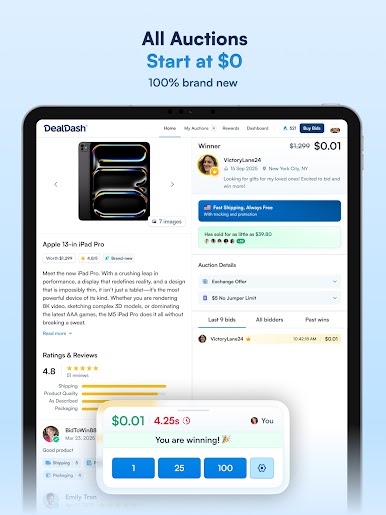
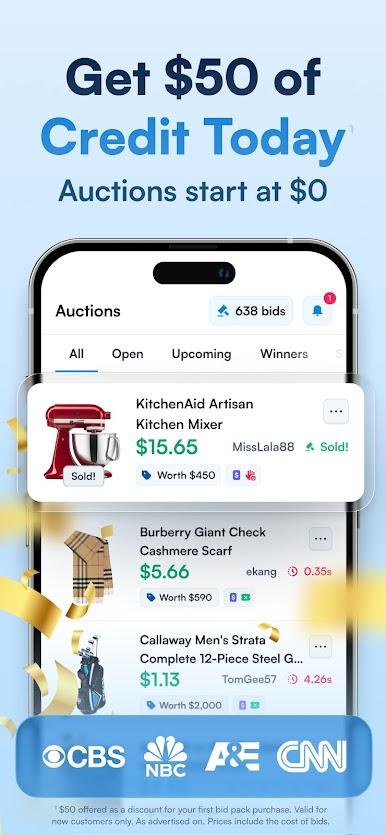
Every auction starts low and moves fast. Tap to bid, watch the timer, and follow the competition in real-time. DealDash is easy to learn, thrilling to bid on, and designed to keep the experience fun and fair for everyone.
Discover incredible products
Whatever you love, you’ll find auctions for it on DealDash:
• Brand-new tech and must-have gadgets
• Fashion and jewelry from renowned brands
• Home, kitchen, and lifestyle upgrades
• Rare art and exclusive collectibles
• Experiences, vehicles, and more
App features you’ll love:
• Live auctions with smooth, responsive bidding
• Easy bid management and activity tracking
• Watchlists and alerts so you never miss a favorite auction
• Rewards and promotions to add value to every bid
• Safe and secure checkout options
Customers come first:
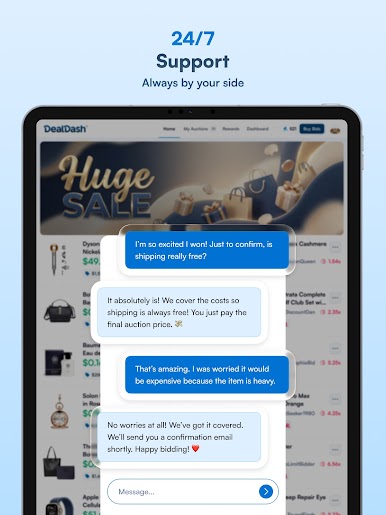
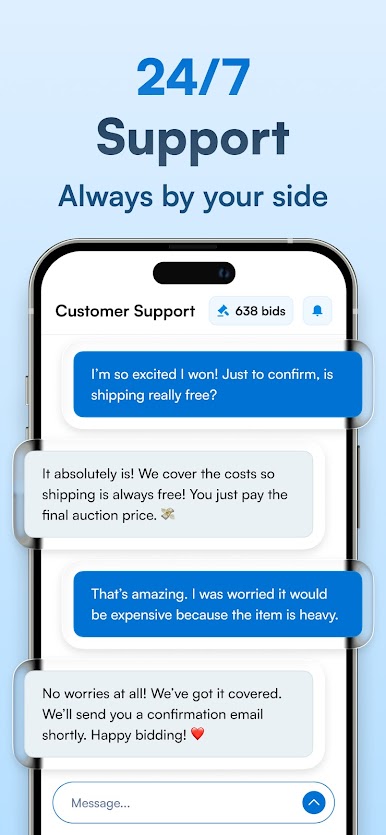
• Free, fast-tracked U.S. shipping on every order
• 90-Day Happiness Guarantee for total peace of mind
• Our friendly 24/7 support team typically responds in just minutes
Drop in anytime to browse, bid, and discover auctions running 24/7.
Need help?
Email: support@dealdash.com
Phone: (855) 455-3325
Support center: dealdash.com/support
DealDash® is a registered U.S. trademark. All rights reserved. By downloading, you agree to our Terms of Use, Privacy Policy, and Platform Rules.
¹ $50 Credit refers to a current promotion in which new accounts receive $50 off their first purchase of bids. Applicable bid packs are typically $80 or more, so expect to pay a net price of at least $30. Offer only available to new accounts, promotion valid until 6/1/2026.





Play DealDash - Bid & Save Auctions on PC. It’s easy to get started.
-
Download and install BlueStacks on your PC
-
Complete Google sign-in to access the Play Store, or do it later
-
Look for DealDash - Bid & Save Auctions in the search bar at the top right corner
-
Click to install DealDash - Bid & Save Auctions from the search results
-
Complete Google sign-in (if you skipped step 2) to install DealDash - Bid & Save Auctions
-
Click the DealDash - Bid & Save Auctions icon on the home screen to start playing

