

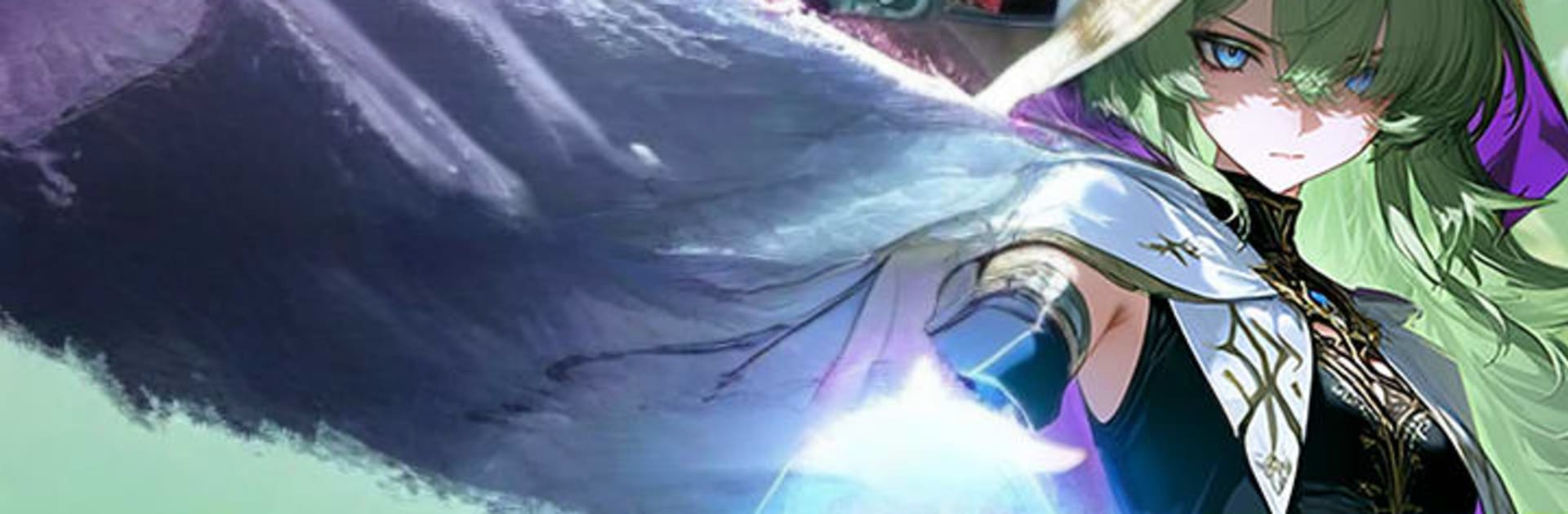
Deck Battle: Anime TCG
Play on PC with BlueStacks – the Android Gaming Platform, trusted by 500M+ gamers.

Page Modified on: Jul 31, 2026
Play Deck Battle: Anime TCG on PC or Mac
Deck Battle: Anime TCG brings the Card genre to life, and throws up exciting challenges for gamers. Developed by Buckinta, this Android game is best experienced on BlueStacks, the World’s #1 app player for PC and Mac users.
About the Game
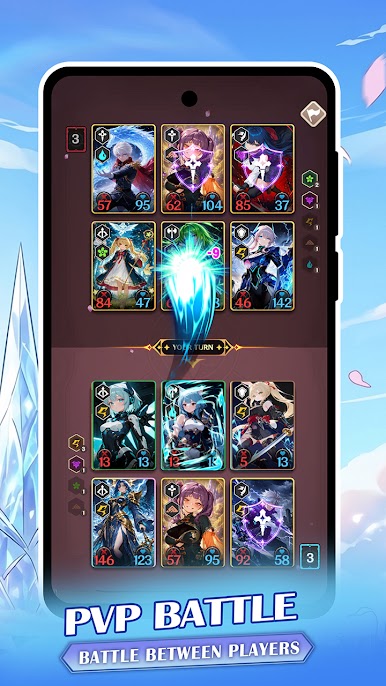
Deck Battle: Anime TCG is a fast, strategic Genre: Card experience where a clever play can turn the whole match around. Build a roster of anime heroes and fantastical creatures, then face off in snappy, turn-based battles across a bunch of different modes. Want a bigger view and steady controls? It also runs smoothly on BlueStacks.
Game Features
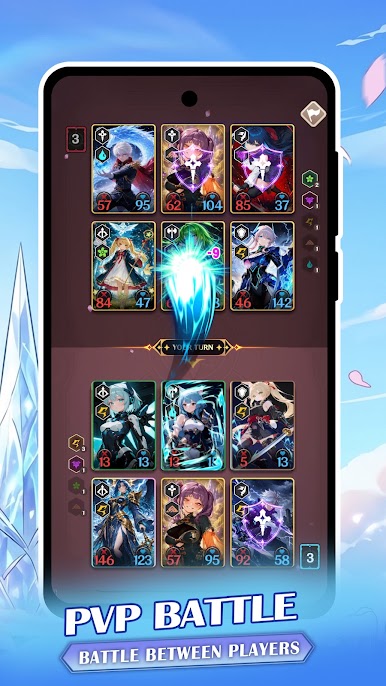
- Tactical, turn-based combat: Outsmart opponents with timing, positioning, and smart resource use. Every card matters, so planning a few turns ahead really pays off.
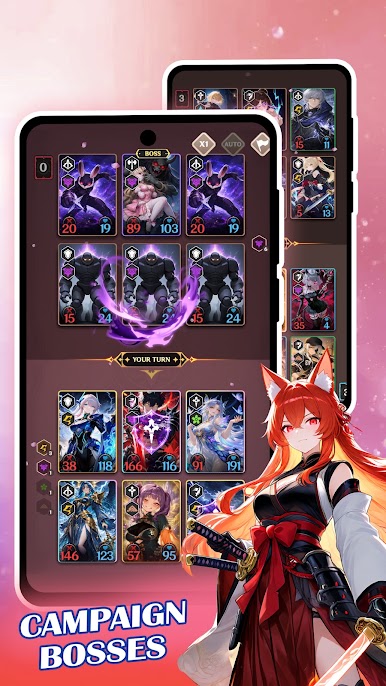
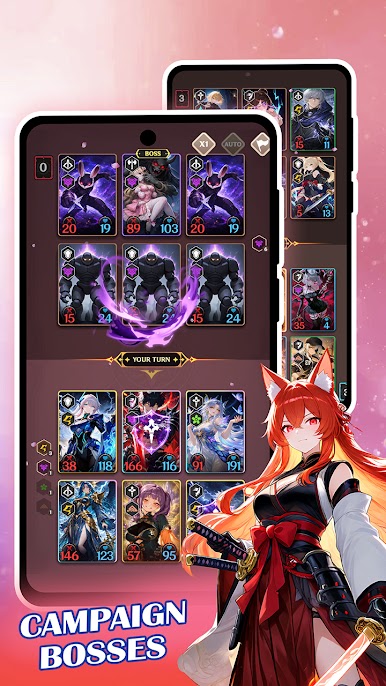
- Story and dungeon runs: Push through a campaign packed with boss encounters, then venture into dungeons for tougher fights and sweeter rewards.
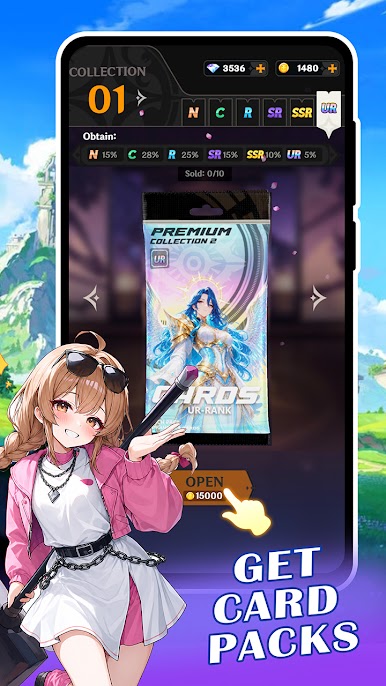
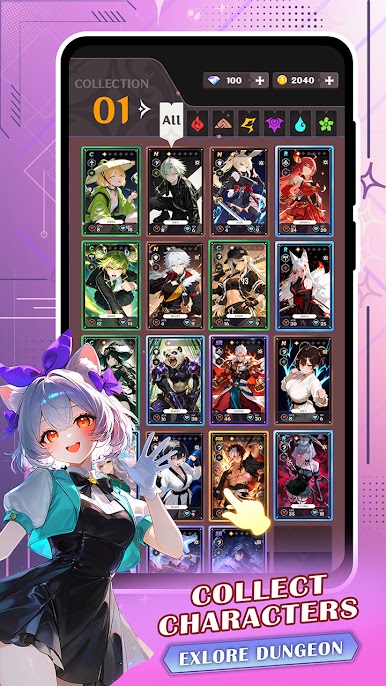
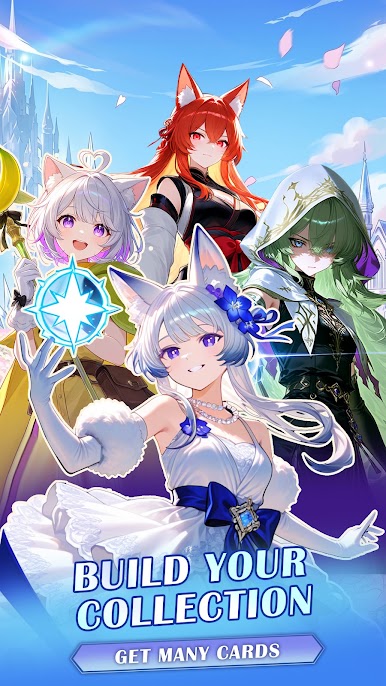
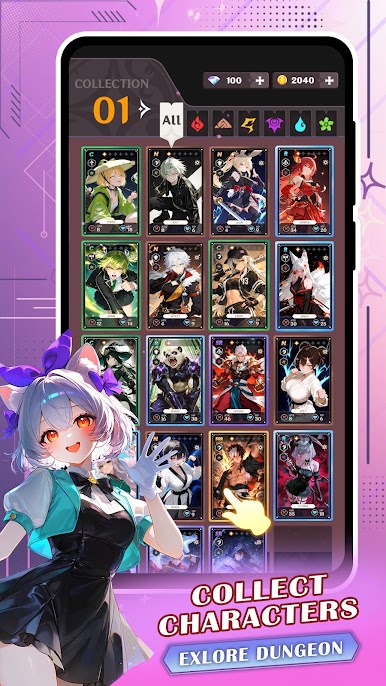
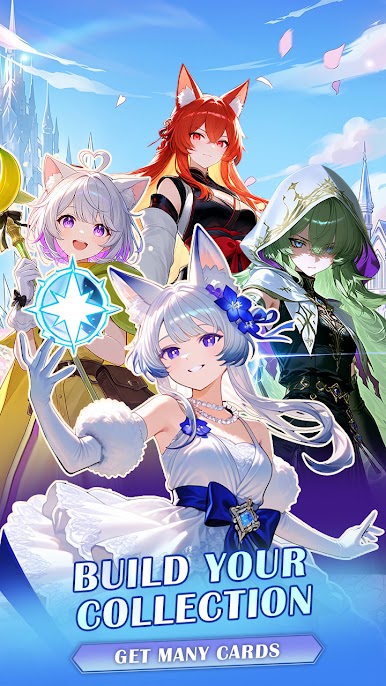
- A collection worth chasing: Hunt down rare anime heroes, quirky creatures, and towering legends to round out your lineup and tweak your playstyle.
- Upgrade, evolve, unleash: Level cards, raise star ranks, and unlock new skills to transform solid units into absolute anchors for your deck.
- Modes for every mood: Jump from story stages to PvP duels, rank-focused competition, dungeon raids, and even bite-sized mini games when you want a change of pace.
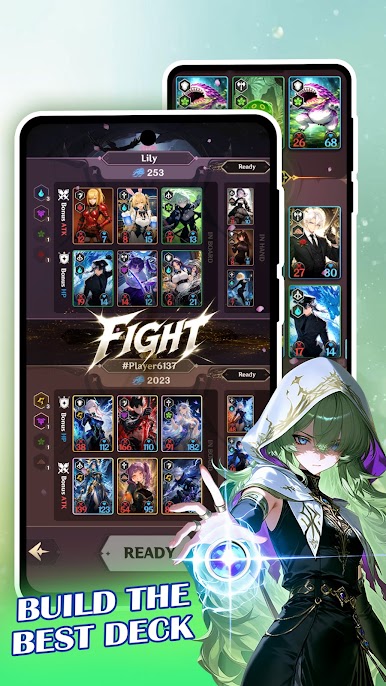
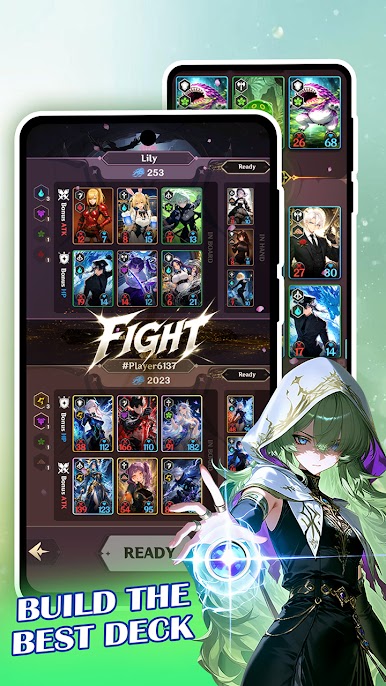
- Build around synergy: Craft the ultimate deck by mixing roles and effects that feed into each other, from control-heavy setups to all-out aggression.
- Bold anime flair: Enjoy colorful art, flashy fantasy effects, and punchy combat animations that make every turn feel dramatic and satisfying.
Start your journey now. Download the game on BlueStacks, invite your friends, and march on a new adventure.
Play Deck Battle: Anime TCG on PC. It’s easy to get started.
-
Download and install BlueStacks on your PC
-
Complete Google sign-in to access the Play Store, or do it later
-
Look for Deck Battle: Anime TCG in the search bar at the top right corner
-
Click to install Deck Battle: Anime TCG from the search results
-
Complete Google sign-in (if you skipped step 2) to install Deck Battle: Anime TCG
-
Click the Deck Battle: Anime TCG icon on the home screen to start playing

