


Rummy - Offline
Play on PC with BlueStacks – the Android Gaming Platform, trusted by 500M+ gamers.

Page Modified on: Sep 26, 2025
Play Rummy - Offline on PC
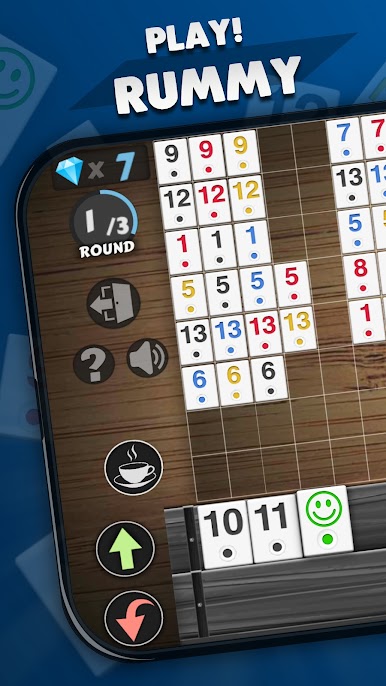
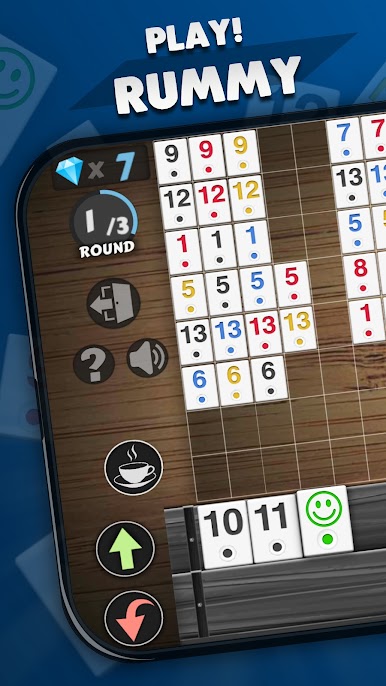
If you enjoy games like Mahjong, Okey 101, or classic Rummy card variants, you will love Rummy’s strategic tile-matching gameplay. Fans of puzzle and logic games like Solitaire or FreeCell will find it engaging and mentally stimulating.
Key Features:
● Matching tile rounds that enhance logic, strategy, and problem-solving.
● Competitive gameplay with smart AI opponents.
● Compete on global leaderboards and unlock rewarding achievements.
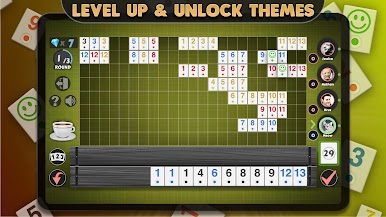
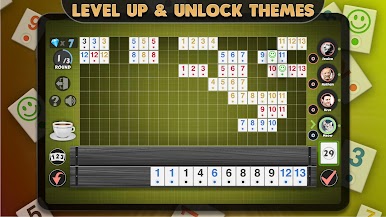
● Multiple avatars, realistic visuals, and themed environments.
● Daily rewards and level-up bonuses to keep gameplay exciting.
● Step-by-step “How to Play” guide for beginners.
● Clean interface with no disruptive banner ads.
● Play offline anytime, anywhere—no Wi-Fi needed.
Whether you are a fan of classic Rummy games, looking for a casual board game, or seeking abstract strategy challenges, Rummy offers endless fun, mental stimulation, and strategic opportunities for all skill levels.





















Play Rummy - Offline on PC. It’s easy to get started.
-
Download and install BlueStacks on your PC
-
Complete Google sign-in to access the Play Store, or do it later
-
Look for Rummy - Offline in the search bar at the top right corner
-
Click to install Rummy - Offline from the search results
-
Complete Google sign-in (if you skipped step 2) to install Rummy - Offline
-
Click the Rummy - Offline icon on the home screen to start playing

