


DEDA
Play on PC with BlueStacks – the Android Gaming Platform, trusted by 500M+ gamers.

Page Modified on: May 3, 2026
Play DEDA on PC
EACH DIFFICULTY HAS ITS OWN UNIQUE ATMOSPHERE
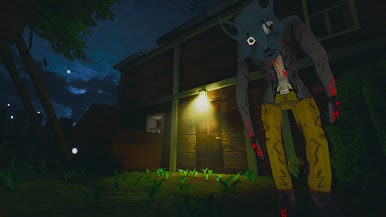
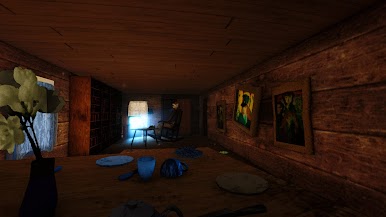
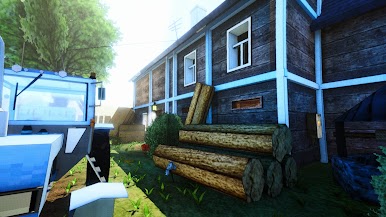
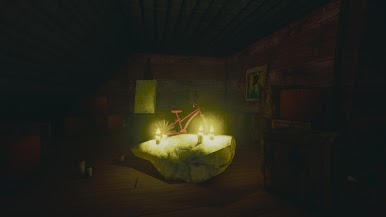
On a light level, the house only hints a little that something is wrong. In normal mode, the lighting changes, the walls begin to press down, and the shadows seem strange. At a high level, the house shows its true essence. The atmosphere becomes frightening and hostile, even the light from the lantern can become dangerous.
AN UNUSUAL MECHANIC
The player must use both hands to perform actions. Unlike monotonous tapping on objects, the player now has to look for new ways to interact between them. This makes the process of solving game problems more dynamic and similar to a stealth game.
WHAT IS THIS HOUSE HIDING?
The game's plot is not served directly. The history of the family, the nature of madness, and the mysteries of the house are revealed through the small, subtle details of the surroundings. Put the pieces together, communicate with each other, build theories.
Play DEDA on PC. It’s easy to get started.
-
Download and install BlueStacks on your PC
-
Complete Google sign-in to access the Play Store, or do it later
-
Look for DEDA in the search bar at the top right corner
-
Click to install DEDA from the search results
-
Complete Google sign-in (if you skipped step 2) to install DEDA
-
Click the DEDA icon on the home screen to start playing

