


Kpop Monsters Merge Run
Play on PC with BlueStacks – the Android Gaming Platform, trusted by 500M+ gamers.

Page Modified on: Jan 13, 2026
Main Kpop Monsters Merge Run on PC
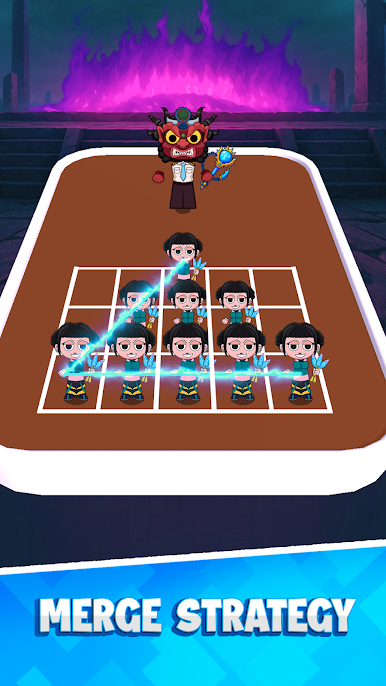
Combine your quirky warriors, hold your ground, and survive the pop-powered chaos!
🎮 How to play:
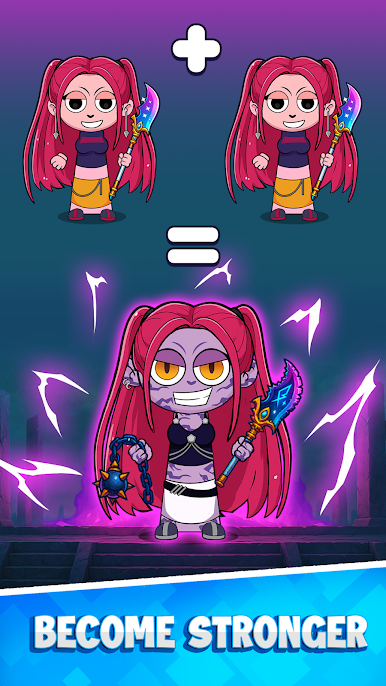
🔗 Merge Idols: Combine two identical warriors to boost their star power!
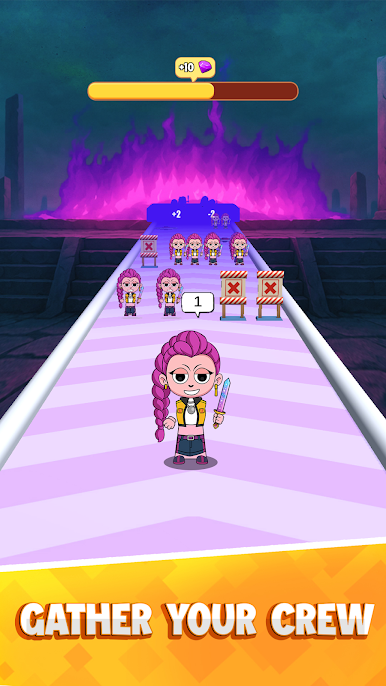
🧠 Defend the Stage: Position your team smartly to block the monster fans.
💎 Collect Rewards: Win shows to earn coins and upgrade your idols.
🎯 Beat Every Level: Face weirder moves and harder beats as you climb!
🧩 Why you’ll love it:
🖱️ Simple & Fun: Drag, drop, and merge in seconds — easy to play, hard to stop!
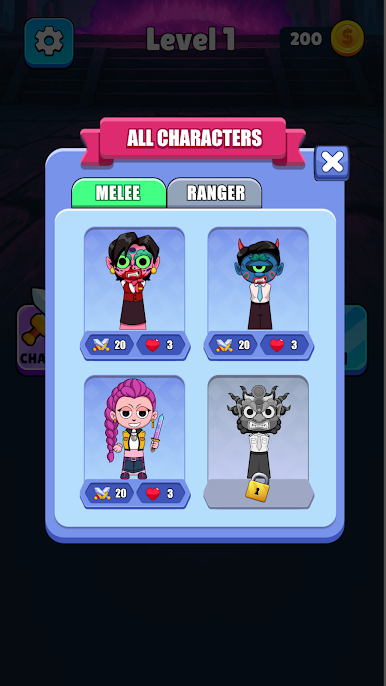
🎤 Crazy Kpop Monsters: Unlock fun warriors inspired by pop idols and fan energy.
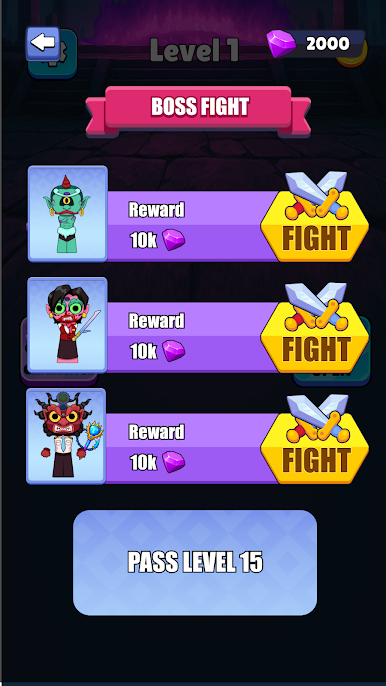
👾 Epic Boss Shows: Battle giant Kpop Monsters with over-the-top performances.
💫 Funny, flashy, and full of rhythm — can you survive the Kpop Monster madness?
🎶 Download now and start merging your way to stardom!

Play Kpop Monsters Merge Run on PC. It’s easy to get started.
-
Download and install BlueStacks on your PC
-
Complete Google sign-in to access the Play Store, or do it later
-
Look for Kpop Monsters Merge Run in the search bar at the top right corner
-
Click to install Kpop Monsters Merge Run from the search results
-
Complete Google sign-in (if you skipped step 2) to install Kpop Monsters Merge Run
-
Click the Kpop Monsters Merge Run icon on the home screen to start playing

