


Forvet – Football Game
Play on PC with BlueStacks – the Android Gaming Platform, trusted by 500M+ gamers.

Page Modified on: Mar 4, 2026
Play Forvet – Football Game on PC
If you’re looking for a mobile football game, it’s time to hit the pitch!
🎮 GAME MODES
🔹 TPS (Third Person) Mode
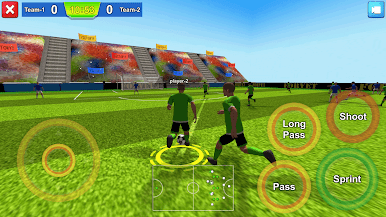
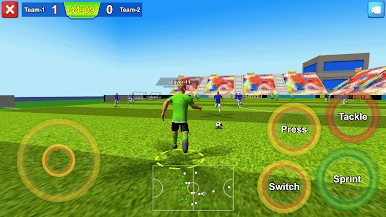
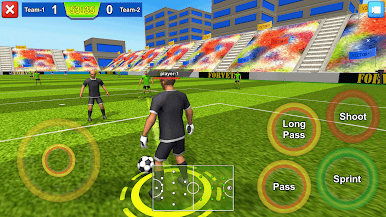
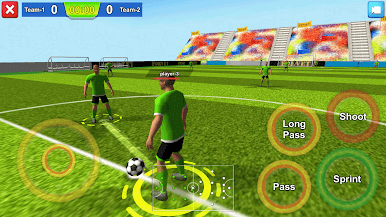
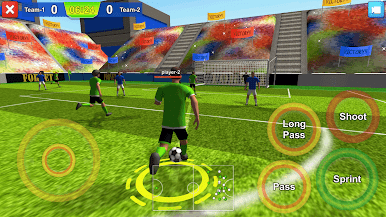
See football from the player’s perspective! Experience every position up close with a camera that puts you on the field and control the attacks from the inside.
🔹 Normal Mode
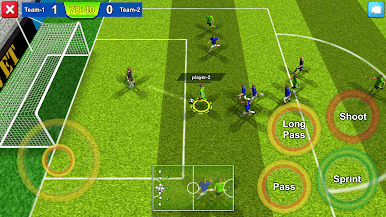
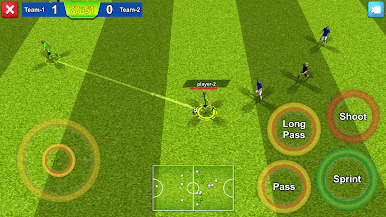
Classic football gameplay. Pass, defend, shoot, and fight for victory. Balanced mechanics make every match exciting.
🏆 LEAGUE SYSTEM
• Compete in league matches
• Collect points throughout the season
• Outplay your opponents
• Win the championship trophy
Every season brings new rivalries, every match brings new challenges!
🌍 ONLINE MULTIPLAYER (COMING SOON)
Online multiplayer mode is on the way! Soon you’ll be able to play against real players and enjoy the thrill of live football matches.
🎯 FEEL THE FOOTBALL
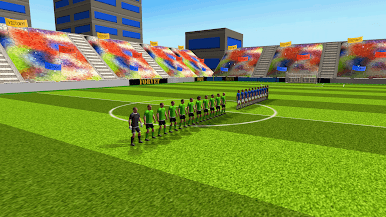
Forward – Soccer Match Game is designed for players seeking 3D football matches, league systems, and immersive football gameplay.
Step onto the pitch, score your goals, and march toward the championship! ⚽

Play Forvet – Football Game on PC. It’s easy to get started.
-
Download and install BlueStacks on your PC
-
Complete Google sign-in to access the Play Store, or do it later
-
Look for Forvet – Football Game in the search bar at the top right corner
-
Click to install Forvet – Football Game from the search results
-
Complete Google sign-in (if you skipped step 2) to install Forvet – Football Game
-
Click the Forvet – Football Game icon on the home screen to start playing

