


SkyLeap
Play on PC with BlueStacks – the Android Gaming Platform, trusted by 500M+ gamers.

Page Modified on: Nov 4, 2026
Play SkyLeap on PC
SkyLeap makes your browser experience lighter and more comfortable!
Where you need the functions you need for "ease of use" and "ease of play".
Eliminates waste and enables efficient and quick operation.
A comfortable browser experience with a simple and highly functional design.
Customize the functions such as "Back" and "Reload" that are often used in search and games to your liking.
You can create a stress-free environment that is sensuous and easy to use.
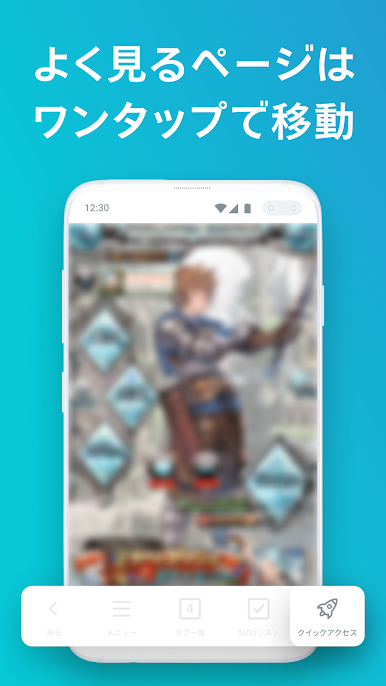
With the tap of a button, you can instantly transition to the registered page.
Register your favorite pages and move quickly.
If you want to use multiple quick access, set it in the shortcut bar.
You can set up to 5 icons of your choice.
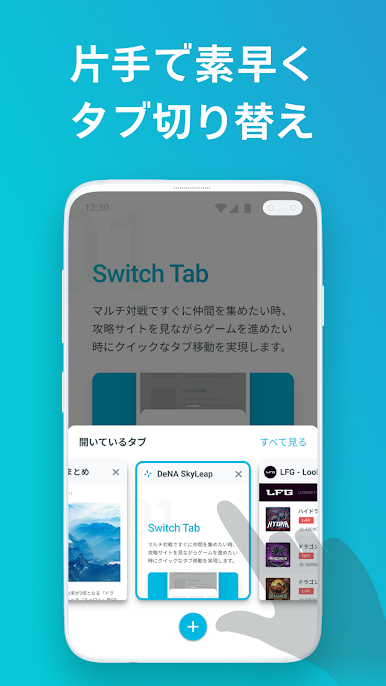
With a simple gesture operation that traces the screen with your fingertips, you can make quick page transitions and use functions.
Achieve comfortable browsing by optimizing frequently used operations once.
Various functions can be set collectively according to the usage scene.
Relieve stress with a comfortable setting.
・ Menu customization that allows you to freely arrange functions
・ Screen width adjustment that can be changed to the optimum screen size
・ Screen display that does not interfere with the display of content due to unintended operations





Play SkyLeap on PC. It’s easy to get started.
-
Download and install BlueStacks on your PC
-
Complete Google sign-in to access the Play Store, or do it later
-
Look for SkyLeap in the search bar at the top right corner
-
Click to install SkyLeap from the search results
-
Complete Google sign-in (if you skipped step 2) to install SkyLeap
-
Click the SkyLeap icon on the home screen to start playing

