


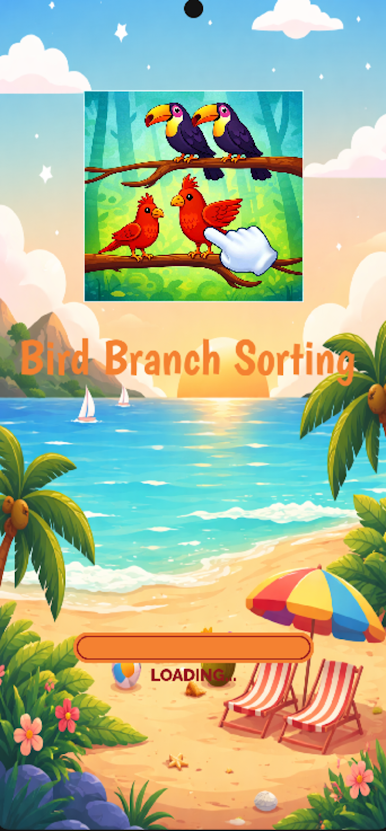
Bird Branch Sorting
Play on PC with BlueStacks – the Android Gaming Platform, trusted by 500M+ gamers.

Page Modified on: Feb 27, 2026
Play Bird Branch Sorting on PC
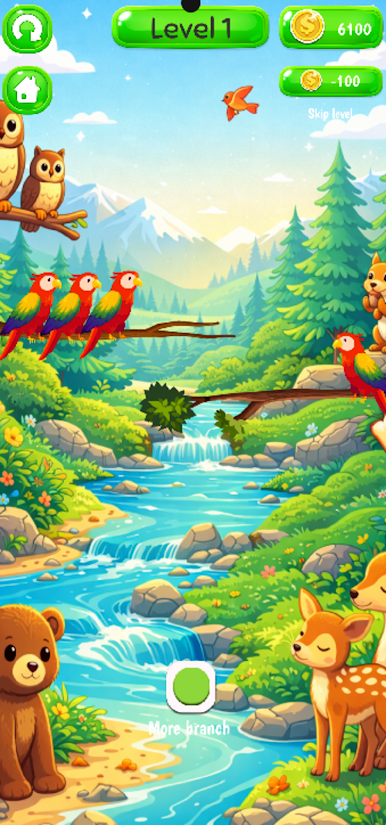
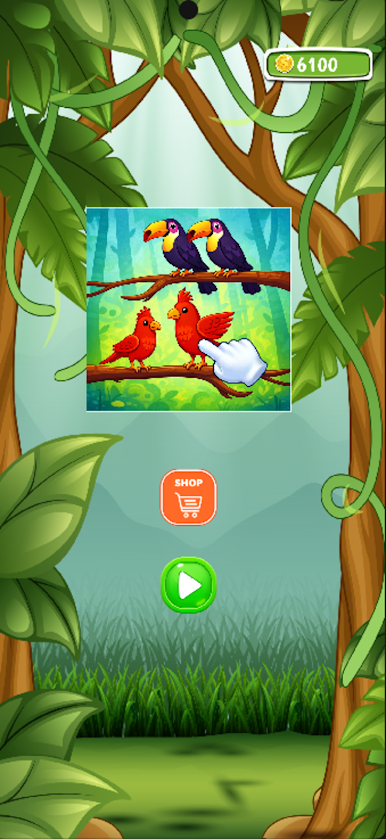
Are you looking for a relaxing yet brain-teasing puzzle game? Step into the vibrant world of Bird Branch Sorting, where nature meets logic. Your mission is simple: help the colorful birds find their flock by sorting them onto the correct branches.
As the levels progress, the branches get crowded and the puzzles get tougher. Can you strategize your moves and clear the canopy?
🌟 GAME FEATURES:
Stunning Visuals: Beautifully designed birds and serene forest backgrounds to soothe your eyes.
Brain Training: Sharpen your logic and strategic thinking with hundreds of unique levels.
Relaxing Gameplay: No timers, no pressure! Take your time to solve puzzles at your own pace.
One-Finger Control: Easy to play, hard to master. Just tap to move a bird to an empty branch or a matching group.
Play Bird Branch Sorting on PC. It’s easy to get started.
-
Download and install BlueStacks on your PC
-
Complete Google sign-in to access the Play Store, or do it later
-
Look for Bird Branch Sorting in the search bar at the top right corner
-
Click to install Bird Branch Sorting from the search results
-
Complete Google sign-in (if you skipped step 2) to install Bird Branch Sorting
-
Click the Bird Branch Sorting icon on the home screen to start playing

