


Snack Pack Match
Play on PC with BlueStacks – the Android Gaming Platform, trusted by 500M+ gamers.

Page Modified on: May 8, 2026
Play Snack Pack Match on PC
🌟 How to Play
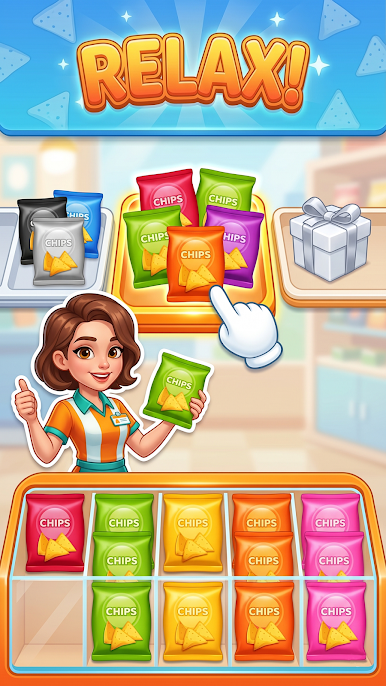
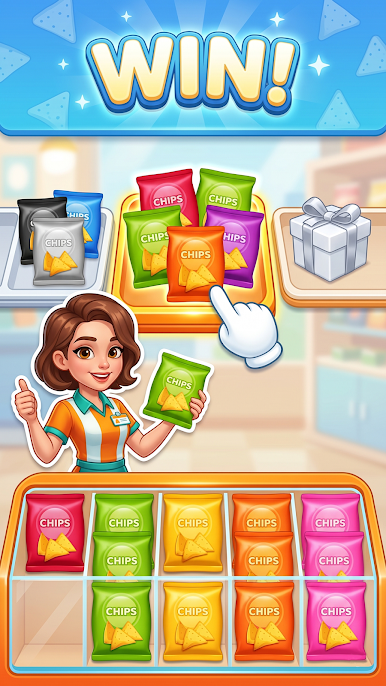
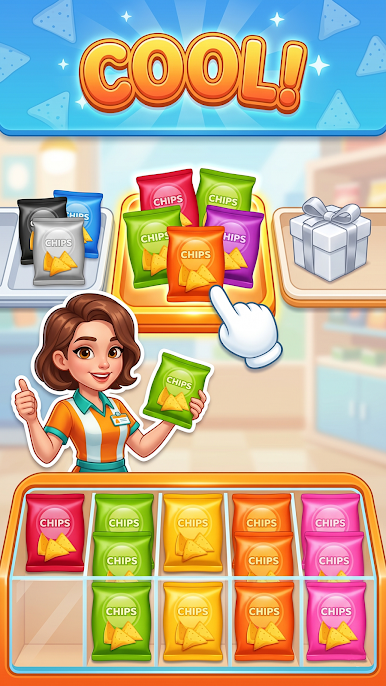
Tap to Sort: Tap the scattered snacks on the shelf to send them to the packing box that matches their flavor or color.
Fill & Pack: Once a box is full, it gets packed away to make room for the next one. Clear the entire shelf to win!
Manage Your Slots: Keep a close eye on your sorting tray! Move your snacks strategically so you don't run out of space and end up in a total "Snack Jam."
🌟 Game Features
Mouth-Watering Challenges: Explore hundreds of vibrant levels filled with colorful chip bags, candies, and biscuits that get trickier as you play.
Satisfying ASMR Sorting: Enjoy the crispy, satisfying "crackle" and "crunch" sounds of snack packaging as you untangle the mess and organize everything perfectly.
Smart & Rewarding: A perfect blend of casual fun and brain-teasing strategy to keep your mind sharp and completely relaxed.

Play Snack Pack Match on PC. It’s easy to get started.
-
Download and install BlueStacks on your PC
-
Complete Google sign-in to access the Play Store, or do it later
-
Look for Snack Pack Match in the search bar at the top right corner
-
Click to install Snack Pack Match from the search results
-
Complete Google sign-in (if you skipped step 2) to install Snack Pack Match
-
Click the Snack Pack Match icon on the home screen to start playing

