


Smart IPTV Xtream Player
Play on PC with BlueStacks – the Android Gaming Platform, trusted by 500M+ gamers.

Page Modified on: Apr 29, 2026
Overview
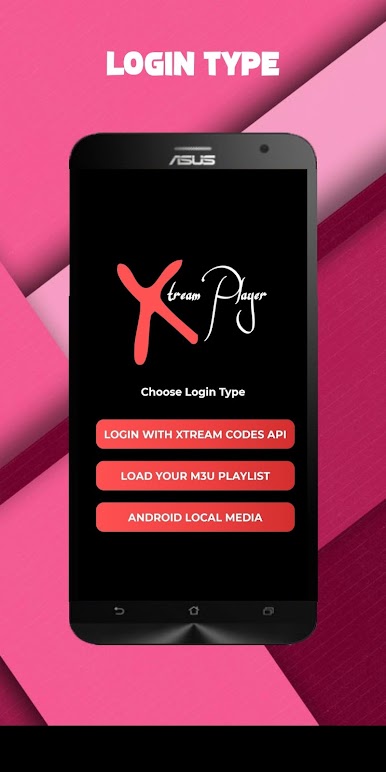
- Support M3u line
- Support Chrome Cast
- Multi User Support
- Parental Control Support
-Recording support
-External Player Support.
-Favorites Support
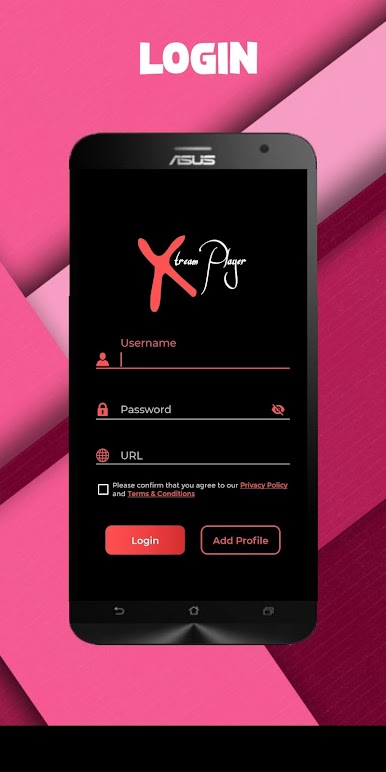
- Playlist Support (self Manage Support)
- Theme Support
-Multiple Language Support
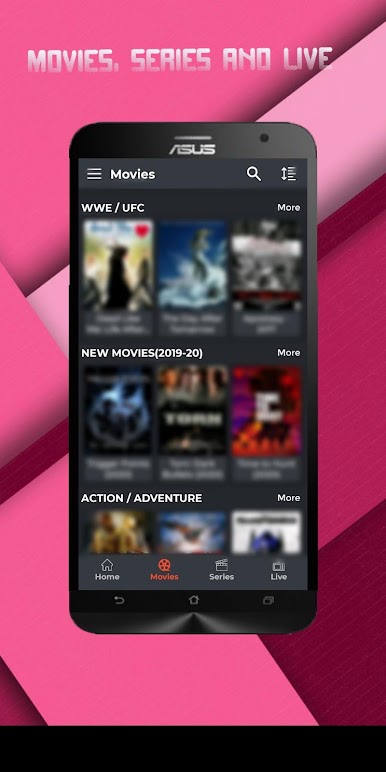
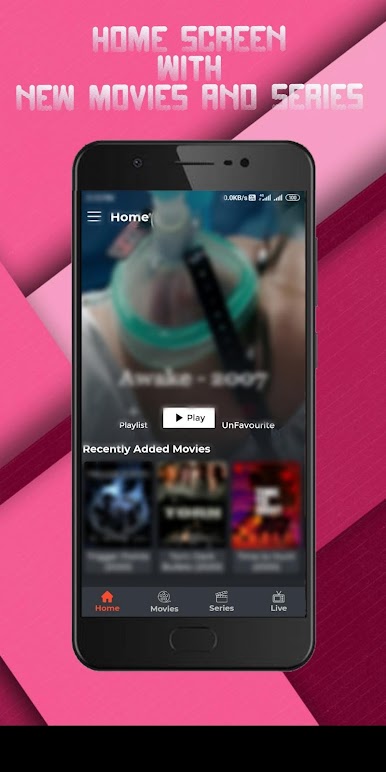
- One of the best features of this app is to get the content categorized into the group like Movies, Series, live, catch up separately.
- Search Functionality.
-Sorting Functionality (with Default A-Z, Z-A, Top-Added, Last Modified)
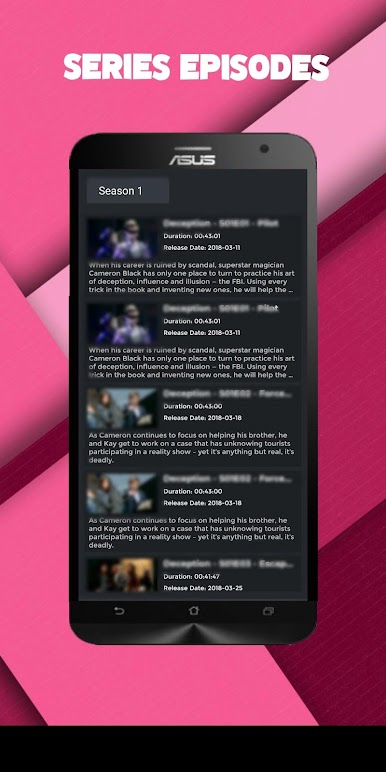
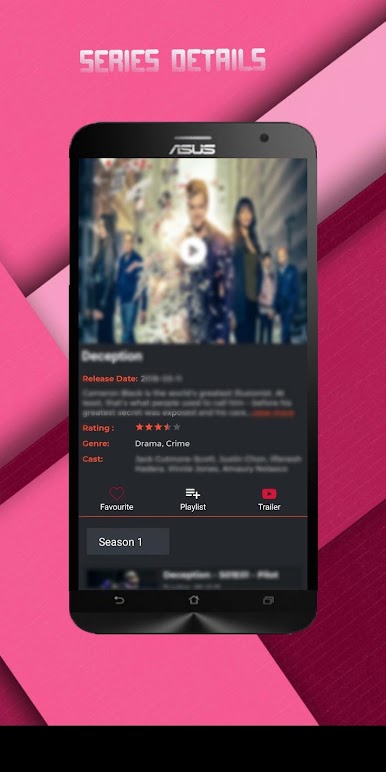
- Movies Info & Rating and other info.
- All standard Codec’s and Format are supported.
- Impressive & Attractive UI.
- Easy to use.
- Small in size.
-Fast, Reliable and Robust.
Warning
- Only support android device above 4.4 kitkat i.e start supporting lollipop
Disclaimer:
- IPTV Xtream Player does not supply or include any media or content
- Users must provide their own content
- IPTV Xtream Player has no affiliation with any third-party provider what so ever.
- We do not endorse the streaming of copyright-protected material without permission of the copyright holder.
Play Smart IPTV Xtream Player on PC. It’s easy to get started.
-
Download and install BlueStacks on your PC
-
Complete Google sign-in to access the Play Store, or do it later
-
Look for Smart IPTV Xtream Player in the search bar at the top right corner
-
Click to install Smart IPTV Xtream Player from the search results
-
Complete Google sign-in (if you skipped step 2) to install Smart IPTV Xtream Player
-
Click the Smart IPTV Xtream Player icon on the home screen to start playing

