


The Brain Game
Play on PC with BlueStacks – the Android Gaming Platform, trusted by 500M+ gamers.

Page Modified on: Sep 22, 2026
Play The Brain Game on PC or Mac
Step into the World of The Brain Game, a thrilling Puzzle game from the house of Beautiful Hidden Objects Games by Difference Games. Play this Android game on BlueStacks App Player and experience immersive gaming on PC or Mac.
About the Game
The Brain Game bundles a bunch of quick, satisfying challenges into one clean package. Whether you’ve got two minutes or twenty, there’s always something to poke at, solve, or sort out. It’s a flexible Puzzle collection from Beautiful Hidden Objects Games by Difference Games that’s great for casual play but sneaky-good for sharpening your skills, too.
Game Features
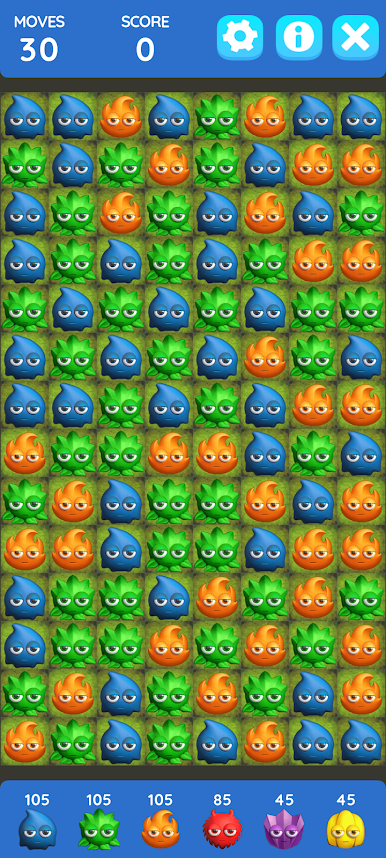
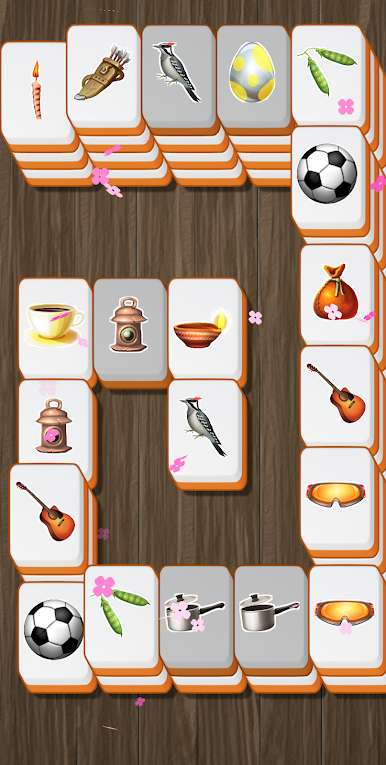
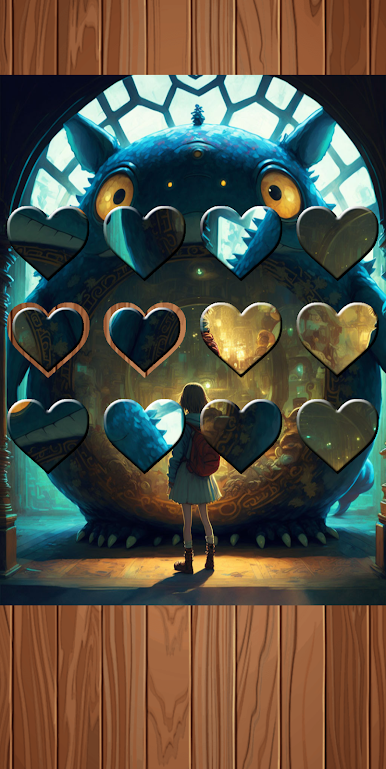
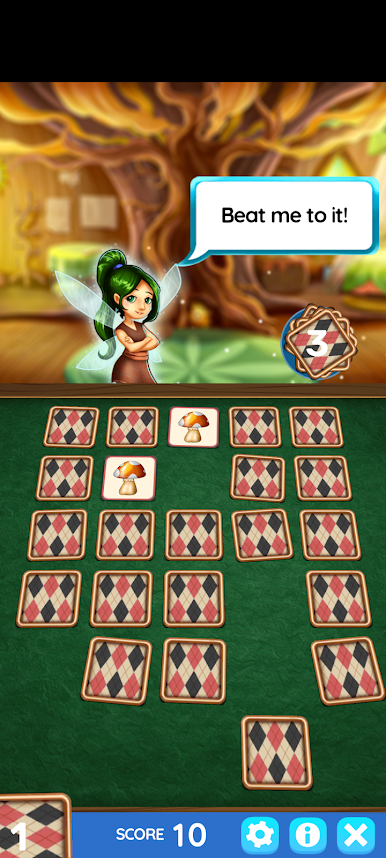
- Eight games, one place: Match 3, Hidden Object, Mahjong, Word Search, Jigsort, Color Filler, Tube Sort, and Pairs. Each mode flexes a different part of your brain, so boredom doesn’t stand a chance.
- Pick your pace: Bounce between modes whenever you want or live in your favorite—quick breaks or long sessions both feel right.
- Brain Points and Levels: Earn points as you play and watch your Brain Level climb. It’s a simple way to see progress without pressure.
- Daily Challenge + fun facts: A fresh test each day, paired with bite-size brain facts that are surprisingly interesting.
- Leaderboards and Achievements: Feeling competitive? Track how you stack up in Google Play Games leaderboards and chase achievements along the way.
- Bonus daily goodies: Keep at it to unlock extras like Word Jumble, a “Born on this Day” mini-quiz, Word of the Day, and country trivia.
- New Hidden Object scenes: An internet connection lets the game pull in fresh Hidden Object levels daily, so there’s always something new to spot.
- Plays great anywhere: Smooth on your phone or tablet, and easy to enjoy on PC with BlueStacks if you like a bigger screen and comfy controls.
Slay your opponents with your epic moves. Play it your way on BlueStacks and dominate the battlefield.


Play The Brain Game on PC. It’s easy to get started.
-
Download and install BlueStacks on your PC
-
Complete Google sign-in to access the Play Store, or do it later
-
Look for The Brain Game in the search bar at the top right corner
-
Click to install The Brain Game from the search results
-
Complete Google sign-in (if you skipped step 2) to install The Brain Game
-
Click the The Brain Game icon on the home screen to start playing

