


Air Ball
Play on PC with BlueStacks – the Android Gaming Platform, trusted by 500M+ gamers.

Page Modified on: Feb 23, 2026
Play Air Ball on PC
Features:
🎮 Easy one-touch controls — anyone can play!
⚽ Juggle the ball endlessly to get the highest score.
💰 Collect coins and receive bonus coins every 10 points.
🎨 Unlock character skins and background themes.
🔓 Future updates will bring new stages with different ball weights and bounce physics.
🏆 Compete with friends and improve your juggling skills.
Air Ball is designed for quick and fun gameplay sessions — perfect for when you have a few minutes to spare. Light, challenging, and endlessly replayable.
How long can you keep the ball in the air?
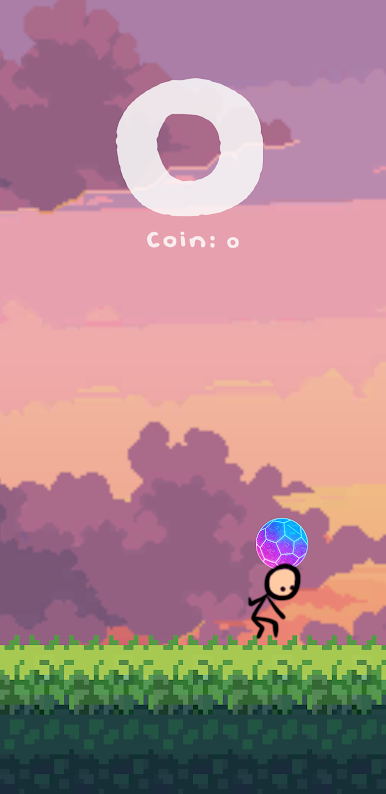

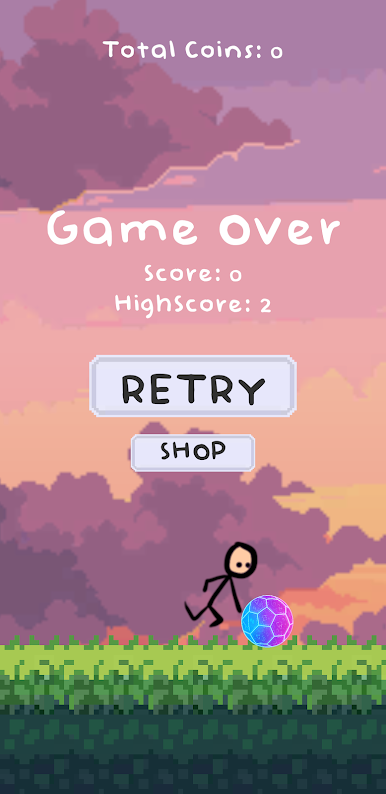
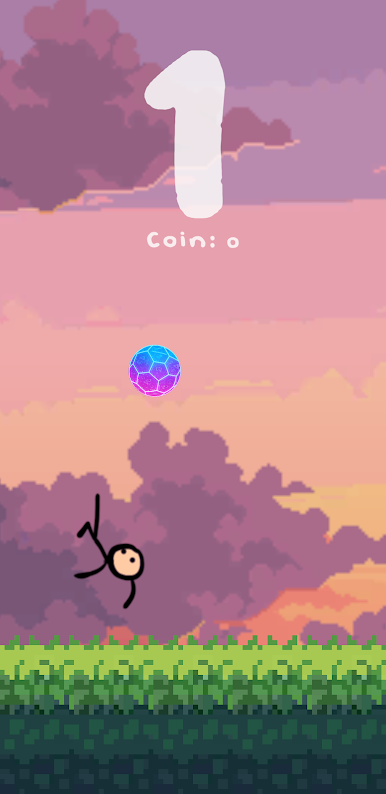
Play Air Ball on PC. It’s easy to get started.
-
Download and install BlueStacks on your PC
-
Complete Google sign-in to access the Play Store, or do it later
-
Look for Air Ball in the search bar at the top right corner
-
Click to install Air Ball from the search results
-
Complete Google sign-in (if you skipped step 2) to install Air Ball
-
Click the Air Ball icon on the home screen to start playing

