


Kali Linux Advanced: AI
Play on PC with BlueStacks – the Android Gaming Platform, trusted by 500M+ gamers.

Page Modified on: Aug 31, 2026
Play Kali Linux Advanced: AI on PC
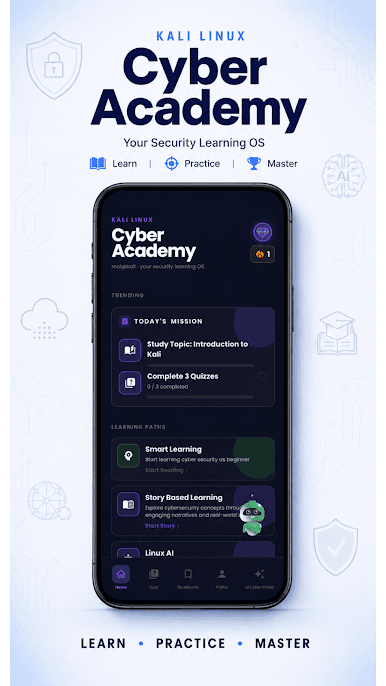
Join 100,000+ learners mastering cybersecurity, and penetration testing with the most comprehensive Kali Linux guide on Android — now supercharged with AI.
Whether you're studying for CEH, OSCP, or just starting your journey in network security and ethical hacking, this app gives you everything you need — in your pocket, at your own pace.
——————————————————
🚀 What you'll learn:
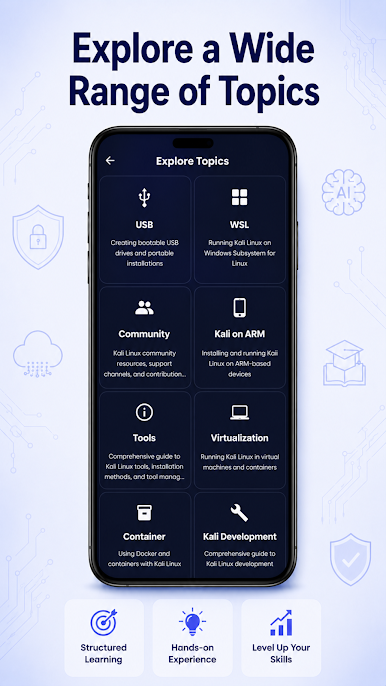
From basic setup to advanced tool usage and real-world lab scenarios — with real command-line examples and hands-on guidance across every major topic:
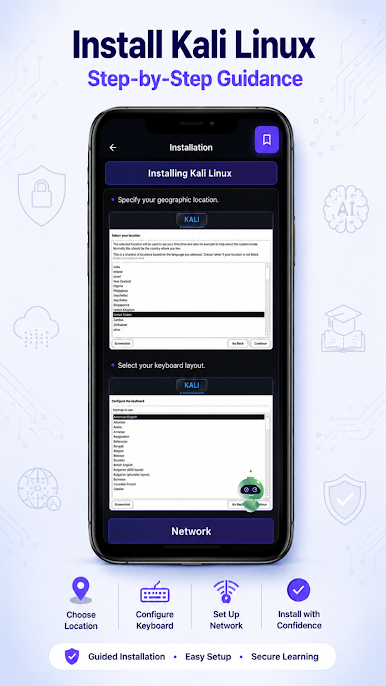
✅ Installation & setup
💻 Virtualization techniques
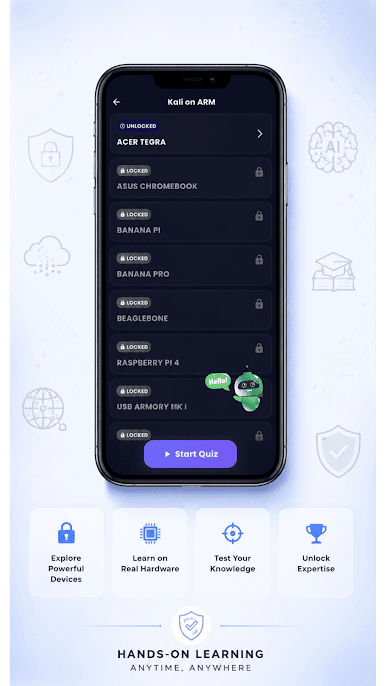
🔌 USB & ARM device configurations
🐳 Containers & Docker in Kali
🪟 Windows Subsystem for Linux (WSL)
☁️ Kali Linux on cloud platforms
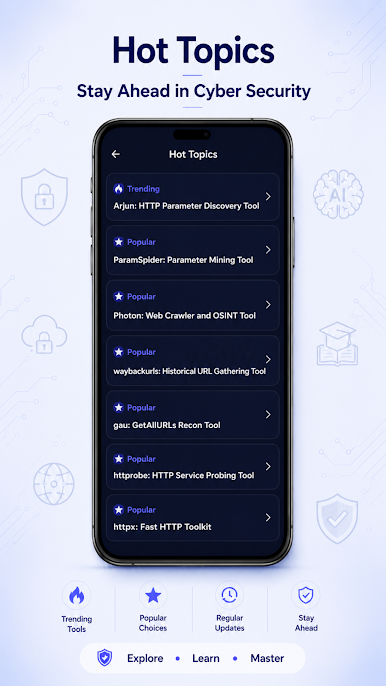
🧰 Deep dive into all Kali tools
👨💻 Scripting & Kali development
🌐 Community resources & support
——————————————————
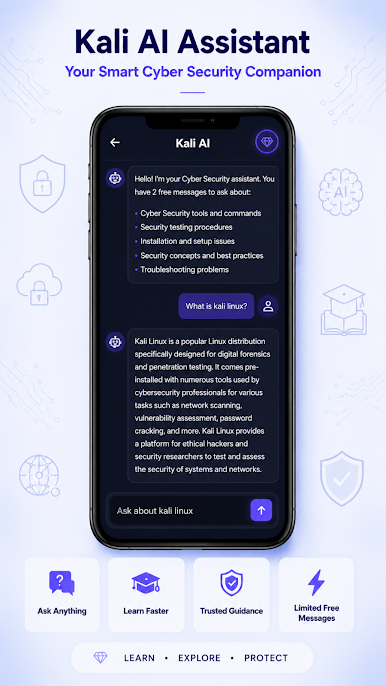
🤖 AI chat — ask anything, get instant answers:
Stuck on a command? Confused about a concept? Just ask.
Type "How do I run an Nmap scan on a subnet?" and get an instant, context-aware answer with examples — like having a cybersecurity tutor in your pocket.
——————————————————
🎯 Everything included, completely free:
📚 Full advanced Kali Linux curriculum — free
🧠 AI chat for real-time help & troubleshooting
✍️ Real code examples with expected output
📊 Quizzes after each section to test retention
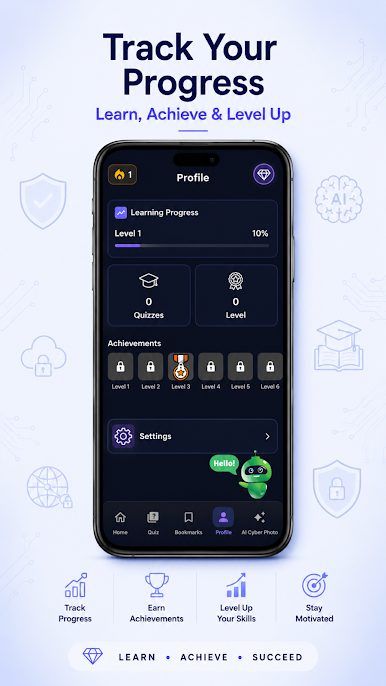
📈 Progress tracking with real-time scoring
🧭 Clean, distraction-free interface
🌍 Learn offline, anytime, anywhere
Whether you're a student, IT professional, or aspiring penetration tester — this is your complete, free path from beginner to advanced Kali Linux practitioner.
Download free and run your first Kali command in under 10 minutes. 🐧🔐
Play Kali Linux Advanced: AI on PC. It’s easy to get started.
-
Download and install BlueStacks on your PC
-
Complete Google sign-in to access the Play Store, or do it later
-
Look for Kali Linux Advanced: AI in the search bar at the top right corner
-
Click to install Kali Linux Advanced: AI from the search results
-
Complete Google sign-in (if you skipped step 2) to install Kali Linux Advanced: AI
-
Click the Kali Linux Advanced: AI icon on the home screen to start playing

