


Dartmoor Smart Counter
Play on PC with BlueStacks – the Android Gaming Platform, trusted by 500M+ gamers.

Page Modified on: Jun 22, 2026
Play Dartmoor Smart Counter on PC
Forest Shuffle™ - Dartmoor is a stand-alone game within the Forest Shuffle™ family.
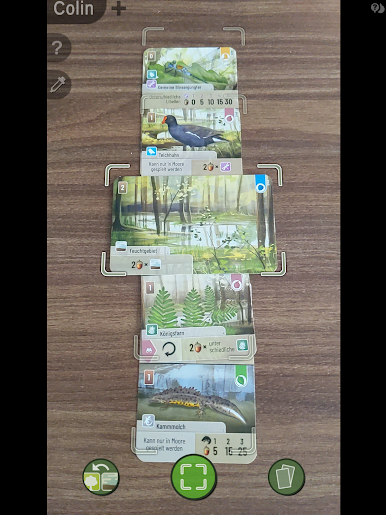
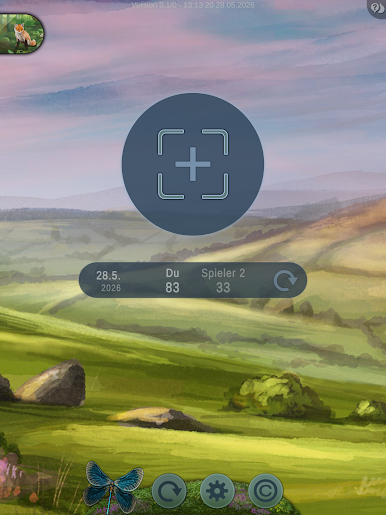
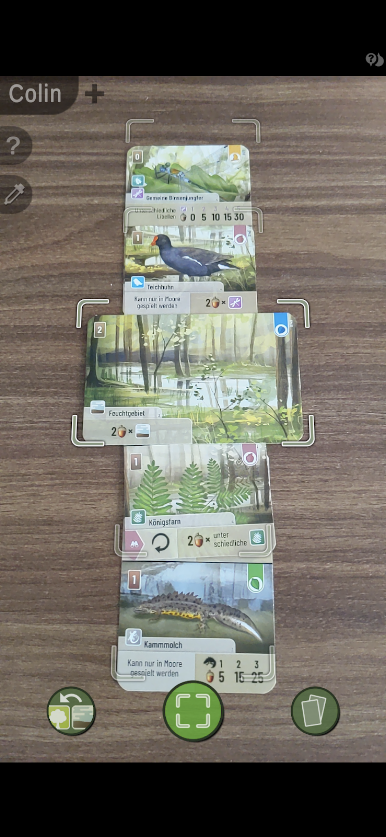
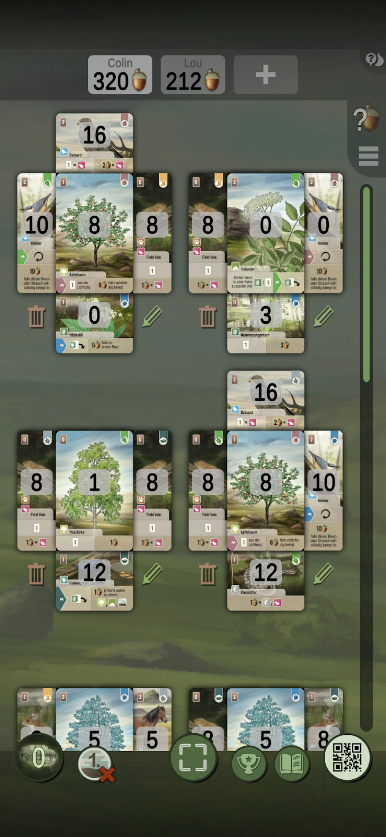
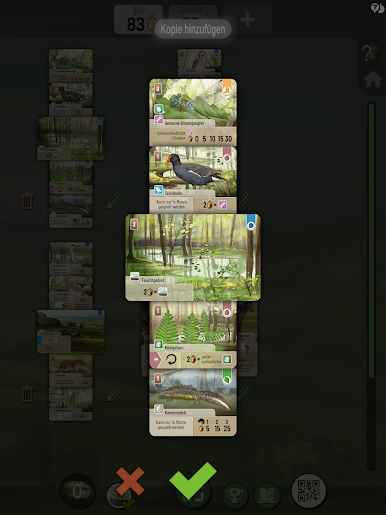
By scanning the cards on your table after a just finished game you can automate the scoring of your laid out cards.
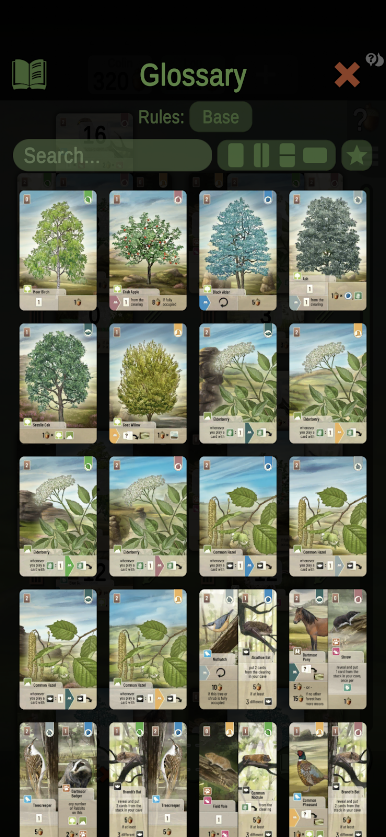
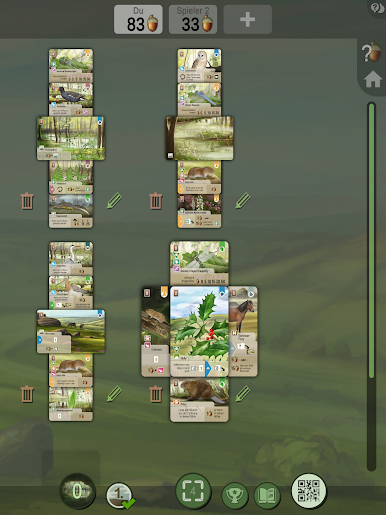
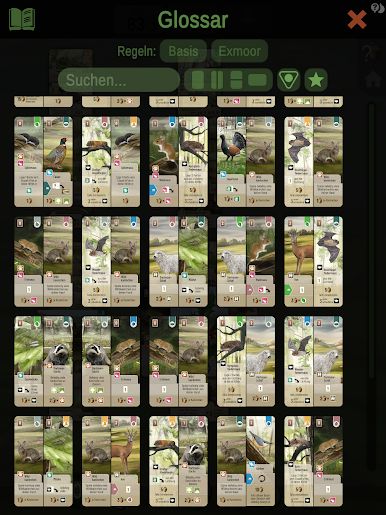
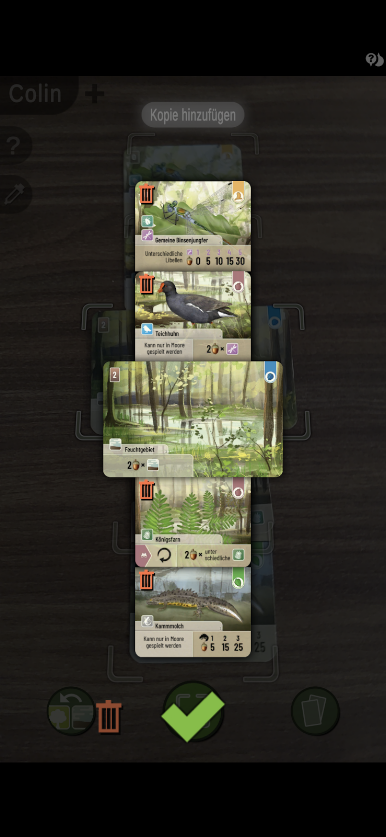
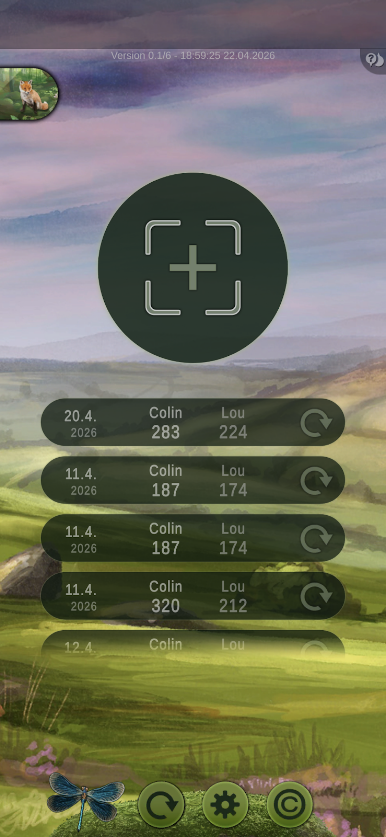
The App can handle up to 5 scan results per scoring process. The scanning process is comfortable and you can also fastly edit your scan results. It is possible to exchange the scan results by QR Code between your devises. Sessions can be stored and edited. There is also a complete glossary of cards available. As this app is free you definitely need to give it a try... you will be surprised how easy the scoring can get.
Forest Shuffle™ - Dartmoor Smart Counter Features:
- Scan trees/shrubs/terrains through the camera
- Count your score automatically
- Merge scans from multiple devices
- Share your results to social media
- Archive your previous sessions
- Quick access to the appendix
- English and German interface
- Scan is language independent
- Supports exclusively the version Forest Shuffle™ - Dartmoor
- Supports all Forest Shuffle™ - Dartmoor expansions/promos
Play Dartmoor Smart Counter on PC. It’s easy to get started.
-
Download and install BlueStacks on your PC
-
Complete Google sign-in to access the Play Store, or do it later
-
Look for Dartmoor Smart Counter in the search bar at the top right corner
-
Click to install Dartmoor Smart Counter from the search results
-
Complete Google sign-in (if you skipped step 2) to install Dartmoor Smart Counter
-
Click the Dartmoor Smart Counter icon on the home screen to start playing

