


Stockpile
Play on PC with BlueStacks – the Android Gaming Platform, trusted by 500M+ gamers.

Page Modified on: Dec 16, 2024
Play Stockpile on PC or Mac
Step into the World of Stockpile, a thrilling Board game from the house of DIGIDICED. Play this Android game on BlueStacks App Player and experience immersive gaming on PC or Mac.
About the Game
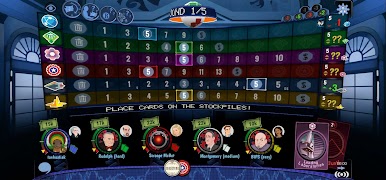
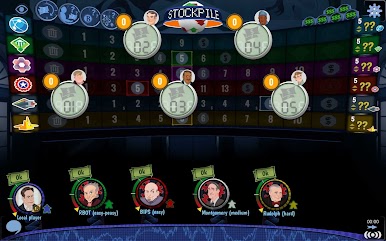
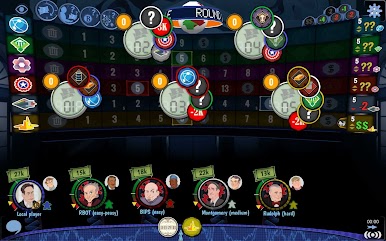
Ever wondered what it would feel like to ride the ups and downs of the stock market but without the real-world risk? Stockpile from DIGIDICED lets you play as a would-be investor in the bustling days of the late 20th century. It’s all about outsmarting rivals, predicting market swings, and deciding when to hold or sell—think “buy low, sell high,” but with a clever twist. Whether you want a quick game or a longer strategic battle, Stockpile is packed with decisions that’ll keep you on your toes.
Game Features
-
Insider Info & Hidden Knowledge
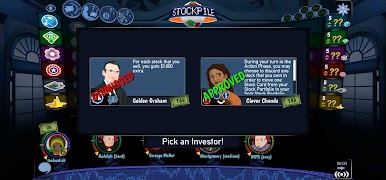
Everybody knows a little, but not everything. Use secret tips to your advantage, but remember—you’re not the only one with special info. -
Stock Market Drama
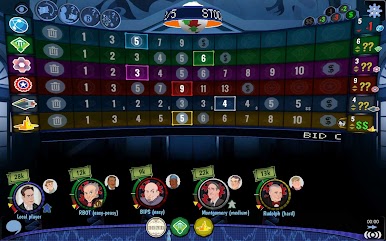
Make split-second calls: stick with your stocks for possible big rewards, or sell now to play it safe? Bankruptcy, splits, and unpredictable events will keep you guessing. -
Modular Expansions Included
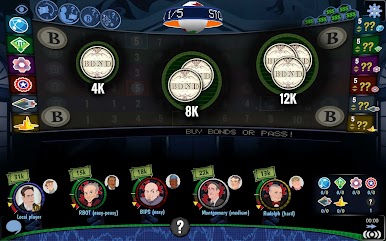
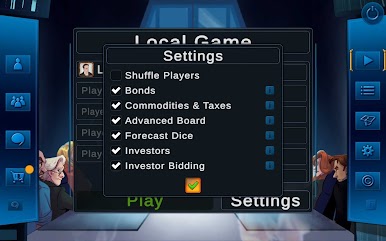
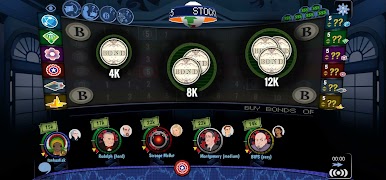
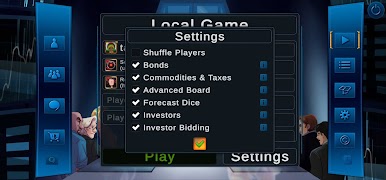
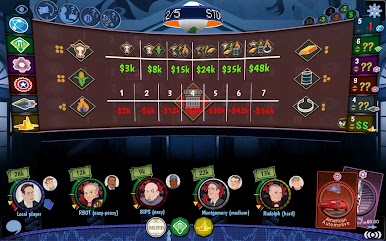
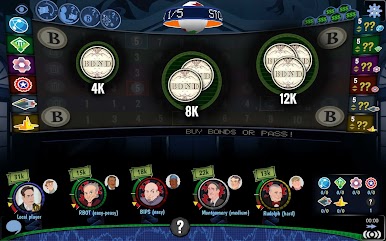
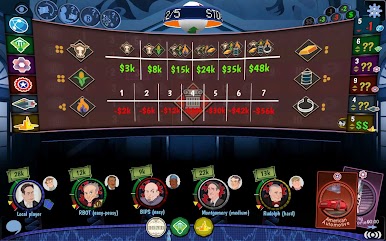
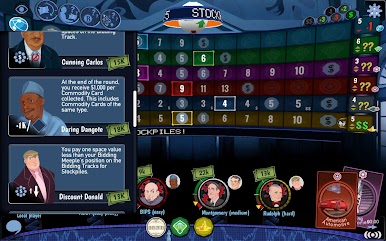
The Continuing Corruption expansion adds even more depth. Try out the Forecast Dice for a market that’s always changing, invest in Bonds for steady returns, collect Commodities for bonuses, and strategize with six new investors, each offering a unique playstyle. -
Mix-and-Match Rules
Jump between six optional rulesets for tons of variety. No two games play exactly the same, so there’s always a new angle to test out. -
Play How You Like
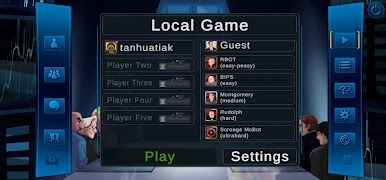
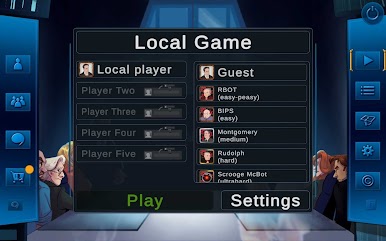
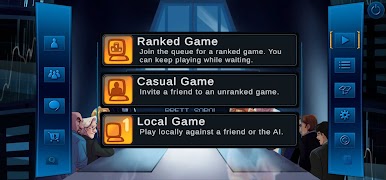
Choose between live ranked games, relaxed casual matches, or even play solo against clever AI at three difficulty levels. Friends or strangers—everyone’s welcome. -
Easy Onboarding
A built-in tutorial lays out the rules so you’re up and running fast, whether you’re a board game newbie or a trading tycoon. -
Go Cross-Platform
Play with others on different devices—no need to stick to just one platform. If you’re gaming on PC, Stockpile works great on BlueStacks. -
Asynchronous Play & Notifications
Need to step away? Pick up where you left off thanks to turn-based matches and helpful reminders. -
Custom Avatars & Collection
Show off with ten new avatars, add them to your DIGIDICED collection, and put a little personality on your portfolio. -
Multilingual Support
Enjoy the game in English, German, French, Spanish, Korean, Chinese (simplified), Japanese, Russian, or Italian.
Ready to top the leaderboard? We bet you do. Let precise controls and sharp visuals optimized on BlueStacks lead you to victory.


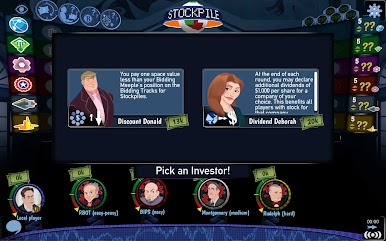
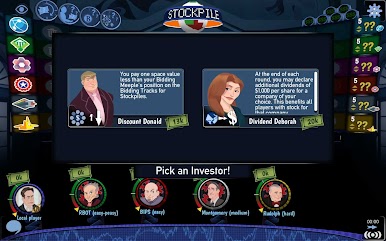
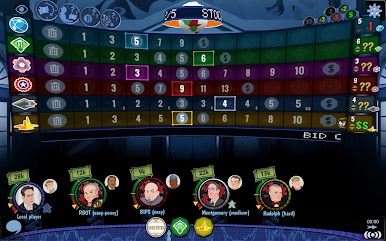

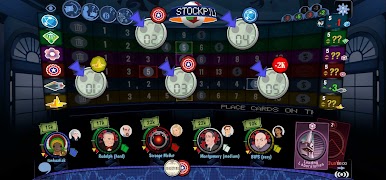


Play Stockpile on PC. It’s easy to get started.
-
Download and install BlueStacks on your PC
-
Complete Google sign-in to access the Play Store, or do it later
-
Look for Stockpile in the search bar at the top right corner
-
Click to install Stockpile from the search results
-
Complete Google sign-in (if you skipped step 2) to install Stockpile
-
Click the Stockpile icon on the home screen to start playing

