


IPTV Stream Player : Watch TV
Play on PC with BlueStacks – the Android Gaming Platform, trusted by 500M+ gamers.

Page Modified on: Apr 9, 2025
Overview
IPTV Stream Player comes with powerful built in video player
IPTV Stream Player : Features:
- Supports major video formats
- Cast to any device (Android TV, Smart TV, Fire TV)
- 4K Content supports
- Subtitle and Dual Audio
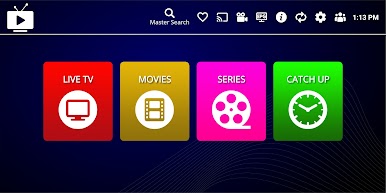
- Global Search (Movies, Series, Live)
- Global favourites
- Recent Playlist
- Live Recording
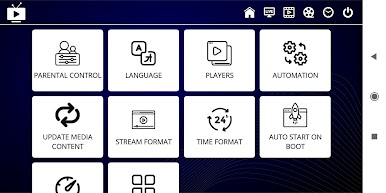
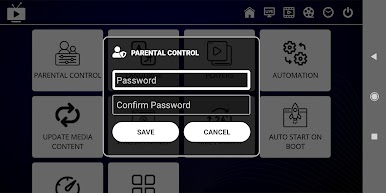
- Parental Control
- Hide Content
- Multiple Language Supports
- Speed Test
IMPORTANT
The Official IPTV Stream Player : does not contain any media content.
This app is a video player like other video player
NOTES:
- We are not promote or offer any copyrighted content.
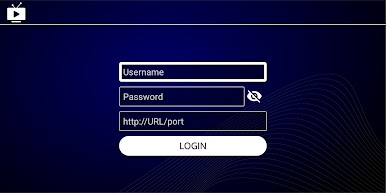
- User have to add their own content.
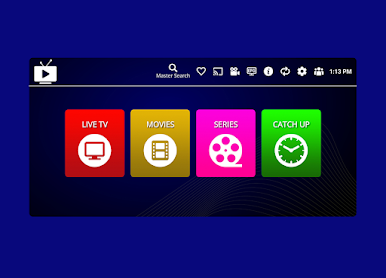
- Screenshots shown on this page are provided as example only.
- We don't sell any kind of copyright content.
- We don't endorse the streaming of copyright content
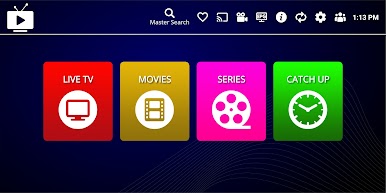
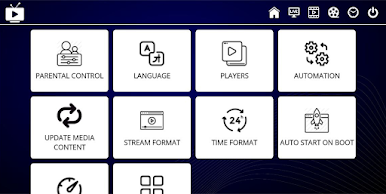
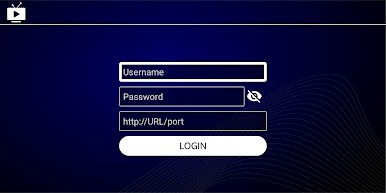
Play IPTV Stream Player : Watch TV on PC. It’s easy to get started.
-
Download and install BlueStacks on your PC
-
Complete Google sign-in to access the Play Store, or do it later
-
Look for IPTV Stream Player : Watch TV in the search bar at the top right corner
-
Click to install IPTV Stream Player : Watch TV from the search results
-
Complete Google sign-in (if you skipped step 2) to install IPTV Stream Player : Watch TV
-
Click the IPTV Stream Player : Watch TV icon on the home screen to start playing

