


La Biblia de las Américas LBLA
Play on PC with BlueStacks – the Android Gaming Platform, trusted by 500M+ gamers.

Page Modified on: Aug 17, 2025
Play La Biblia de las Américas LBLA on PC
With it you will enjoy the freshness of Biblical texts that never lose their validity; and also take advantage of the following features:
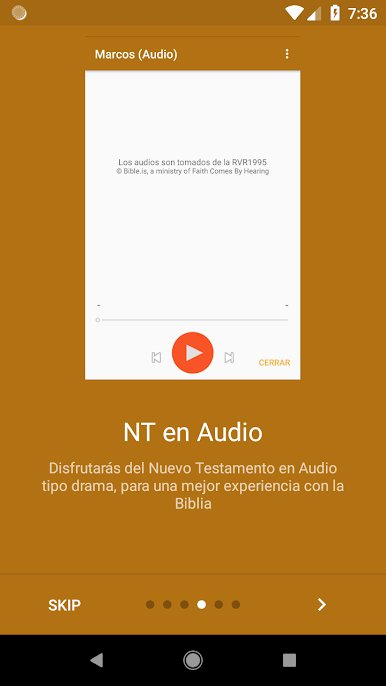
- New Testament Audio (RVR1995 - Copyright © Bible.is, a ministry of Faith Comes By Hearing)
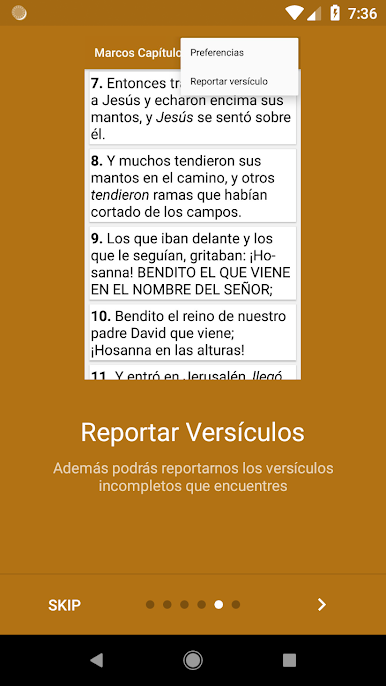
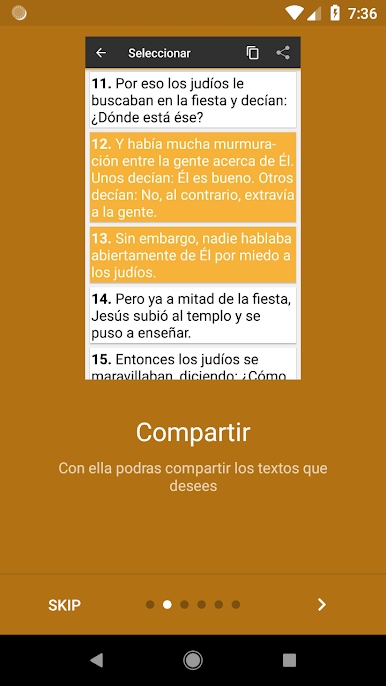
- Share multiple verses
- Copy verses to clipboard
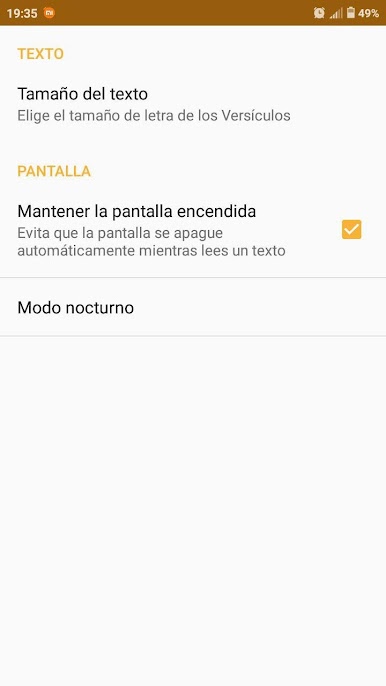
- Change the text size
- Decide if the screen will automatically turn off or will remain always on while reading a text
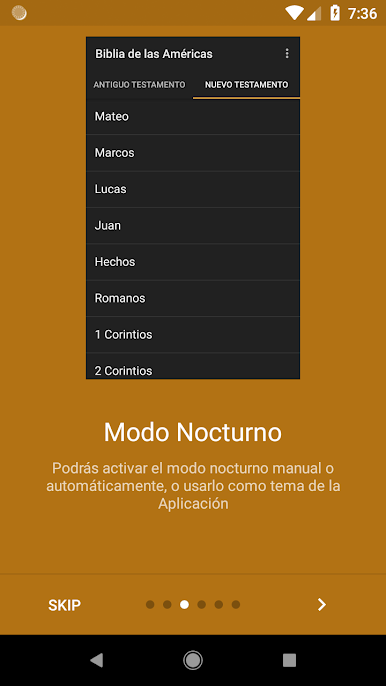
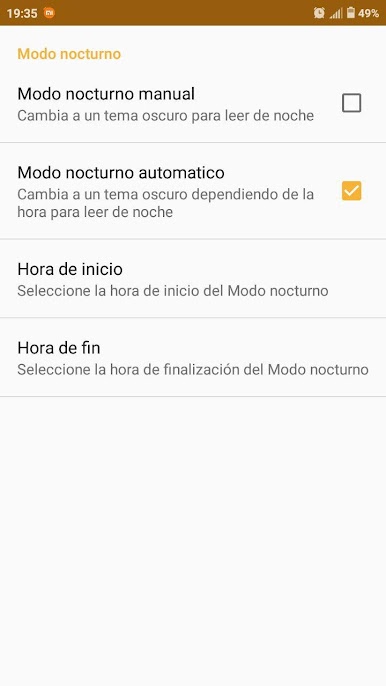
- Night mode, so you continue reading the Word of God in the night; You can activate it manually, or select the time window in which you want this enabled
But not only that, but new features that make your interaction with the Word of God be ever better approach.

Play La Biblia de las Américas LBLA on PC. It’s easy to get started.
-
Download and install BlueStacks on your PC
-
Complete Google sign-in to access the Play Store, or do it later
-
Look for La Biblia de las Américas LBLA in the search bar at the top right corner
-
Click to install La Biblia de las Américas LBLA from the search results
-
Complete Google sign-in (if you skipped step 2) to install La Biblia de las Américas LBLA
-
Click the La Biblia de las Américas LBLA icon on the home screen to start playing

