


Dino - Meet New Friends
Play on PC with BlueStacks – the Android Gaming Platform, trusted by 500M+ gamers.

Page Modified on: Mar 5, 2026
Main Dino - Meet New Friends on PC
Come to Dino to experience the unique features below! ~
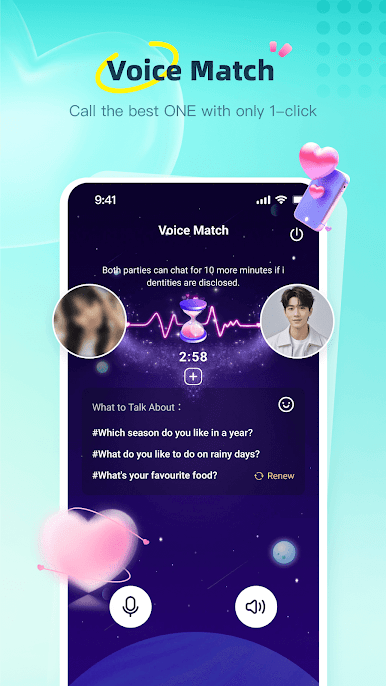
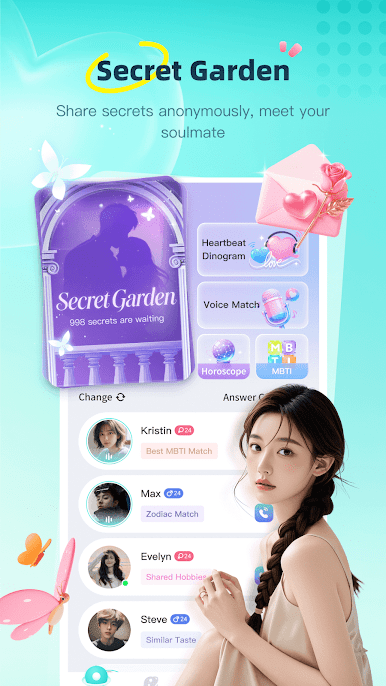
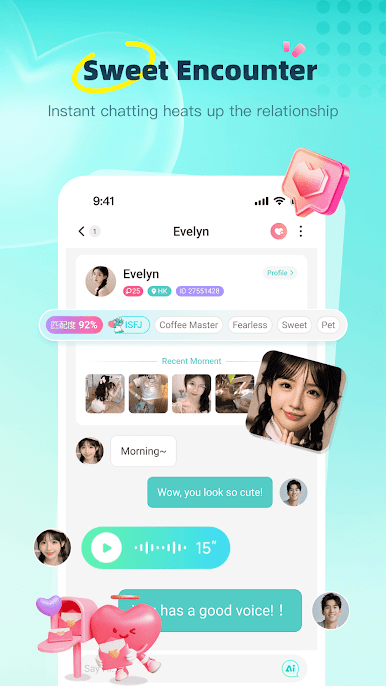
1. Heartbeat Dinogram: Match with the mysterious him or her in real time and start a journey full of romance and encounters.
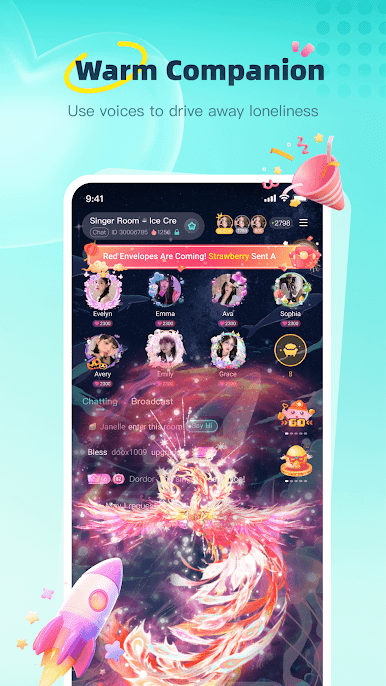
2. Warm Companionship: A lot of of nice sounding hosts are always online to accompany you.
3. Voice Chat Party: All day non-stop real-time voice rooms, say goodbye to boredom from now on.
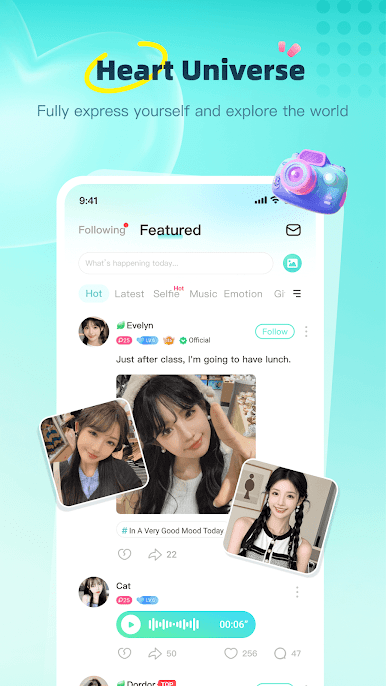
4. Moments: A large number of real users will share their wonderful life everyday.
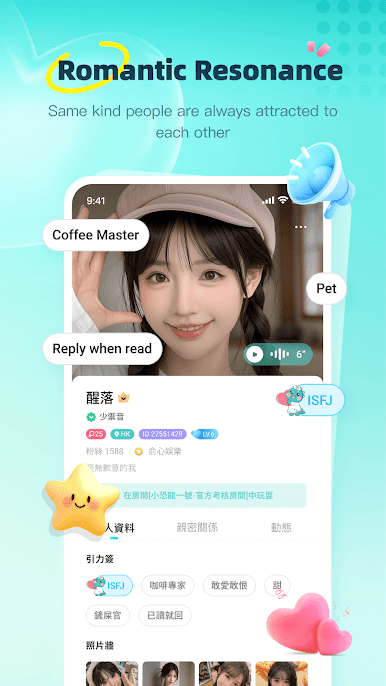
5. Accurate Matching: Through MBTI, horoscope, personal tags, photo wall, etc., you can accurately find him or her that you are interested in.
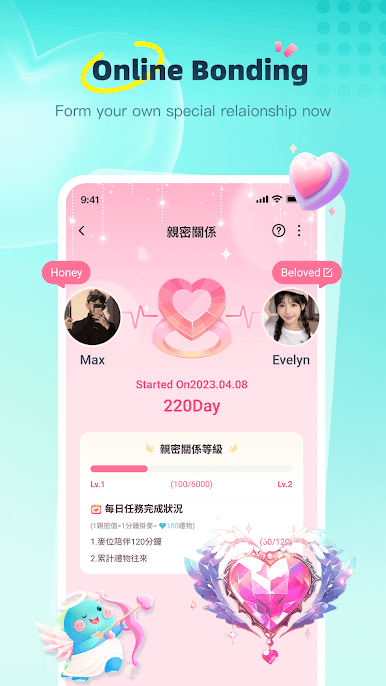
6. Intimate Relationships: CP, brother, besties, sister, master and disciple... Establish and define your exclusive relationship!
Download Dino now and start your voice socialization journey.
Contact Dino Official for more information: dinoapp2021@gmail.com
Play Dino - Meet New Friends on PC. It’s easy to get started.
-
Download and install BlueStacks on your PC
-
Complete Google sign-in to access the Play Store, or do it later
-
Look for Dino - Meet New Friends in the search bar at the top right corner
-
Click to install Dino - Meet New Friends from the search results
-
Complete Google sign-in (if you skipped step 2) to install Dino - Meet New Friends
-
Click the Dino - Meet New Friends icon on the home screen to start playing

