


Solitaire: Classic Card Games
Play on PC with BlueStacks – the Android Gaming Platform, trusted by 500M+ gamers.

Page Modified on: Mar 14, 2024
Play Solitaire: Classic Card Games on PC
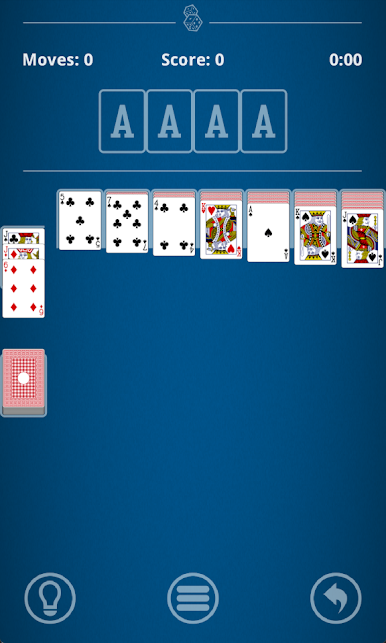
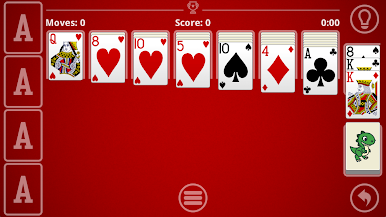
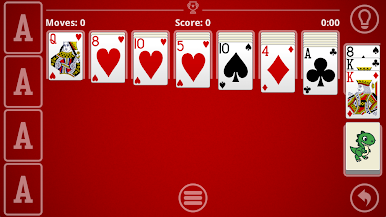
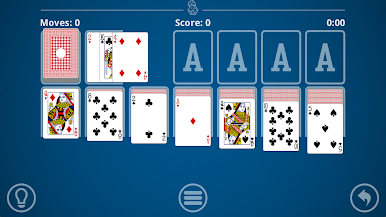
Rediscover the timeless joy of Solitaire, also known as Klondike or Patience, with our expertly crafted mobile version. Designed to provide the ultimate solitaire experience on your smartphone or tablet, our game combines the beloved mechanics of the classic card game with intuitive controls and stunning visuals.
Our unique and innovative ghost card movement system seamlessly guides you through effortless card transitions, allowing you to move columns with unparalleled ease. Once you experience this smooth and satisfying gameplay, you'll never want to play solitaire any other way.
Key Features:
♠ Authentic Solitaire Gameplay: Immerse yourself in the classic rules and mechanics that have captivated generations of players.
♠ Intuitive Controls: Enjoy a seamless and user-friendly experience tailored for touchscreen devices.
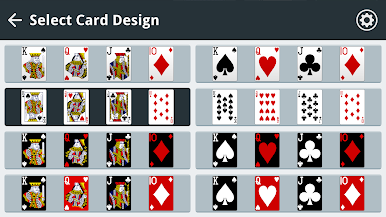
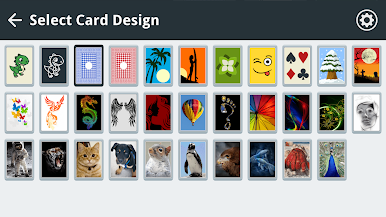
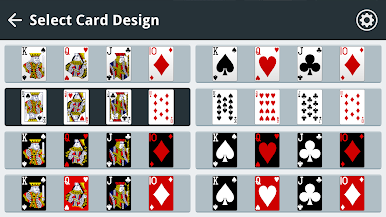
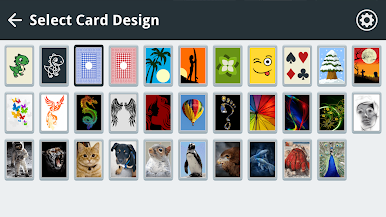
♠ Stunning Graphics: Indulge in beautifully rendered cards and a visually appealing interface.
♠ Relaxing Atmosphere: Unwind and de-stress with the calming ambiance of our solitaire environment.
♠ Endless Replayability: Embark on a new challenge with every deal, keeping the gameplay fresh and engaging.
♠ Undo and Hint System: Never get stuck with our intuitive undo and hint features.
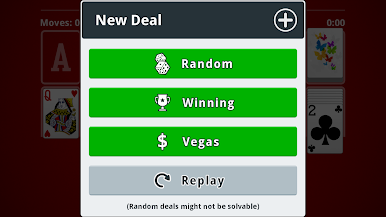
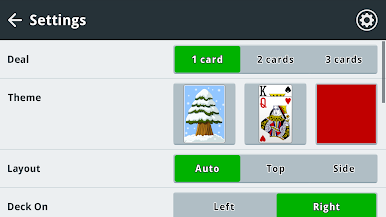
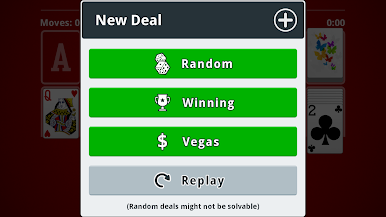
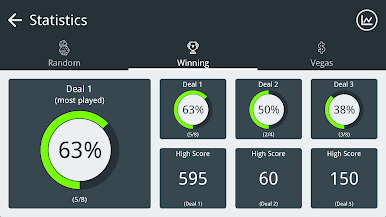
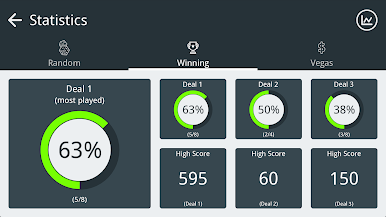
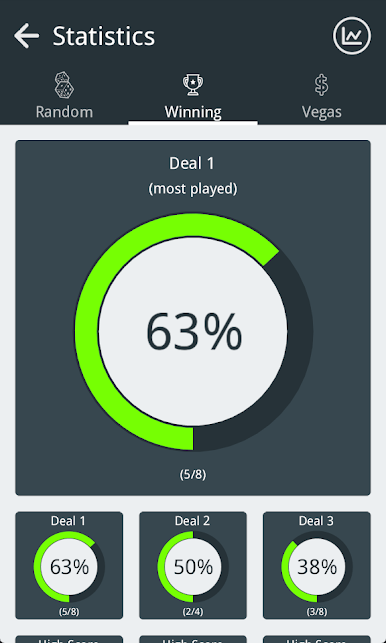
♠ Play Random, Vegas, or Winning (solvable) solitaire deals.
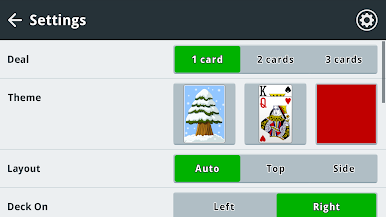
♠ Draw 1, 2, or 3 cards to set the level of difficulty as you prefer.
♠ Winning animations.
Whether you're a seasoned solitaire player or a newcomer to the game, our mobile app offers an unparalleled experience. Download now and rediscover the timeless joys of this classic card game, perfected for your mobile device.
Get in touch:
You can help to make Solitaire (Klondike) even better by reporting any issues to our 5★ support team at support@dinobytestudios.com who will be happy to help.
Please also rate Solitaire in the app store, your feedback is really important to us!
You can also follow us on X (formerly known as Twitter) at https://twitter.com/dinobytestudios where we will be posting updates and details of what we're currently working on.
Thanks for all the great feedback so far!

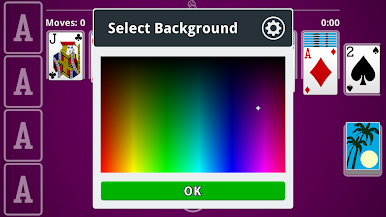
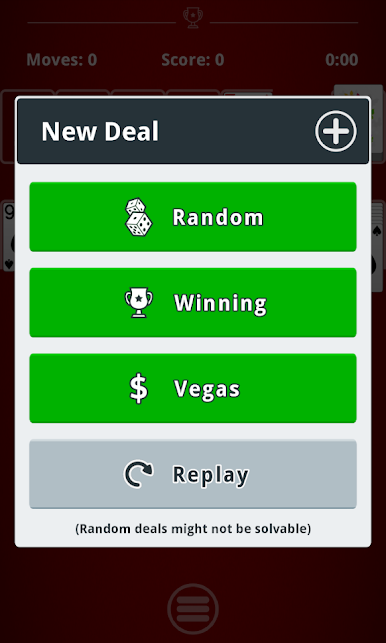
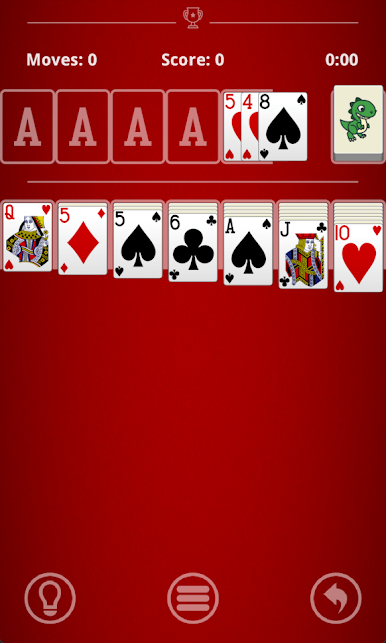
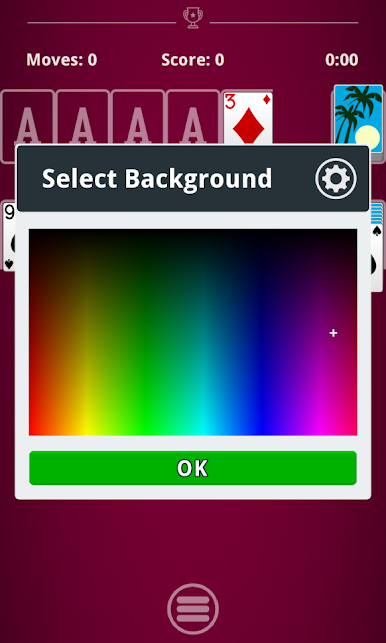
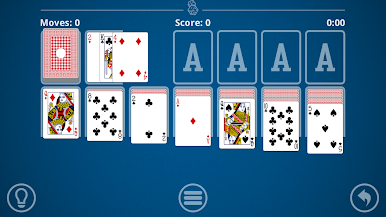
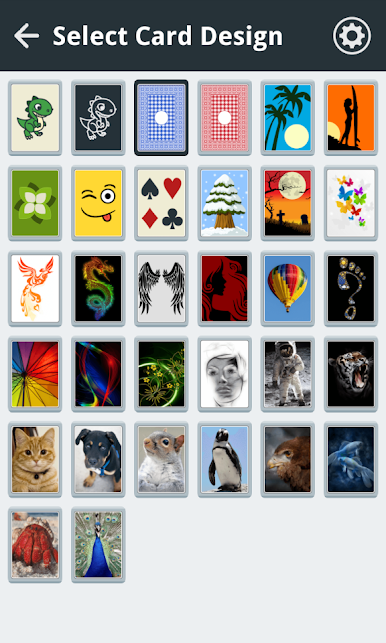
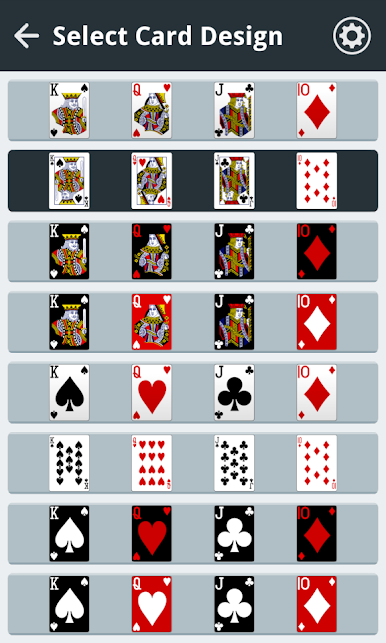
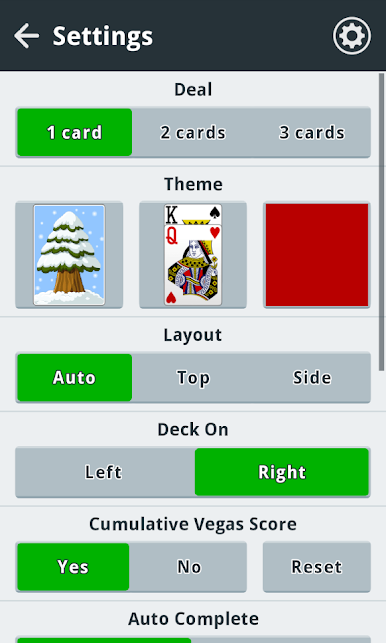
Play Solitaire: Classic Card Games on PC. It’s easy to get started.
-
Download and install BlueStacks on your PC
-
Complete Google sign-in to access the Play Store, or do it later
-
Look for Solitaire: Classic Card Games in the search bar at the top right corner
-
Click to install Solitaire: Classic Card Games from the search results
-
Complete Google sign-in (if you skipped step 2) to install Solitaire: Classic Card Games
-
Click the Solitaire: Classic Card Games icon on the home screen to start playing

