


Endless ATC Lite
Play on PC with BlueStacks – the Android Gaming Platform, trusted by 500M+ gamers.

Page Modified on: Aug 1, 2026
Main Endless ATC Lite on PC
Features
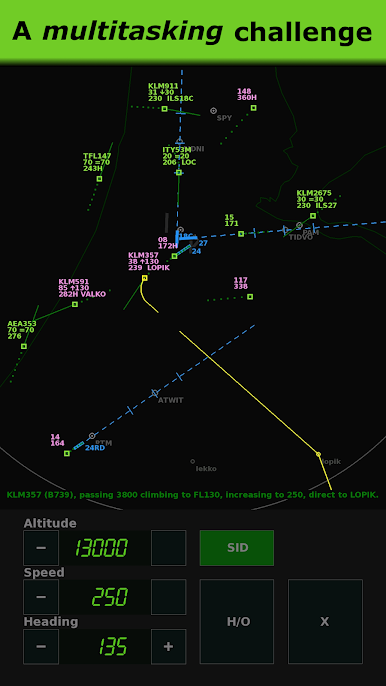
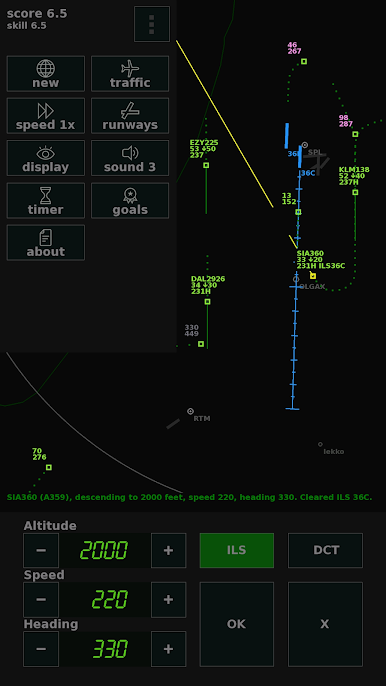
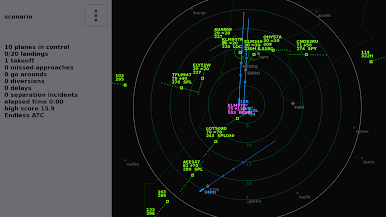
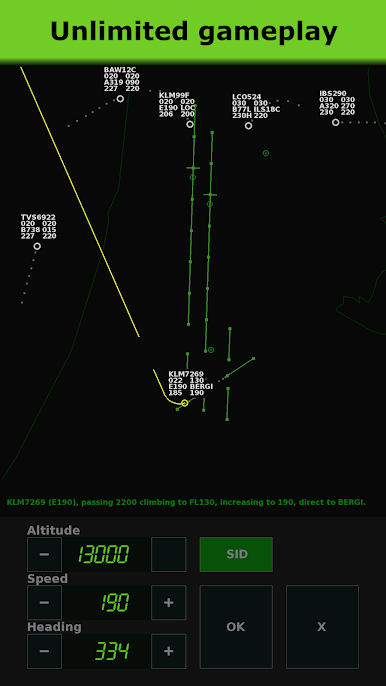
• Unlimited amount of planes, multiple runways,
• Realistic plane behavior and pilot voices,
• Amount of traffic adapts to your skill level,
• Customizable traffic flows and scenario mode,
• Automatic save function; resume where you left off,
• No internet connection required,
• No ads.
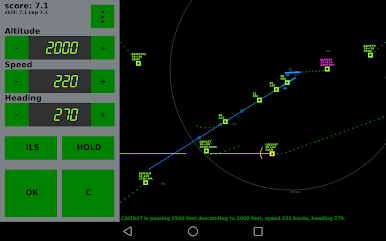
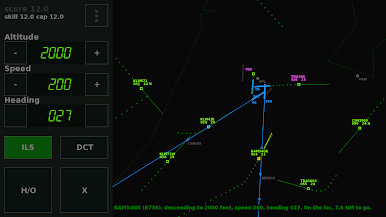
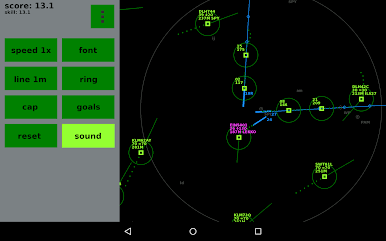
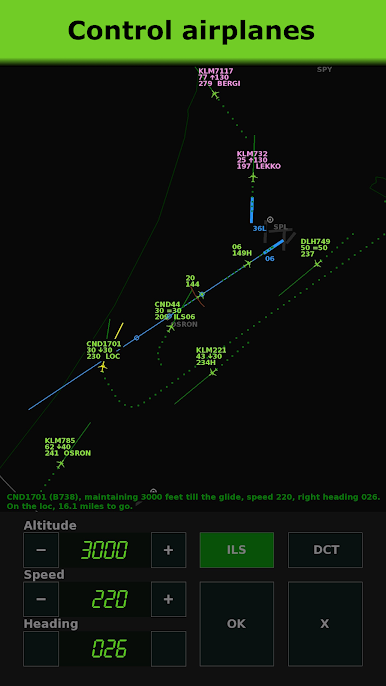
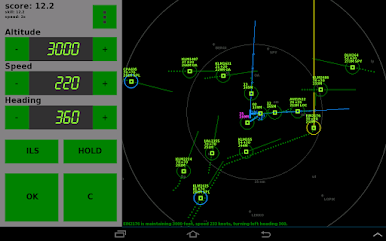
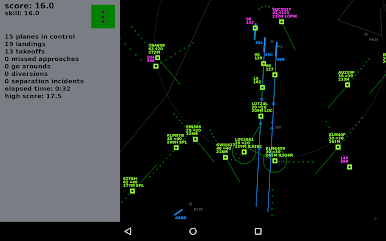
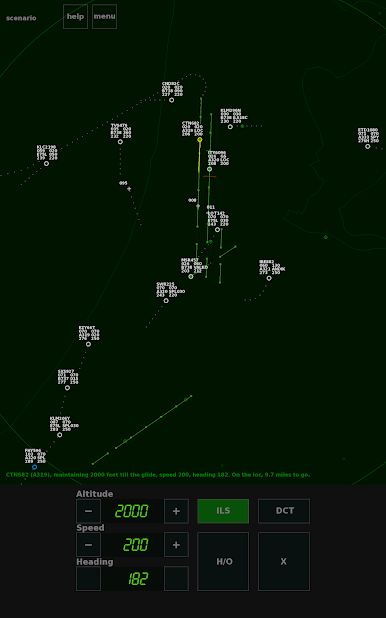
The game is minimalistic, yet realistic. The radar screen may look complicated at first, so there are instructions in-game to point you in the right direction. The game is in English only.
This is the Lite version of Endless ATC, which includes one airport. For more airports and options, check out the full version of Endless ATC.

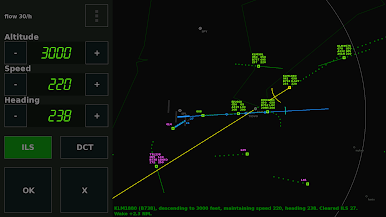
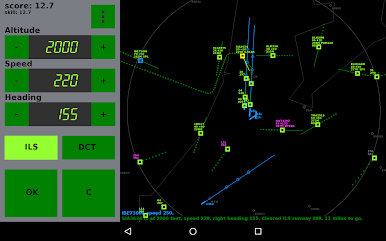
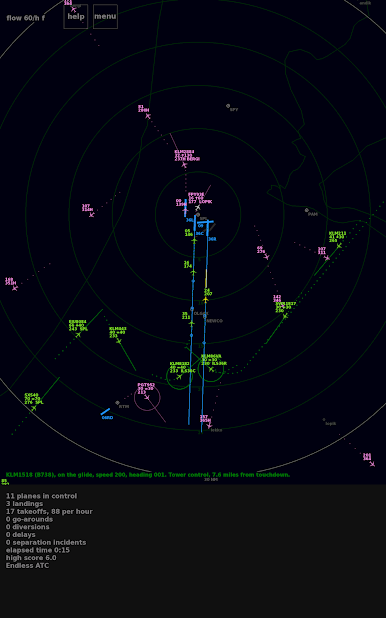
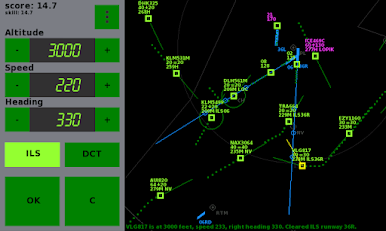
Play Endless ATC Lite on PC. It’s easy to get started.
-
Download and install BlueStacks on your PC
-
Complete Google sign-in to access the Play Store, or do it later
-
Look for Endless ATC Lite in the search bar at the top right corner
-
Click to install Endless ATC Lite from the search results
-
Complete Google sign-in (if you skipped step 2) to install Endless ATC Lite
-
Click the Endless ATC Lite icon on the home screen to start playing

