


Otto: Word Puzzle
Play on PC with BlueStacks – the Android Gaming Platform, trusted by 500M+ gamers.

Page Modified on: Aug 31, 2026
Play Otto: Word Puzzle on PC
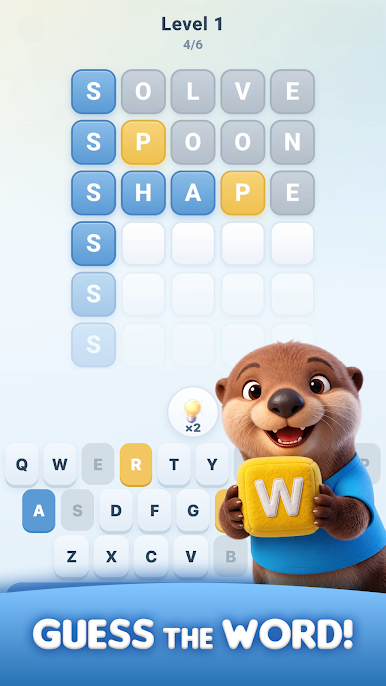
Guess the hidden word in a limited number of tries. Use color clues to find letters in the correct position, track letters that belong elsewhere, and solve each stage before you run out of chances.
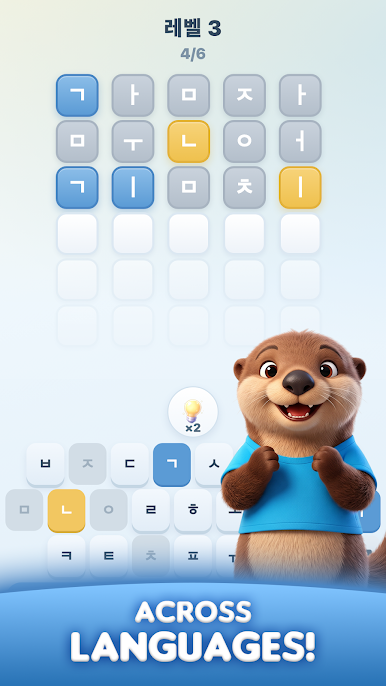
Progress through 200 stage-based puzzles with separate English and Korean word sets. Take on the Daily Word, use helpful items when a puzzle gets tricky, earn rewards from treasure chests, and build a collection of charming character cards.
Features:
- Quick and easy-to-learn word puzzles
- English and Korean gameplay
- 200 stage-based challenges
- Daily Word challenges
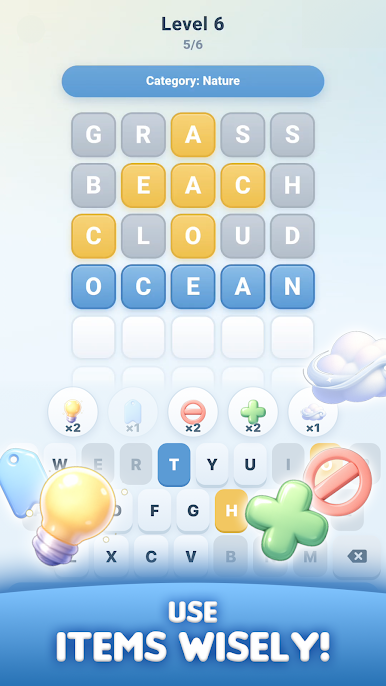
- Helpful hint items
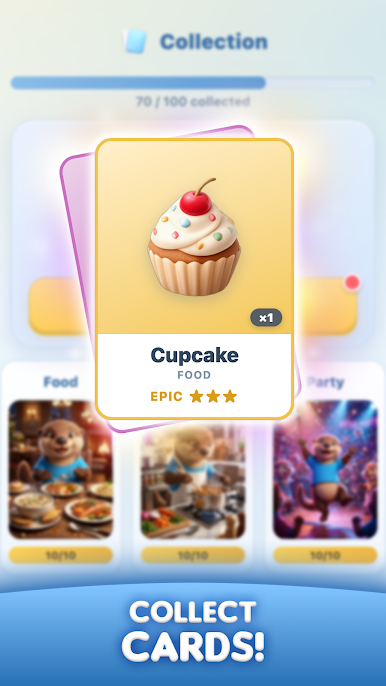
- Collectible character cards and rewards
Think carefully, find the word, and continue Otto's puzzle journey!


Play Otto: Word Puzzle on PC. It’s easy to get started.
-
Download and install BlueStacks on your PC
-
Complete Google sign-in to access the Play Store, or do it later
-
Look for Otto: Word Puzzle in the search bar at the top right corner
-
Click to install Otto: Word Puzzle from the search results
-
Complete Google sign-in (if you skipped step 2) to install Otto: Word Puzzle
-
Click the Otto: Word Puzzle icon on the home screen to start playing

