


Beauty and the Beast
Play on PC with BlueStacks – the Android Gaming Platform, trusted by 500M+ gamers.

Page Modified on: May 21, 2022
Overview
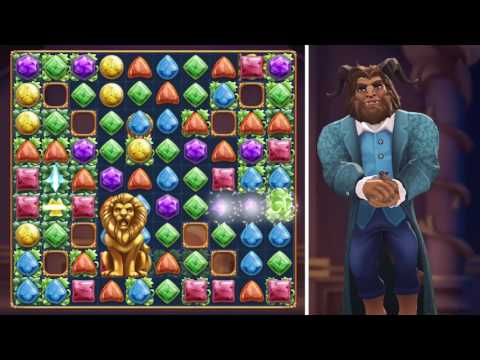
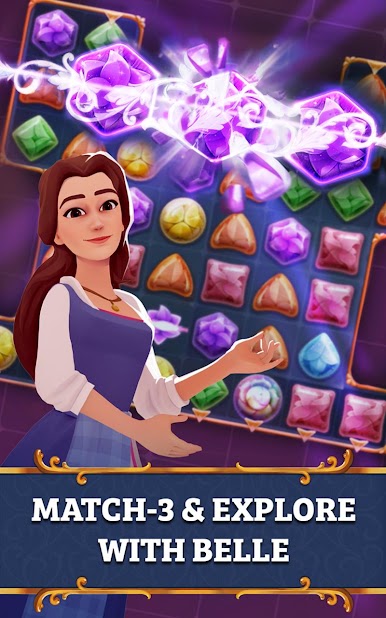
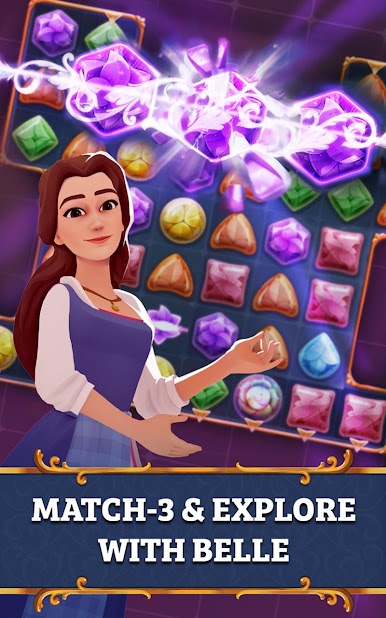
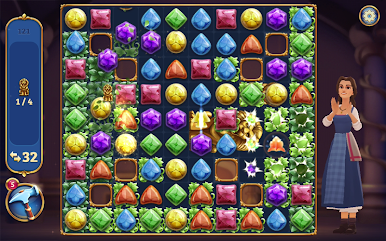
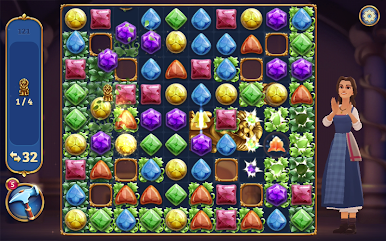
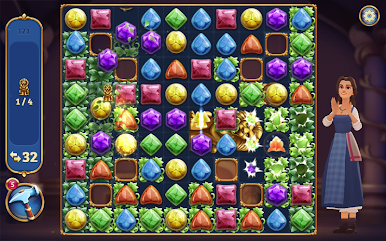
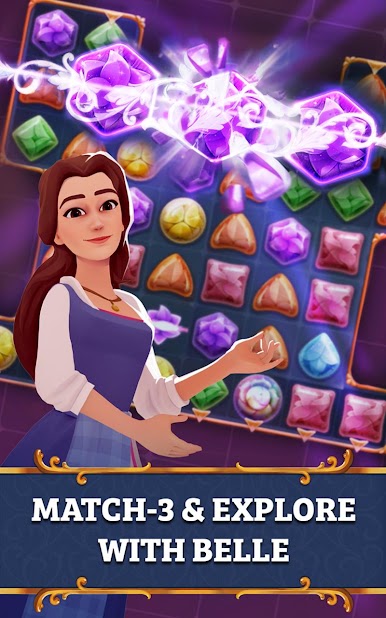
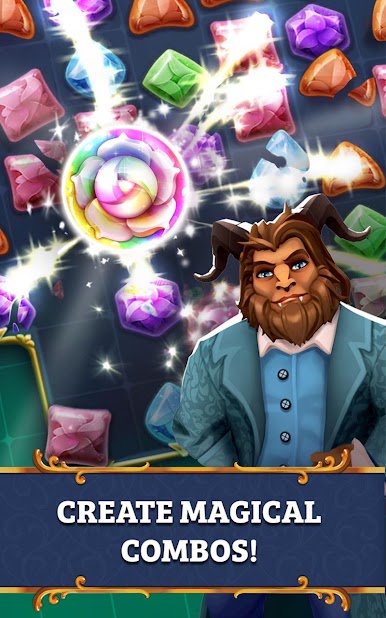
• Put your matches to the test! Solve magical match-3 puzzles alongside Belle and the Beast
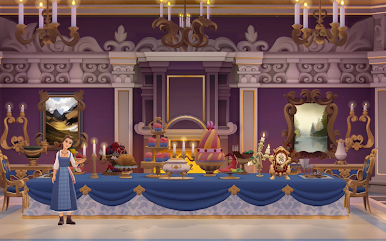
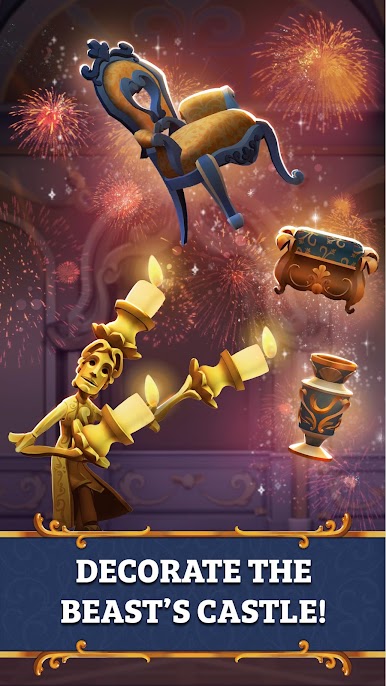
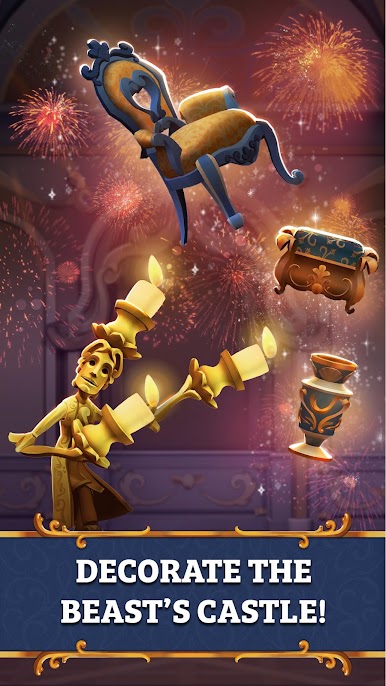
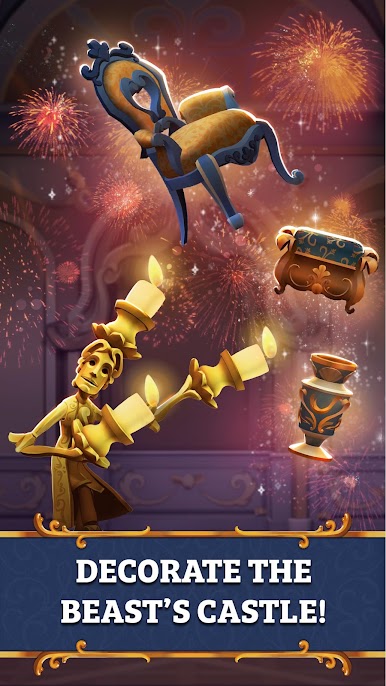
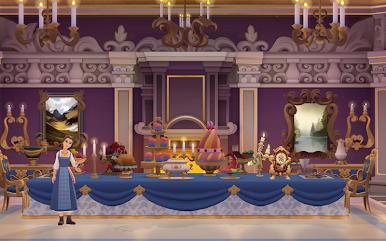
• Decorate the castle with 150+ elegant items like chairs, paintings, chandeliers, and more!
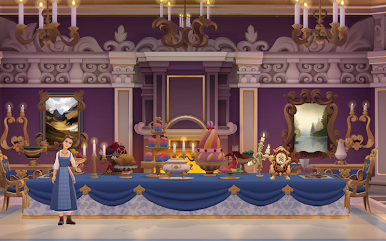
• Explore the Beast’s Castle and discover enchanting rooms like the Grand Staircase, Belle’s Bedroom, and the Dining Room
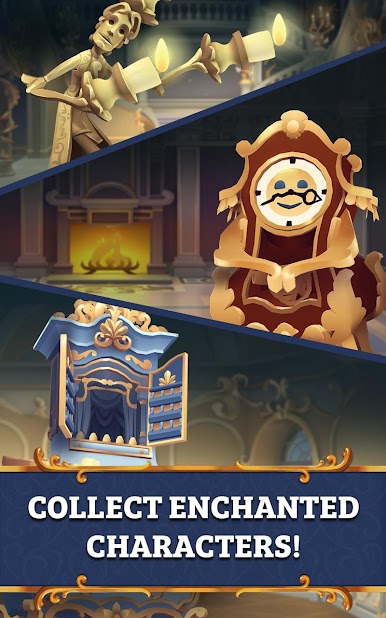
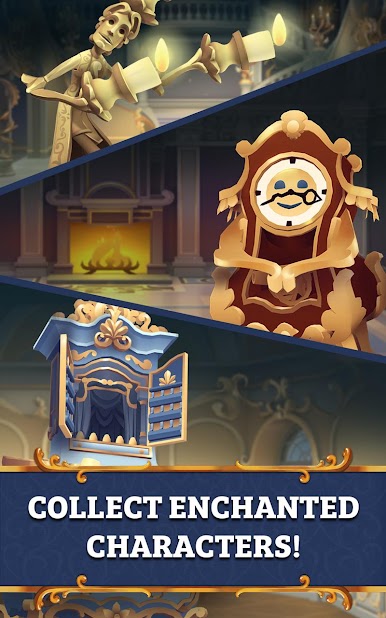
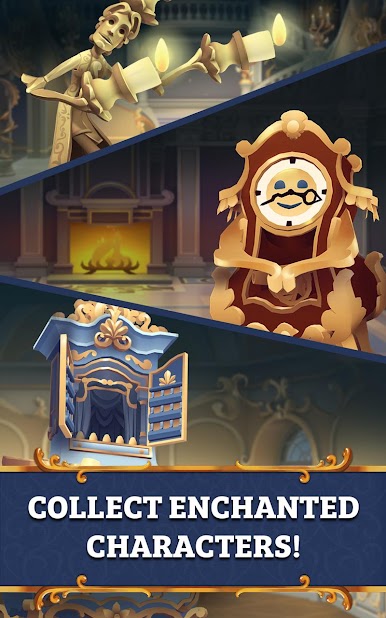
• Meet favorite characters like Lumiere, Cogsworth, and Garderobe as you add your decorative touch to the castle
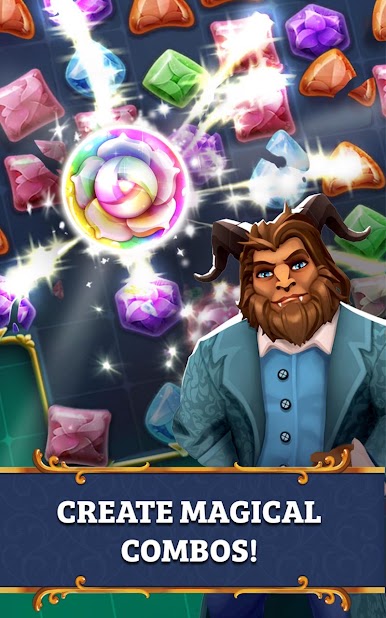
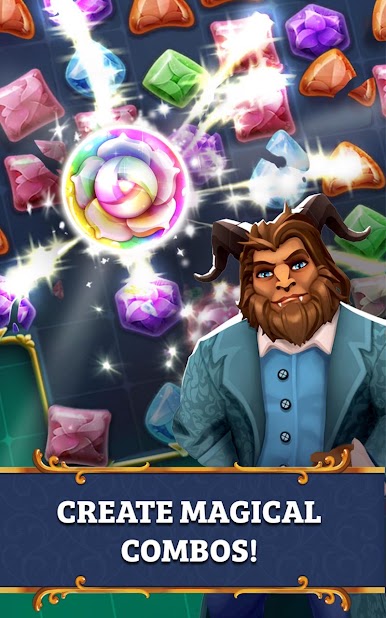
• Discover inventive boosters and power-ups to create combos. Enchantment is everywhere!
Before you download this experience, please consider that this app contains:
• In-app purchases that cost real money;
• The option to accept push notifications to let you know when we have exciting updates like new content;
We respect your wishes regarding your Privacy. You can exercise control and choice by resetting your Advertising Identifier in your device’s Privacy Settings.
This app uses the Read/Write_external_storage function to access an External Storage on the device in order to move the app to the SD-Card.
Privacy Policy – http://disneyprivacycenter.com
Terms of Use – http://disneytermsofuse.com




Play Beauty and the Beast on PC. It’s easy to get started.
-
Download and install BlueStacks on your PC
-
Complete Google sign-in to access the Play Store, or do it later
-
Look for Beauty and the Beast in the search bar at the top right corner
-
Click to install Beauty and the Beast from the search results
-
Complete Google sign-in (if you skipped step 2) to install Beauty and the Beast
-
Click the Beauty and the Beast icon on the home screen to start playing

