

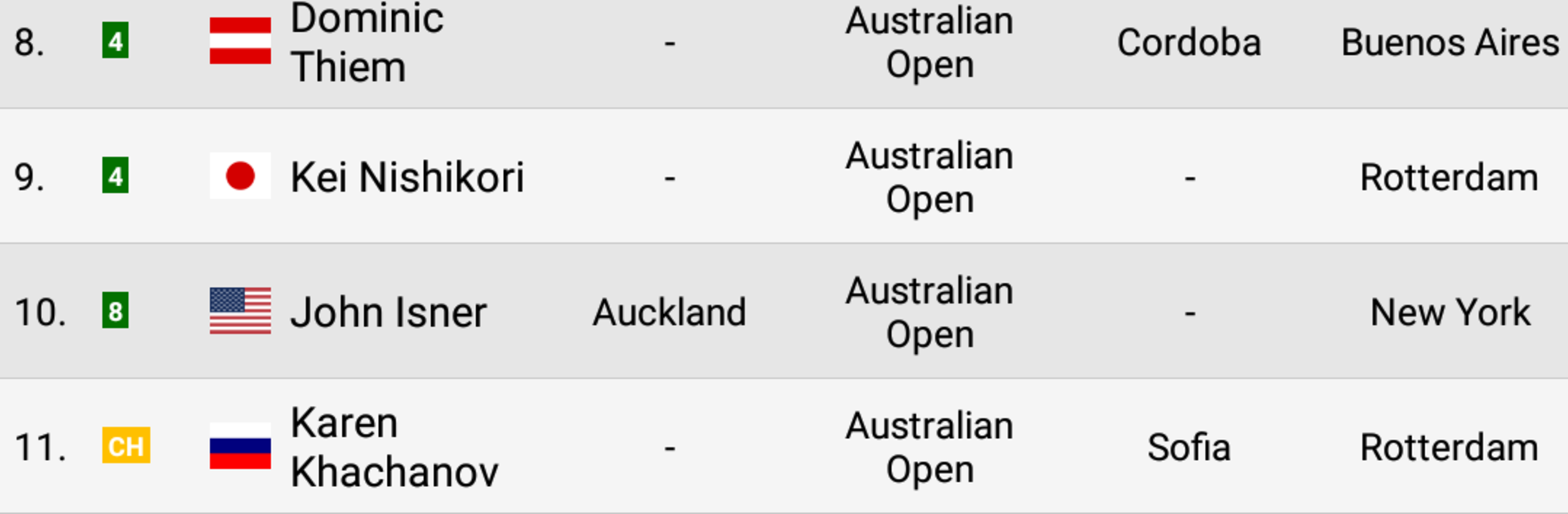
Live Tennis Rankings / LTR
Play on PC with BlueStacks – the Android Gaming Platform, trusted by 500M+ gamers.

Page Modified on: Dec 19, 2025
Play Live Tennis Rankings / LTR on PC or Mac
From the innovators and creators at Philippe Sobczak, Live Tennis Rankings / LTR is another fun addition to the World of Sports games. Go beyond your mobile screen and play it bigger and better on your PC or Mac. An immersive experience awaits you.
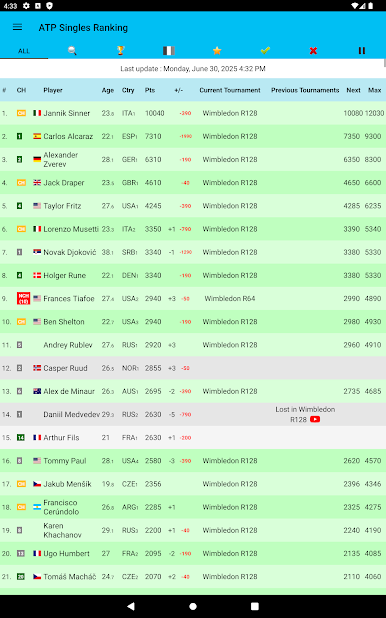
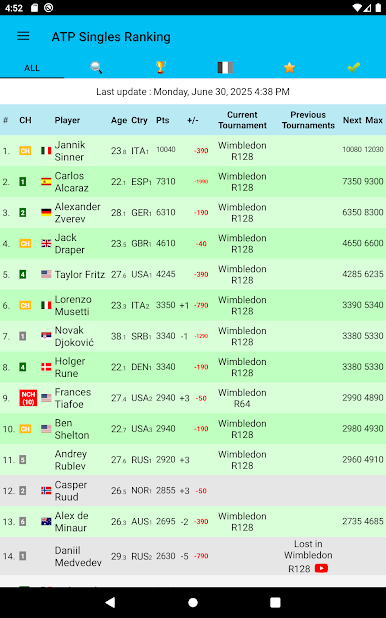
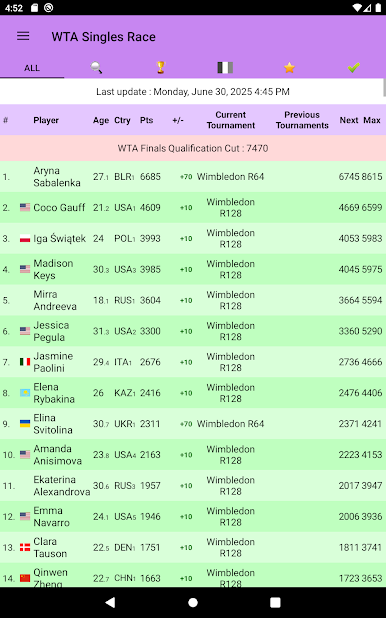
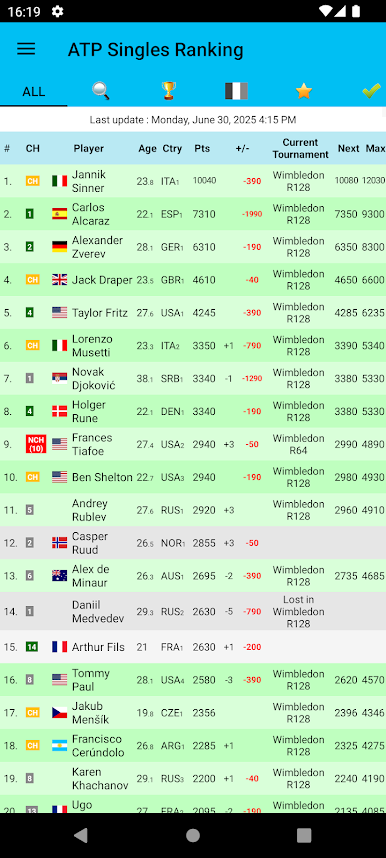
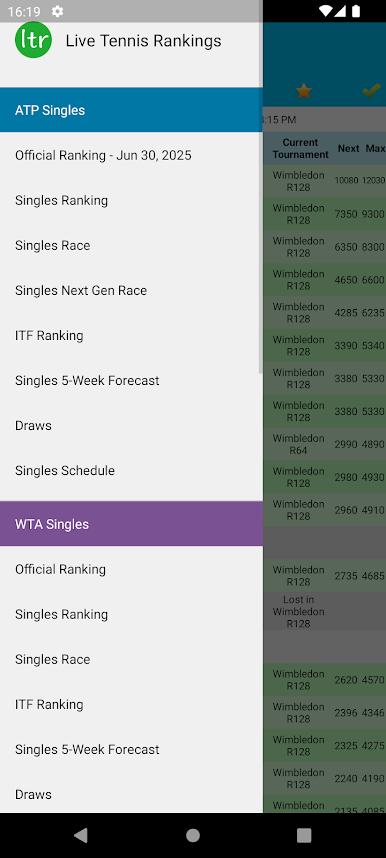
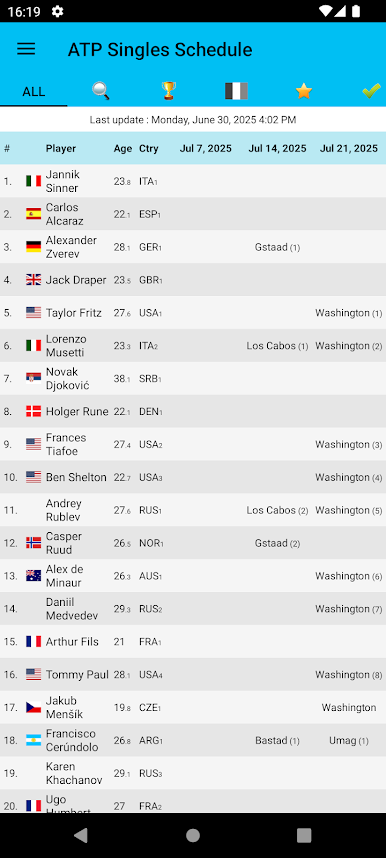
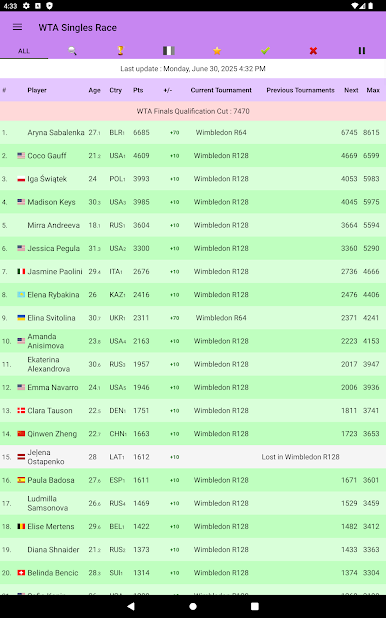
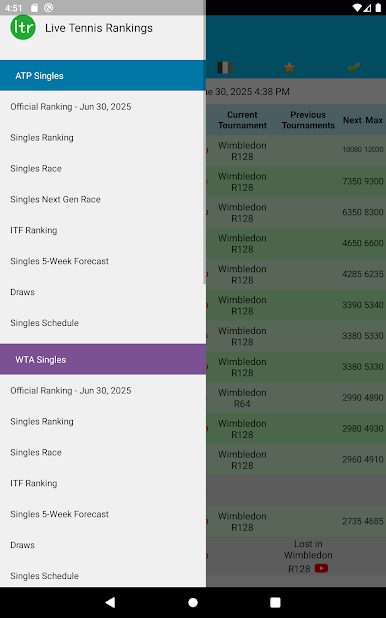
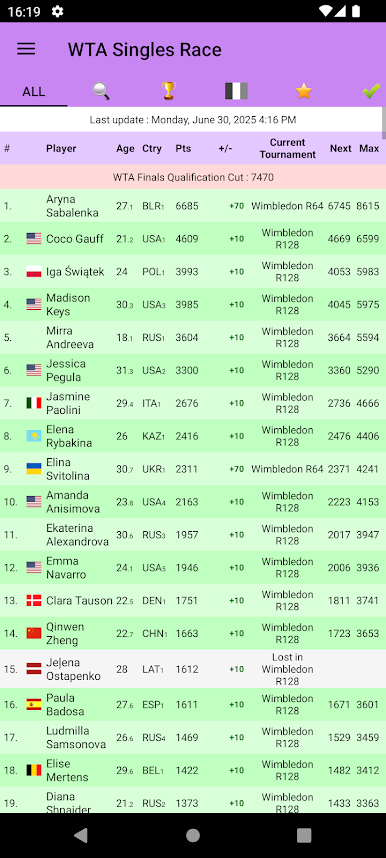
Live Tennis Rankings / LTR is not about hitting forehands, it is more like a live control panel for the tennis season. It pulls in ATP, WTA, and ITF results after each match and shows how the rankings shift right away, which makes following tournaments feel a lot more alive. It covers the main tours along with Challengers and Futures, including qualifying rounds, so someone is not missing the grind that actually moves players up the ladder. There are schedules for the next four weeks, projections for the next four weeks, and a clear look at who is on track for the ATP Finals or WTA Finals cut. It also shows the official ranking, what next week should look like, national ranking spots, and who just hit a career high. Live scores sit there too, so checking a match and seeing the ranking impact is quick.
On a PC with BlueStacks, the layout breathes a bit better. Tables are easier to read on a big screen, switching between tours and weeks is smoother, and scrolling through draws and qualifiers feels less cramped. It is the kind of app that rewards anyone who enjoys the points math, the race talk, and the small moves that decide a season. Not flashy, just fast, clear, and kind of addictive if ranking drama is the thing that keeps someone watching late matches.
Start your journey now. Download the game on BlueStacks, invite your friends, and march on a new adventure.
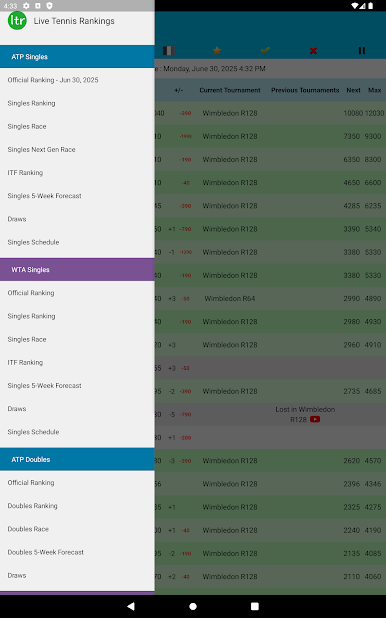
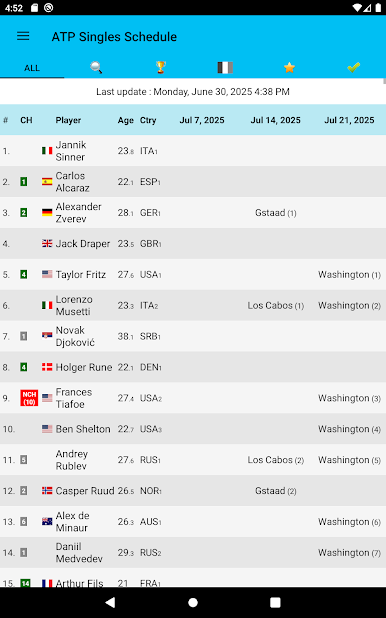
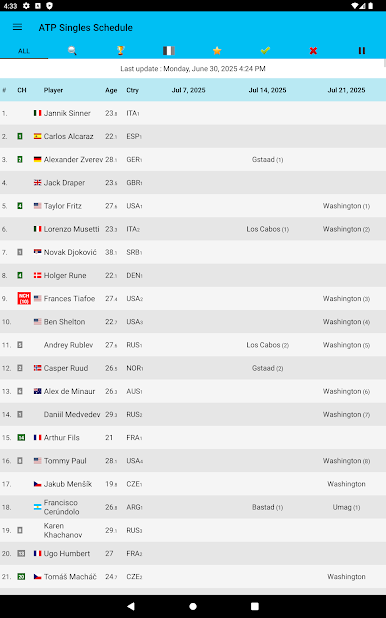
Play Live Tennis Rankings / LTR on PC. It’s easy to get started.
-
Download and install BlueStacks on your PC
-
Complete Google sign-in to access the Play Store, or do it later
-
Look for Live Tennis Rankings / LTR in the search bar at the top right corner
-
Click to install Live Tennis Rankings / LTR from the search results
-
Complete Google sign-in (if you skipped step 2) to install Live Tennis Rankings / LTR
-
Click the Live Tennis Rankings / LTR icon on the home screen to start playing

