


Zombie Run: Survival Game
Play on PC with BlueStacks – the Android Gaming Platform, trusted by 500M+ gamers.

Page Modified on: Apr 3, 2026
Play Zombie Run: Survival Game on PC
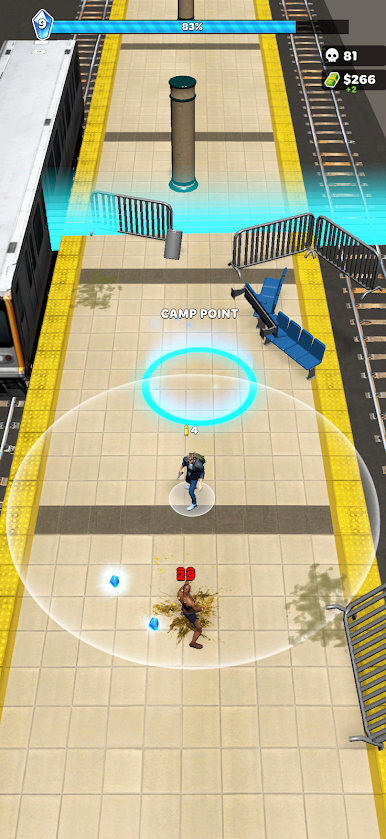
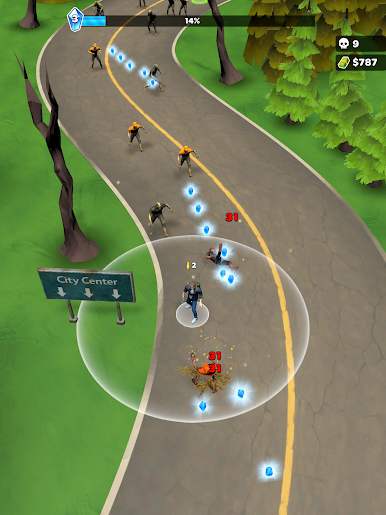
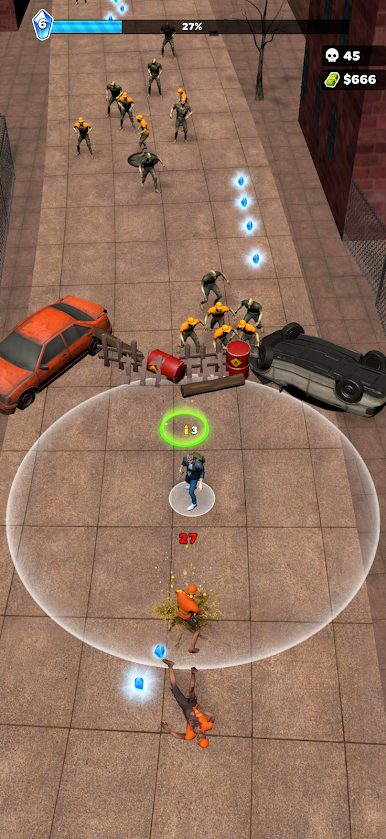
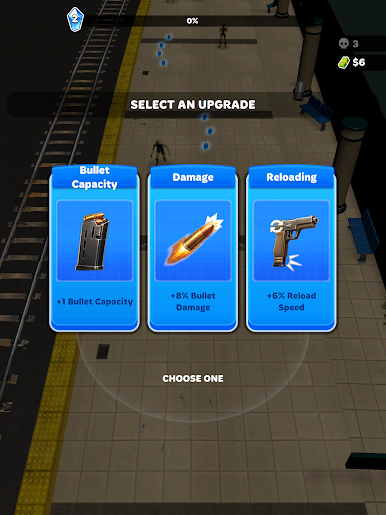
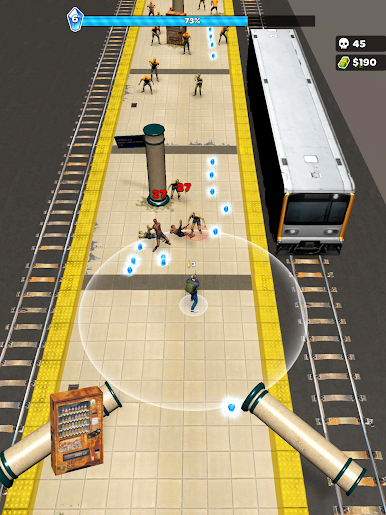
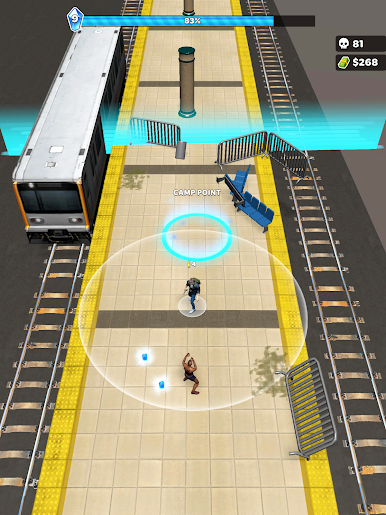
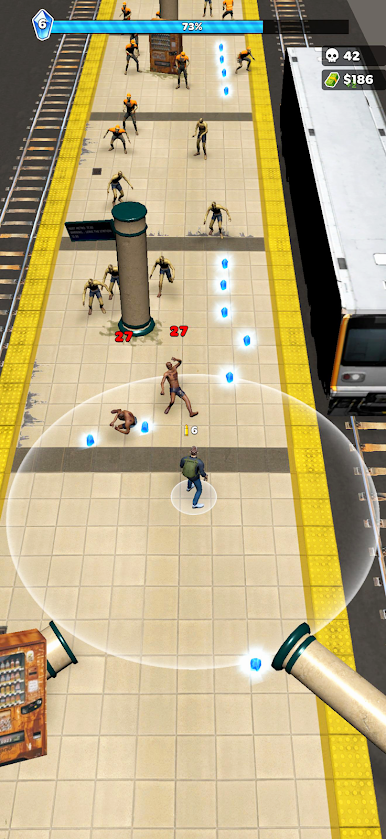
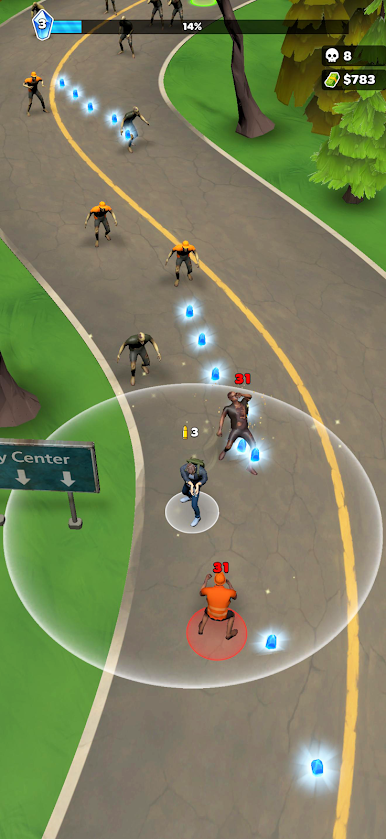
Fight against endless waves of zombies in this intense survival experience. Every second counts as you search for resources, upgrade your abilities, and push your limits in a world where danger never stops.
Stay alert, move smart, and make every decision count — because one mistake can be your last.
🔥 Features:
Endless zombie survival gameplay
Fast-paced and challenging combat
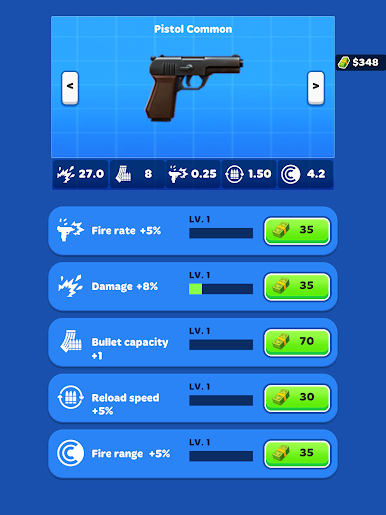
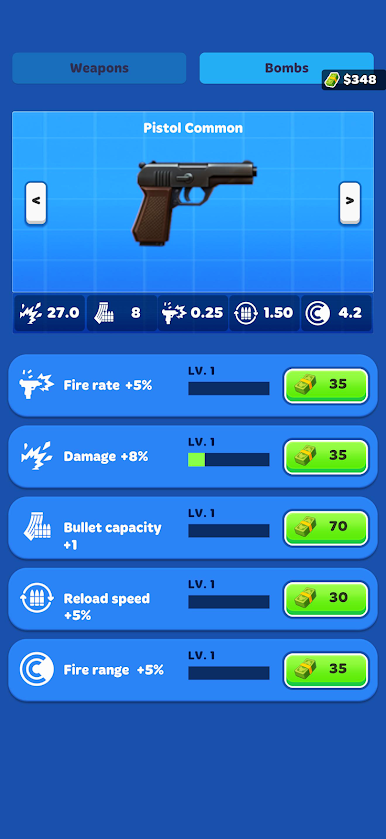
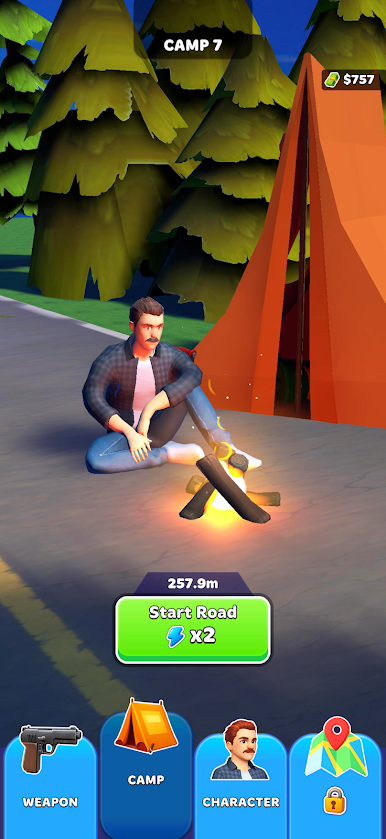
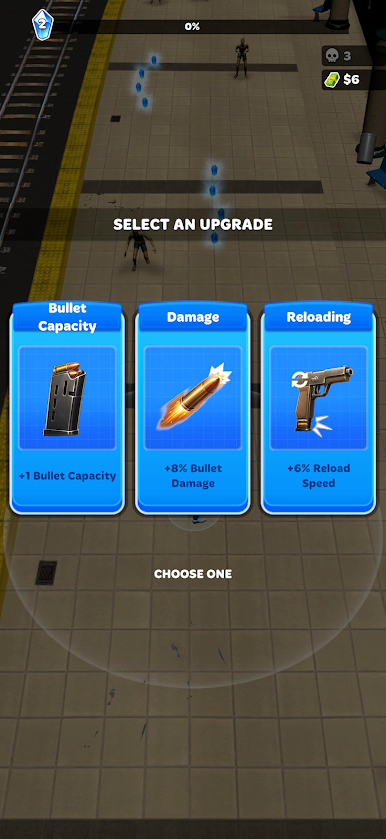
Loot, upgrade, and improve your character
Increasing difficulty as you survive longer
Simple controls, deep gameplay
Survive as long as you can. Beat your own record.
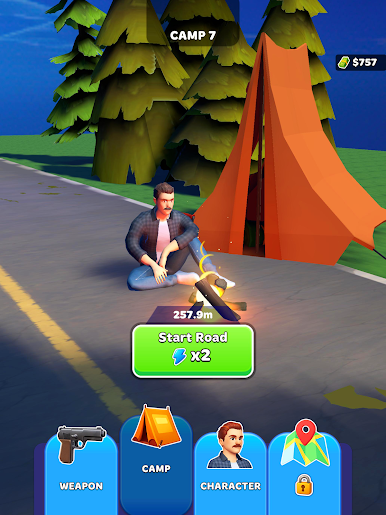
Play Zombie Run: Survival Game on PC. It’s easy to get started.
-
Download and install BlueStacks on your PC
-
Complete Google sign-in to access the Play Store, or do it later
-
Look for Zombie Run: Survival Game in the search bar at the top right corner
-
Click to install Zombie Run: Survival Game from the search results
-
Complete Google sign-in (if you skipped step 2) to install Zombie Run: Survival Game
-
Click the Zombie Run: Survival Game icon on the home screen to start playing

