


Docusign - Upload & Sign Docs
Play on PC with BlueStacks – the Android Gaming Platform, trusted by 500M+ gamers.

Page Modified on: Nov 10, 2025
Run Docusign - Upload & Sign Docs on PC or Mac
Get freedom from your phone’s obvious limitations. Use Docusign – Upload & Sign Docs, made by Docusign, a Productivity app on your PC or Mac with BlueStacks, and level up your experience.
About the App
Docusign – Upload & Sign Docs lets you transform the way you handle agreements, right from your device. Seamlessly e-sign PDFs, contracts, and forms wherever you are, whenever you like. Expect an intuitive experience with unlimited free signing, making it a breeze to manage agreements in real-time.
App Features
Effortless Digital Signing
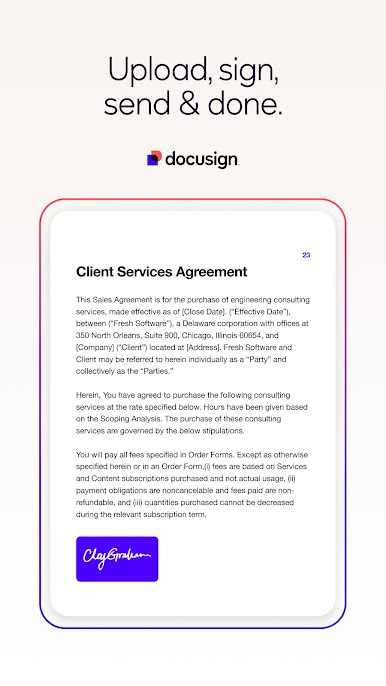
– Create a personalized digital signature directly on your device.
– E-sign documents anytime, at no additional cost.
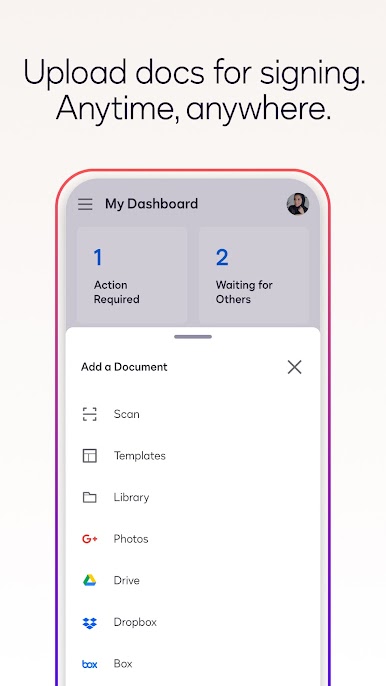
Versatile Document Uploads
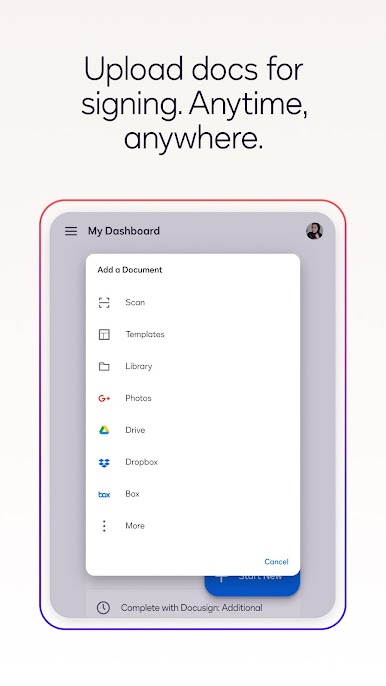
– Conveniently import files via platforms like Google Drive, Dropbox, and more.
– Use photo scanning for quick uploads.
Smart Document Management
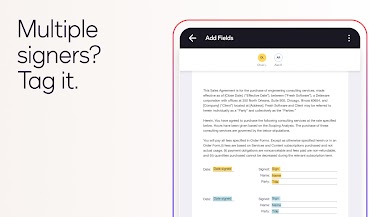
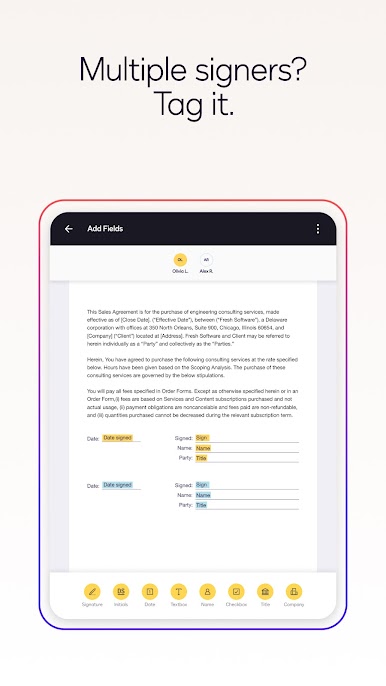
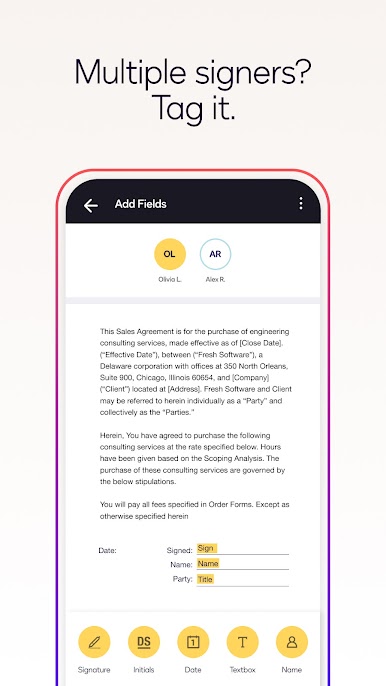
– Prepare documents with “Sign Here” tags for clarity.
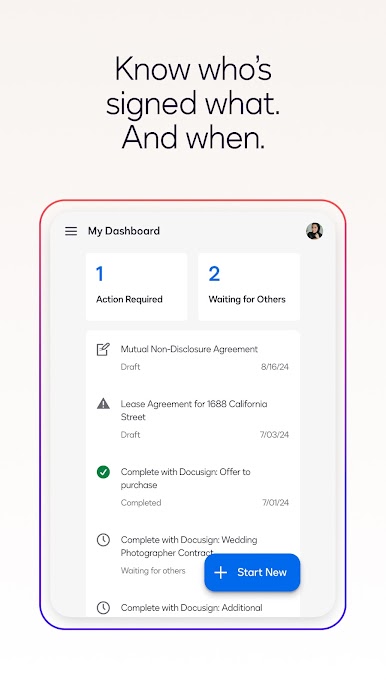
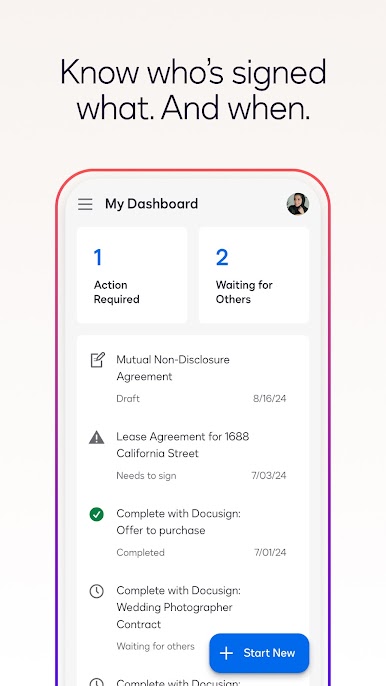
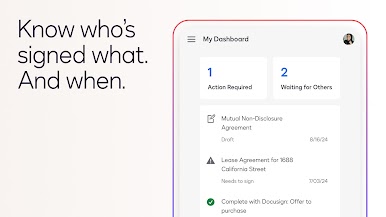
– Send, track, and remind signers effortlessly.
Advanced Security and Compliance
– Adheres to the eSign Act for legally binding agreements.
– Ensures data safety with encryption and an audit trail.
Broad Document Support
– Works with PDFs, Word, Excel, and more.
Explore these features on your PC with BlueStacks for an enhanced digital signing journey.
Big screen. Bigger performance. Use BlueStacks on your PC or Mac to run your favorite apps.





Play Docusign - Upload & Sign Docs on PC. It’s easy to get started.
-
Download and install BlueStacks on your PC
-
Complete Google sign-in to access the Play Store, or do it later
-
Look for Docusign - Upload & Sign Docs in the search bar at the top right corner
-
Click to install Docusign - Upload & Sign Docs from the search results
-
Complete Google sign-in (if you skipped step 2) to install Docusign - Upload & Sign Docs
-
Click the Docusign - Upload & Sign Docs icon on the home screen to start playing

