


Ридер с переводом
Play on PC with BlueStacks – the Android Gaming Platform, trusted by 500M+ gamers.

Page Modified on: Jan 28, 2021
Play Ридер с переводом on PC
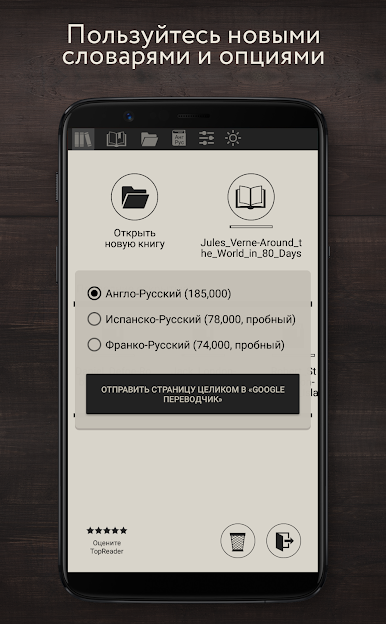
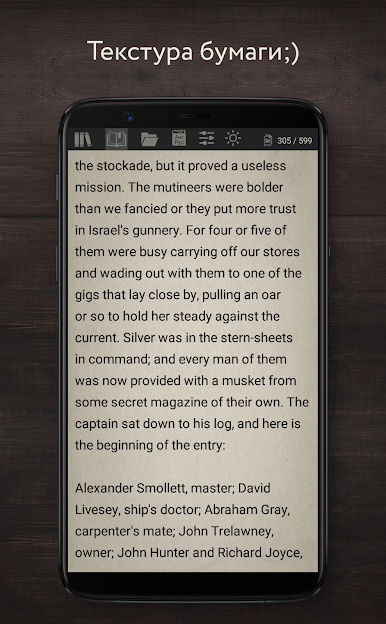
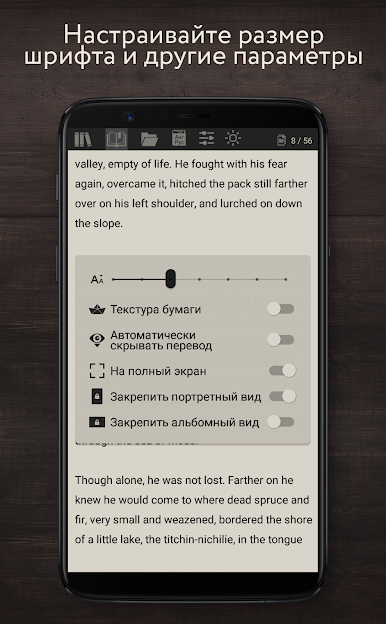
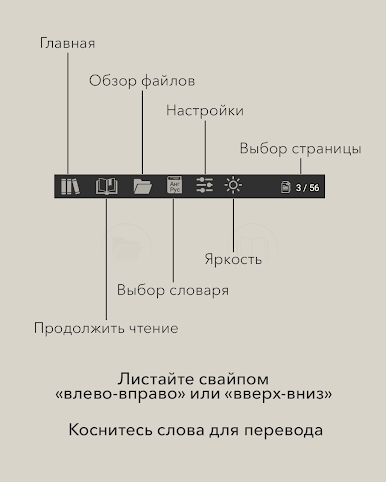
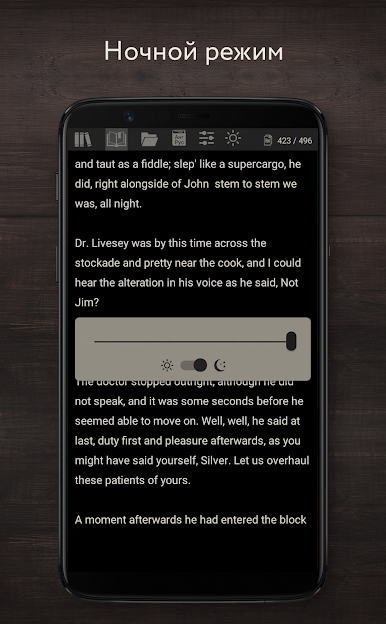
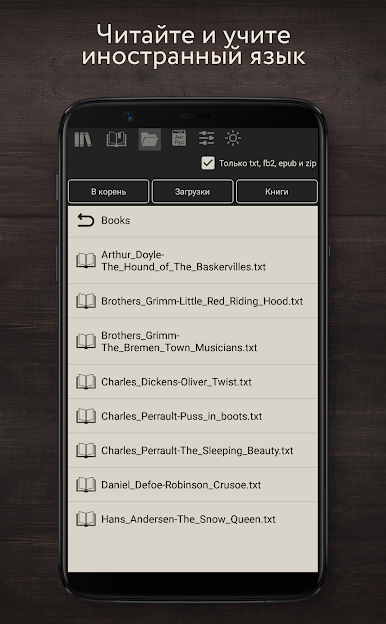
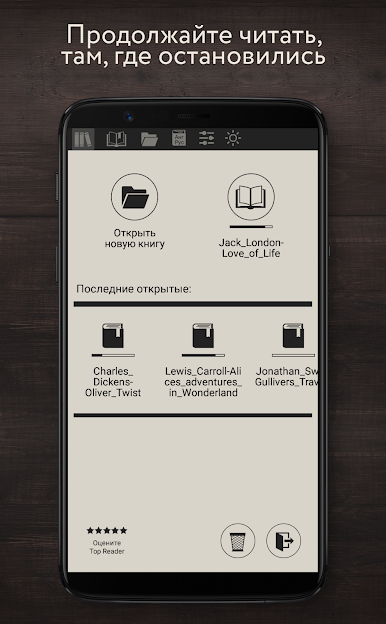
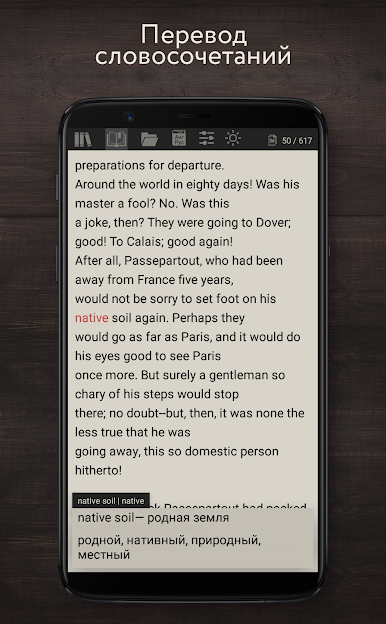
To see the translation of a word, just click on it. In addition to translating words, translations of stable phrases are also offered. The translation is succinct and concise, not distracting from reading, containing the most common meanings. You can add unfamiliar words to your dictionary.


Play Ридер с переводом on PC. It’s easy to get started.
-
Download and install BlueStacks on your PC
-
Complete Google sign-in to access the Play Store, or do it later
-
Look for Ридер с переводом in the search bar at the top right corner
-
Click to install Ридер с переводом from the search results
-
Complete Google sign-in (if you skipped step 2) to install Ридер с переводом
-
Click the Ридер с переводом icon on the home screen to start playing

