Cards House: Game poke dom

Cards House: Game poke dom

Casino | MolDer Hold-1

Play on PC with BlueStacks – the Android Gaming Platform, trusted by 500M+ gamers.

Page Modified on: Sep 18, 2025

Overview
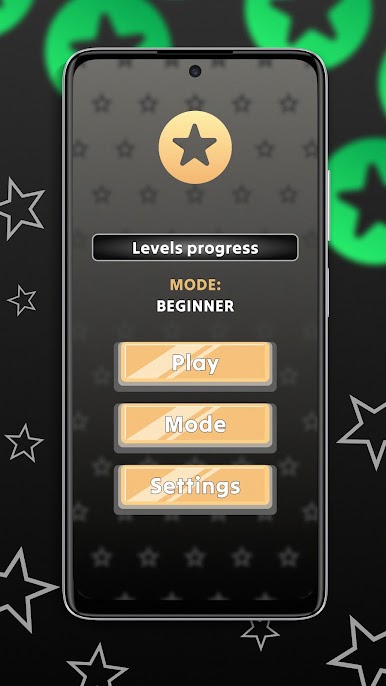
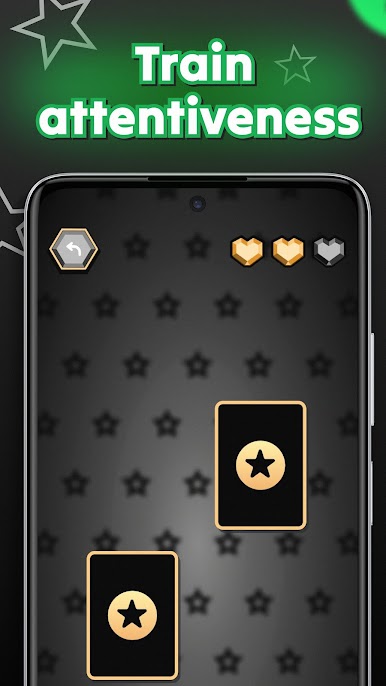
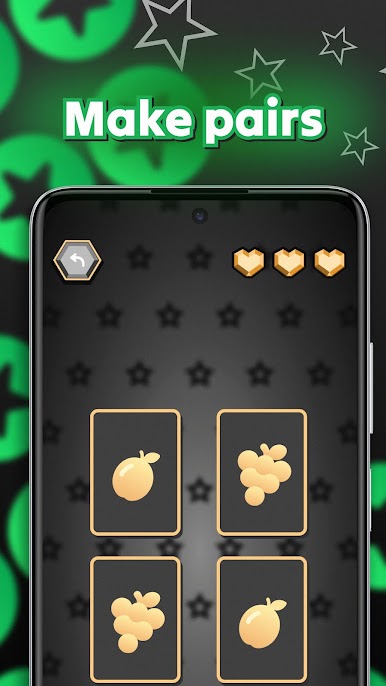
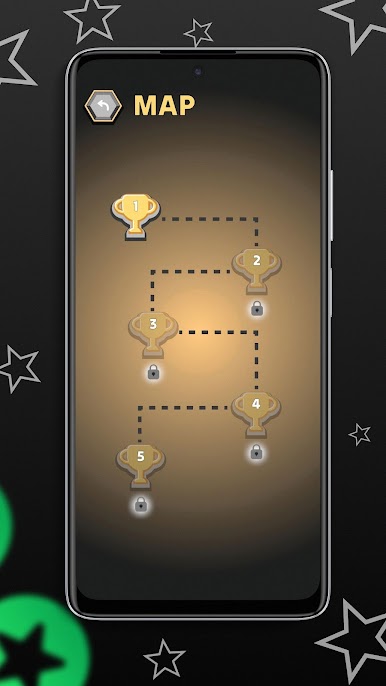
Take a fresh look at the cards house game with our card app on Google Play! Several difficulty levels, attractive design and simplicity of the game - all this is for you in our card house app! It's not poker, but it's also very interesting and entertaining. A game of attentiveness and luck - test yourself in opening cards. How quickly can you remember - a real warm-up for your brain. Open the cards, remember them, because you need to match them to pass the level. We welcome any feedback, if you like poker or another cards house game you would like our game, write honest reviews, and if not, what can be improved in our card house.

Play Cards House: Game poke dom on PC. It’s easy to get started.

  • Download and install BlueStacks on your PC

  • Complete Google sign-in to access the Play Store, or do it later

  • Look for Cards House: Game poke dom in the search bar at the top right corner

  • Click to install Cards House: Game poke dom from the search results

  • Complete Google sign-in (if you skipped step 2) to install Cards House: Game poke dom

  • Click the Cards House: Game poke dom icon on the home screen to start playing

Watch Video