


Secret City: Sunken Kingdom
Play on PC with BlueStacks – the Android Gaming Platform, trusted by 500M+ gamers.

Page Modified on: Mar 6, 2025
Play Secret City: Sunken Kingdom on PC or Mac
Join millions to experience Secret City: Sunken Kingdom, an exciting Adventure game from Do Games Limited. With BlueStacks App Player, you are always a step ahead of your opponent, ready to outplay them with faster gameplay and better control with the mouse and keyboard on your PC or Mac.
About the Game
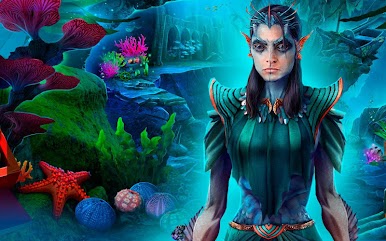
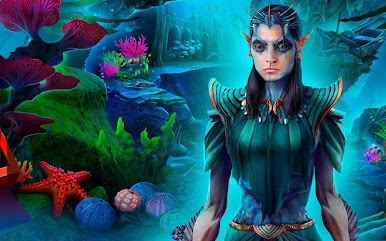
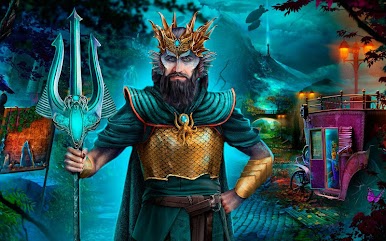
Secret City: Sunken Kingdom is an Adventure game from Do Games Limited that blends hidden object sleuthing with a twisty undersea mystery. A famed dwarven explorer turns to stone, the long-lost Merfolk realm rises from the deep, and you’re called in to figure out what woke it—and who’s trying to control it. Expect story-rich investigations, clever puzzles, and plenty of atmospheric scenes to search through.
Game Features
- Rising Kingdom: Watch the Merfolk capital reappear and explore glowing coral palaces, flooded streets, and vaults stuffed with old secrets.
- A Case Worth Solving: Team up with Sakir, chase leads, and piece together why a legendary dwarf became a statue right in the middle of his discovery.
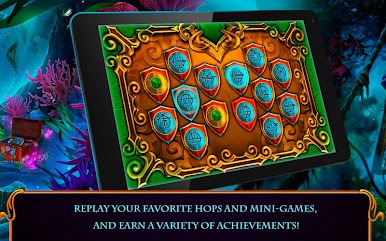
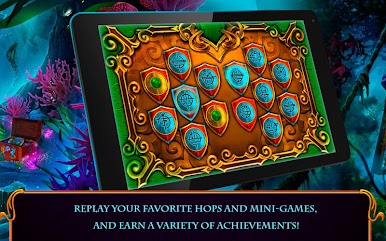
- Hidden Object Scenes: Hunt for key items across beautifully illustrated locations, then replay your favorite HOPs whenever you like.
- Smart Puzzles & Mini-Games: Decode symbols, outthink ancient mechanisms, and untangle brain teasers that keep the investigation moving.
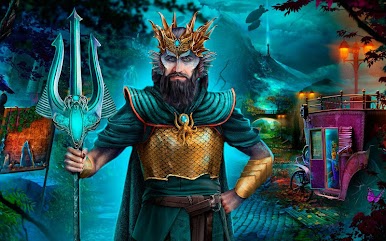
- The Princess and the Thirteen: Face Tenebris, a ruthless heir bent on reviving her immortal generals and seizing the Secret City for herself.
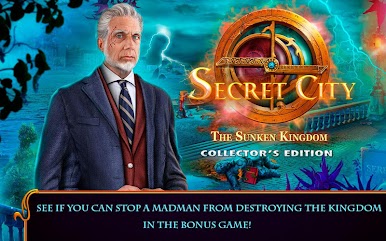
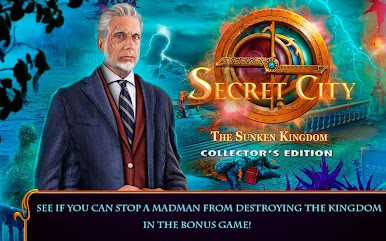
- Bonus Chapter: After the main story, tackle a tense election turned nightmare and stop a would‑be usurper in a fresh side case.
- Built-In Help: Stuck on your next move? The strategy guide offers gentle nudges without spoiling the fun.
- Achievements & Replays: Earn trophies for sharp detective work and revisit scenes to perfect your runs.
- Play Bigger: Want the search on a larger screen? Secret City: Sunken Kingdom also feels great on PC with BlueStacks.
Start your journey now. Download the game on BlueStacks, invite your friends, and march on a new adventure.




Play Secret City: Sunken Kingdom on PC. It’s easy to get started.
-
Download and install BlueStacks on your PC
-
Complete Google sign-in to access the Play Store, or do it later
-
Look for Secret City: Sunken Kingdom in the search bar at the top right corner
-
Click to install Secret City: Sunken Kingdom from the search results
-
Complete Google sign-in (if you skipped step 2) to install Secret City: Sunken Kingdom
-
Click the Secret City: Sunken Kingdom icon on the home screen to start playing

