


Domino's Pizza USA
Play on PC with BlueStacks – the Android Gaming Platform, trusted by 500M+ gamers.

Page Modified on: Sep 10, 2026
Play Domino's Pizza USA on PC
Use the Domino’s Pizza app to order from restaurants in the United States, not including Puerto Rico. To place an order in Puerto Rico, visit www.DominosPR.com.
FEATURES:
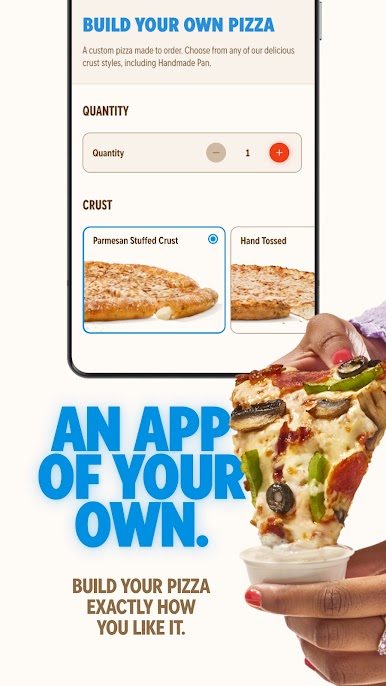
• Faster, easier ordering
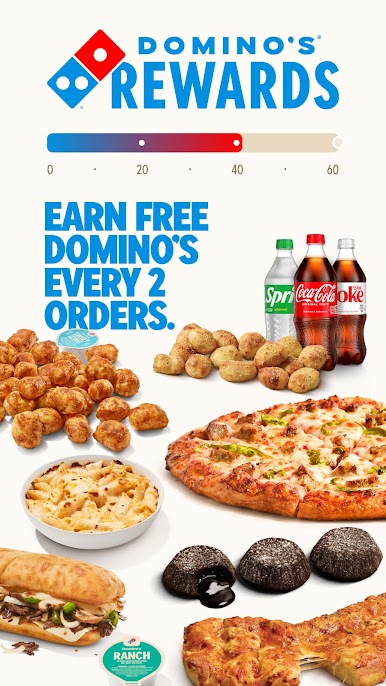
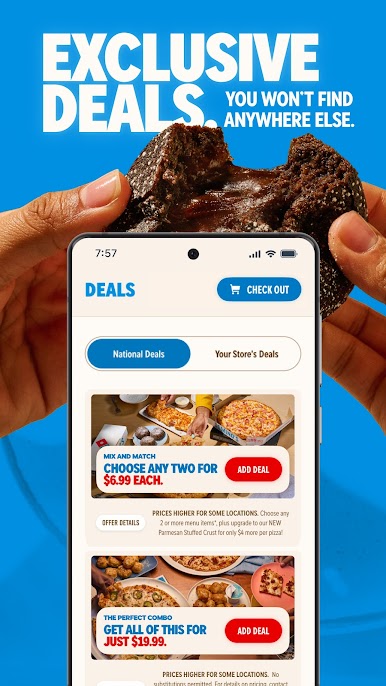
• Deals & Rewards
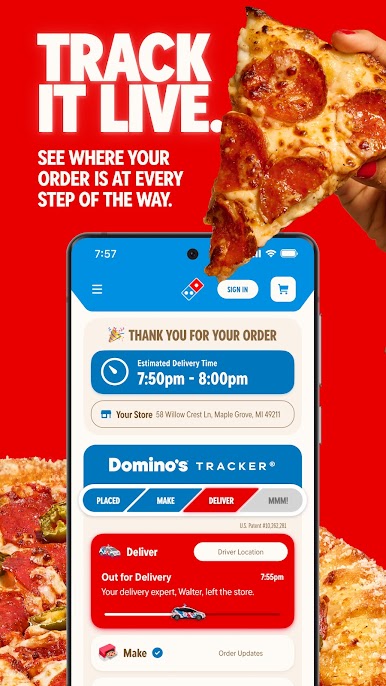
• Order tracking
APP PERMISSIONS:
Location
Precise location/GPS – identifies your closest restaurants for easier carryout ordering
Phone
Directly call phone numbers – makes it possible for you to call your local restaurant with a single tap within the app
Camera
Take pictures and videos – used to quickly capture debit or credit card information at checkout
Photos/Media/Files
USB Storage – required for upgraded Google Maps
Microphone
Record audio – needed to enable Dom, our voice ordering assistant
Bluetooth connection information
Needed for integration with Ford Sync, Android Wear and Pebble watch
Device ID & call information
Read phone status and identity – required as part of the Ford Sync feature, this is used if you want to call your store through Sync while your phone screen is locked
Other
• Full network access – this allows us to communicate with the Domino’s systems to provide you with the latest restaurant menus and coupons and it is needed to place orders from the app
• View network connections - required by Google Maps, which we use to show store locations
• Network communication - enables push notifications, giving you access to app exclusives, coupons and deals
• Control vibration – helps alert you to updates, like changes in order status as it progresses through the Tracker
• Prevent phone from sleeping – if you are using your voice to order, the app will prevent the phone from going to sleep (which would otherwise happen because you aren’t tapping the phone)


Play Domino's Pizza USA on PC. It’s easy to get started.
-
Download and install BlueStacks on your PC
-
Complete Google sign-in to access the Play Store, or do it later
-
Look for Domino's Pizza USA in the search bar at the top right corner
-
Click to install Domino's Pizza USA from the search results
-
Complete Google sign-in (if you skipped step 2) to install Domino's Pizza USA
-
Click the Domino's Pizza USA icon on the home screen to start playing

