

Micro Battles 2
Play on PC with BlueStacks – the Android Gaming Platform, trusted by 500M+ gamers.

Page Modified on: Sep 20, 2024
Play Micro Battles 2 on PC or Mac
Step into the World of Micro Battles 2, a thrilling Casual game from the house of Donut Games. Play this Android game on BlueStacks App Player and experience immersive gaming on PC or Mac.
About the Game
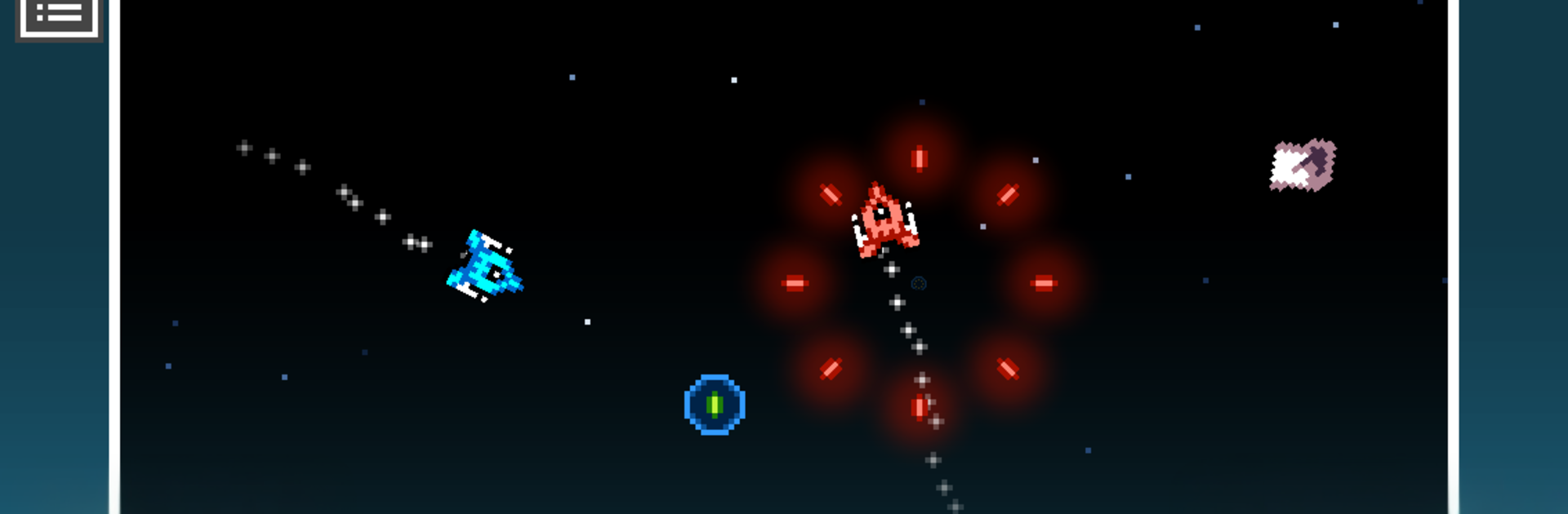
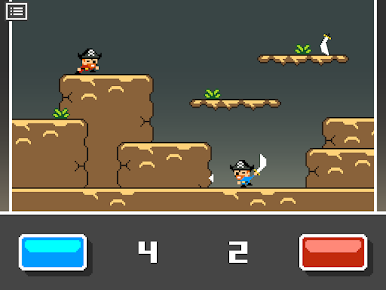
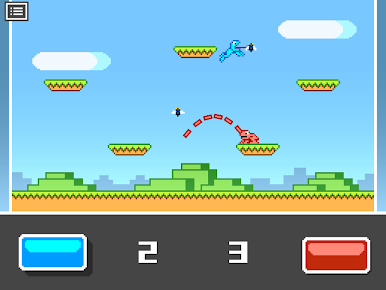
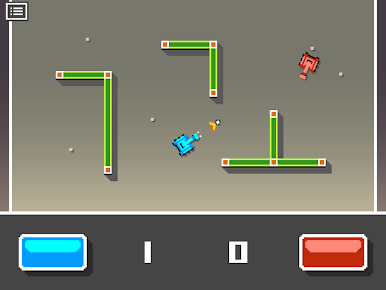
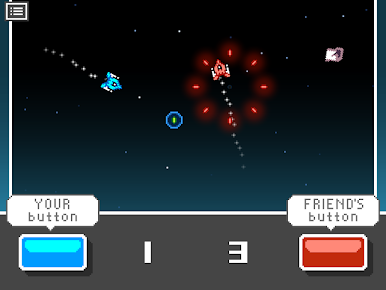
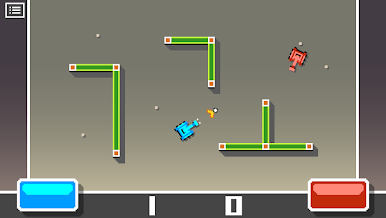
Micro Battles 2 is a bite-sized party from Donut Games that turns your phone into a tiny arena. This Casual collection lines up quick, head-to-head mini-games where two players share one screen and face off with simple, snappy controls. Expect fast rounds, a playful retro vibe, and a new twist waiting each day.
Game Features
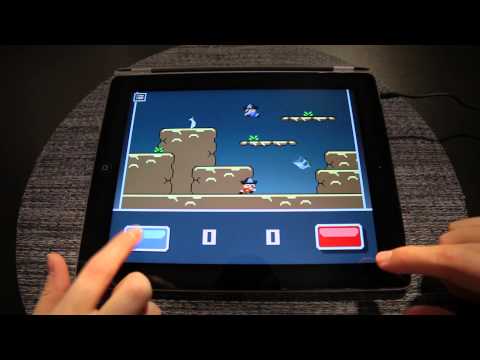
- One-screen duels: Two players, one device. Sit shoulder to shoulder and settle bragging rights without passing the phone around.
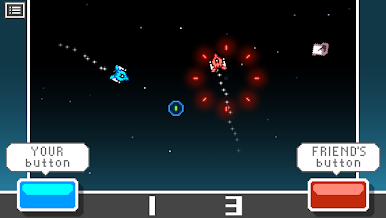
- One-button showdowns: Each player uses a single button, so anyone can jump in. The challenge isn’t learning controls—it’s timing, reflexes, and reading your opponent.
- A new challenge daily: The featured mini-game changes every day, keeping sessions fresh and giving you something different to master tomorrow.
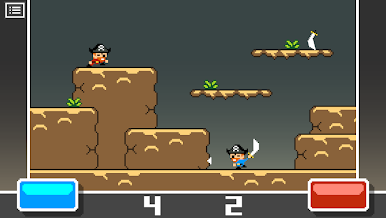
- Retro charm, modern pace: Classic arcade-style visuals and sounds meet punchy, modern rounds that fit into any spare minute.
- Quick bursts of fun: Matches are short and punchy—perfect for breaks, lines, or that “one more round” before heading out.
- Ad-free from the start: Play without distractions. No pop-ups getting in the way of your win streak.
- Optional premium unlock: Want full access outside the daily rotation? A one-time purchase opens the door to the mini-games whenever you want.
- Easy to play anywhere: Turn any moment into a mini tournament with friends. Prefer a bigger screen? You can also run it on BlueStacks for comfy couch play.
Get ready for a buttery smooth, high-performance gaming action only on BlueStacks.
Play Micro Battles 2 on PC. It’s easy to get started.
-
Download and install BlueStacks on your PC
-
Complete Google sign-in to access the Play Store, or do it later
-
Look for Micro Battles 2 in the search bar at the top right corner
-
Click to install Micro Battles 2 from the search results
-
Complete Google sign-in (if you skipped step 2) to install Micro Battles 2
-
Click the Micro Battles 2 icon on the home screen to start playing

