


Dragon Wars io: Merge Dragons
Play on PC with BlueStacks – the Android Gaming Platform, trusted by 500M+ gamers.

Page Modified on: Oct 3, 2025
Play Dragon Wars io: Merge Dragons & Smash the City on PC or Mac
From the innovators and creators at CASUAL AZUR GAMES, Dragon Wars io: Merge Dragons & Smash the City is another fun addition to the World of Arcade games. Go beyond your mobile screen and play it bigger and better on your PC or Mac. An immersive experience awaits you.
About the Game
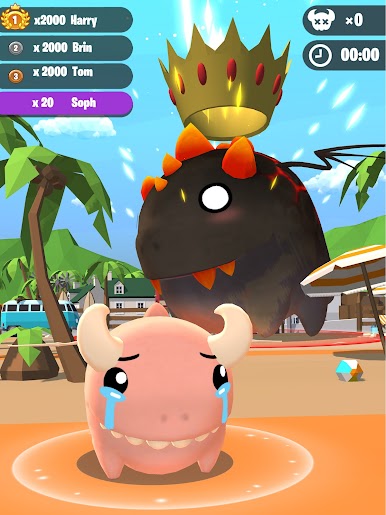
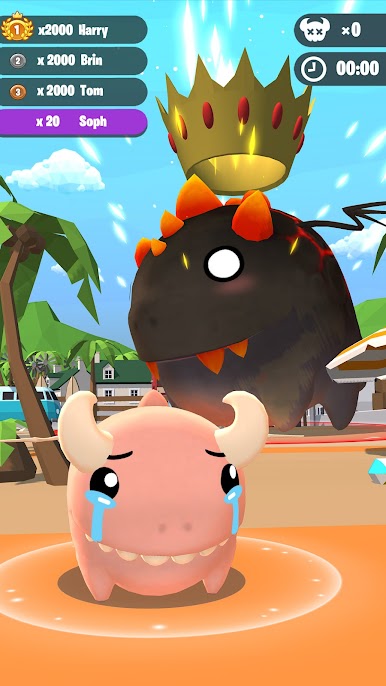
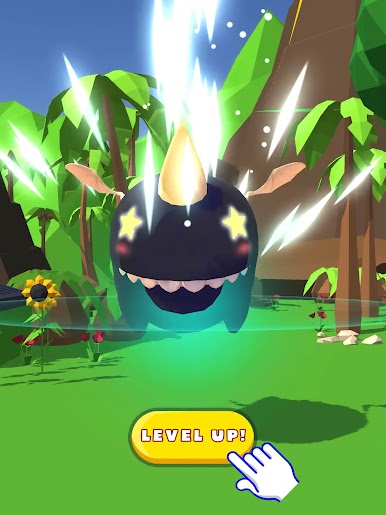
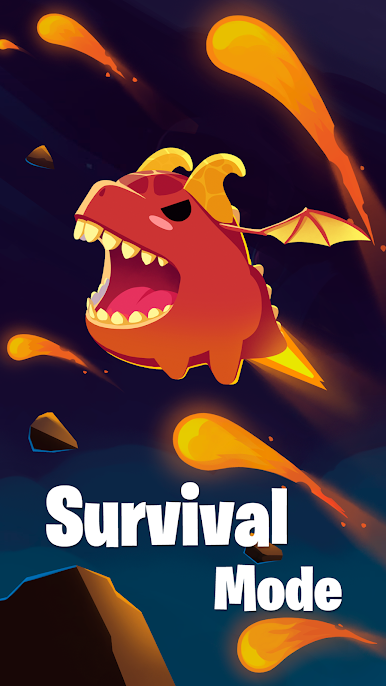
If you’ve ever wanted to stomp around as a giant dragon, munching anything that gets in your way, Dragon Wars io: Merge Dragons & Smash the City is your kind of chaos. Created by CASUAL AZUR GAMES, this Arcade-style multiplayer lets you become an adorable-but-fierce dragon looking to grow, crush cities, and outplay other beasties in real-time. Each round is a mad dash to eat, merge, and battle your way to the top spot before time runs out.
Game Features
-
City-Smashing Action
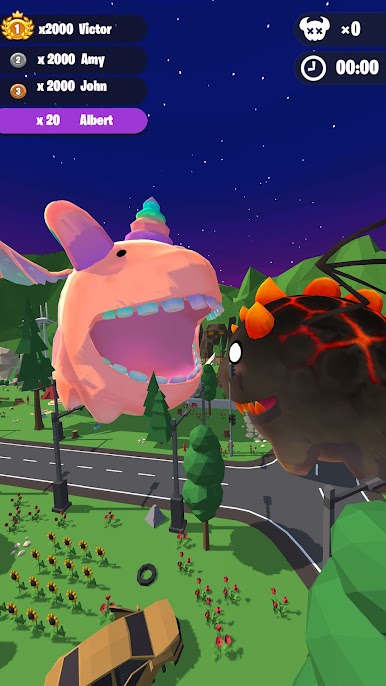
Start out small, but don’t stay that way for long—gobble up everything you see! As you scarf down buildings and other objects, your dragon gets seriously huge, letting you take on even bigger destruction. -
Multiplayer Dragon Brawls
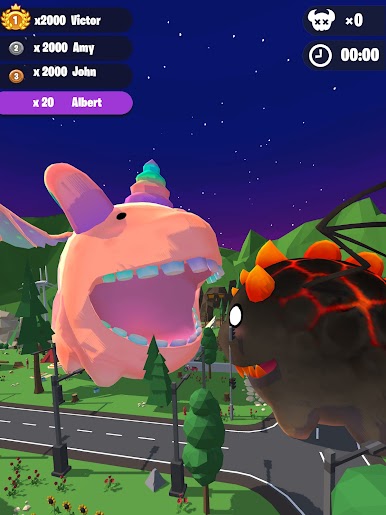
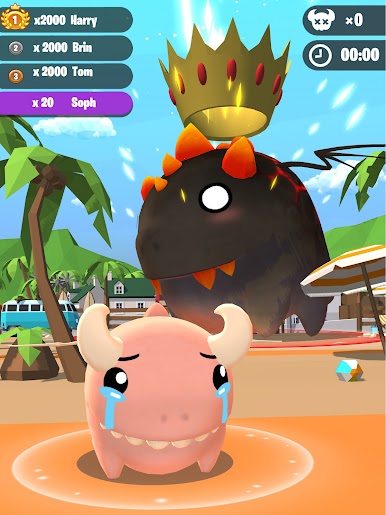
It’s all-out war in the arena as you face off against dragons controlled by players from all over. Bash smaller rivals, dodge the big ones, and fight to be the last dragon standing—or at least the hungriest. -
Merge & Upgrade Your Dragons
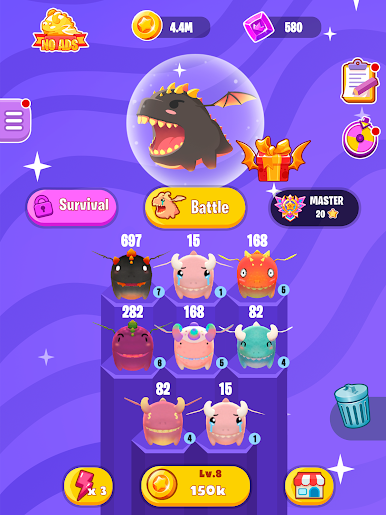
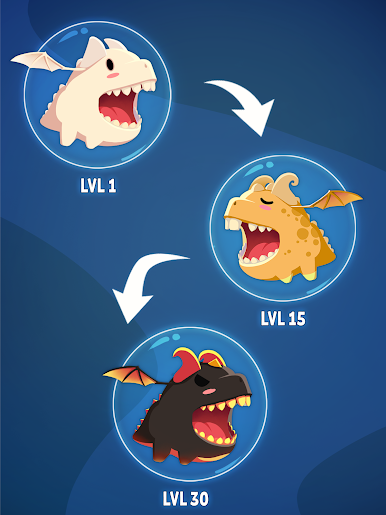
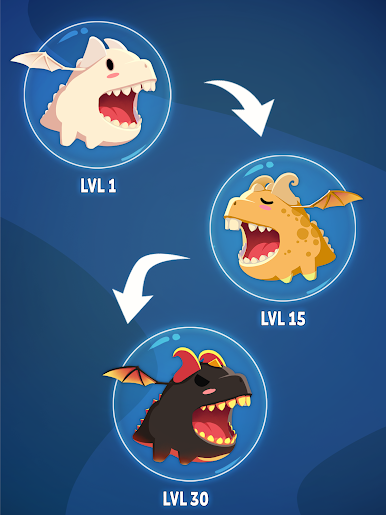
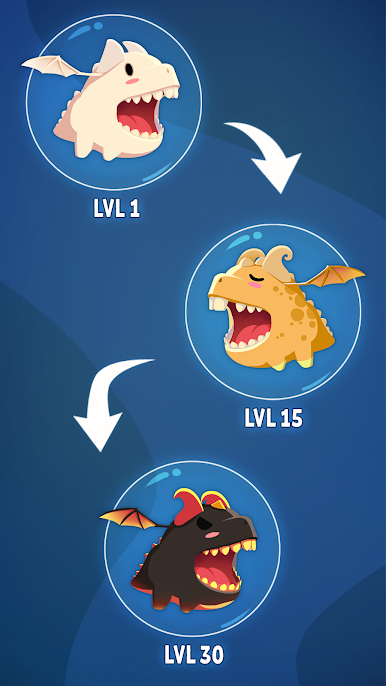
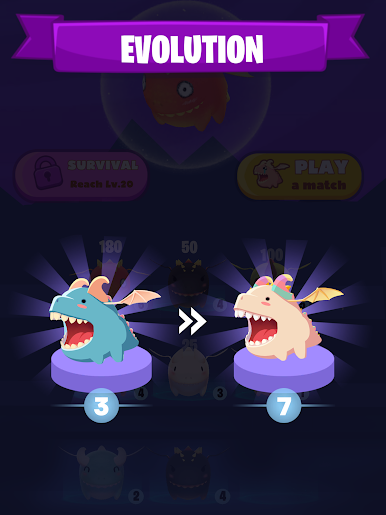
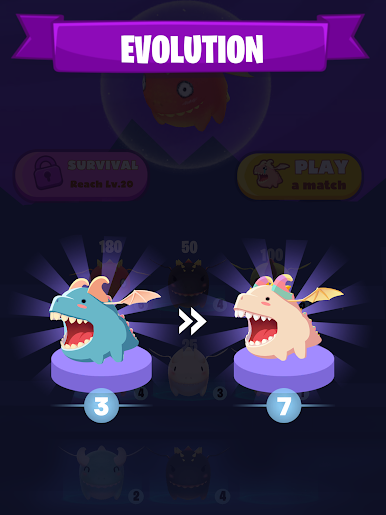
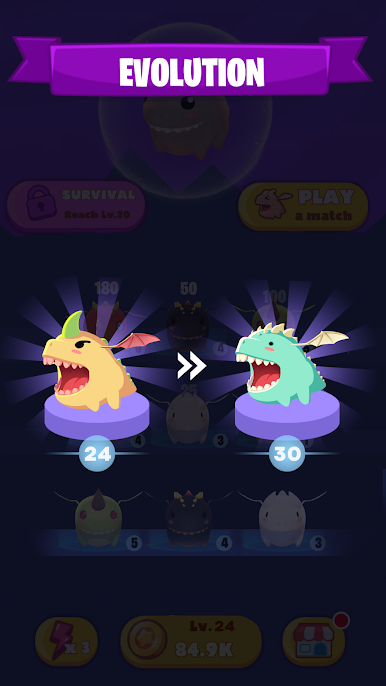
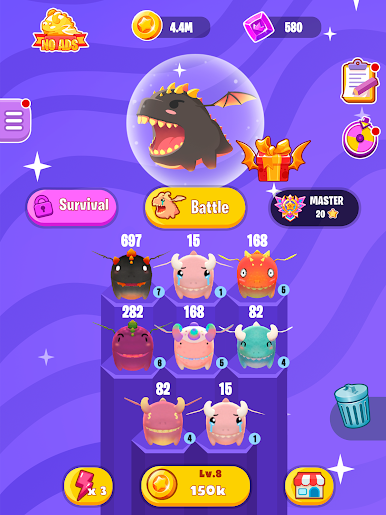
Collect eggs, hatch new dragons, and merge them to create wild new forms. Your dragon family gets stronger and cuter as you go, and you can grow your collection even when you’re not playing. -
Climb the Leaderboard
Think you can become the Dragon King? Rack up energy points by devouring anything in sight and knocking out opponents, then see if you’ve got what it takes to rule the charts. -
Offline Mayhem
No internet? No problem. You can merge, smash, and upgrade your dragons whenever you like, wherever you are. -
BlueStacks Support
Prefer playing on a bigger screen? Try it on BlueStacks to enjoy all the city-smashing, dragon-merging madness with a mouse and keyboard.
Start your journey now. Download the game on BlueStacks, invite your friends, and march on a new adventure.
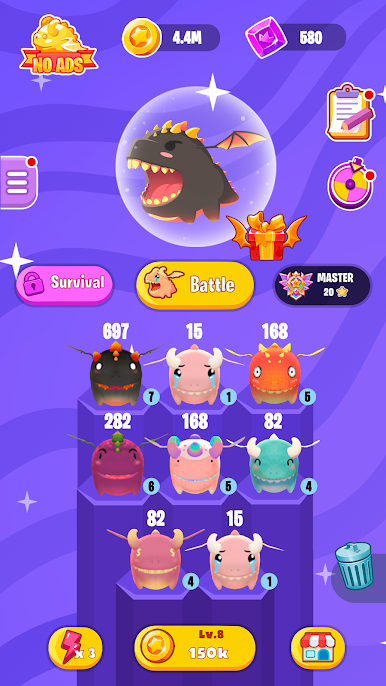
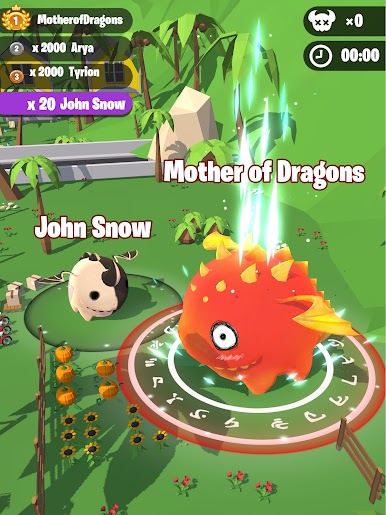
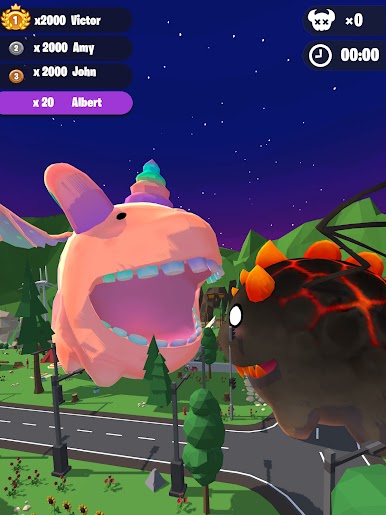
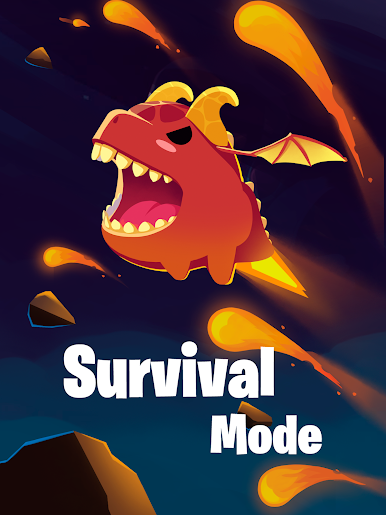
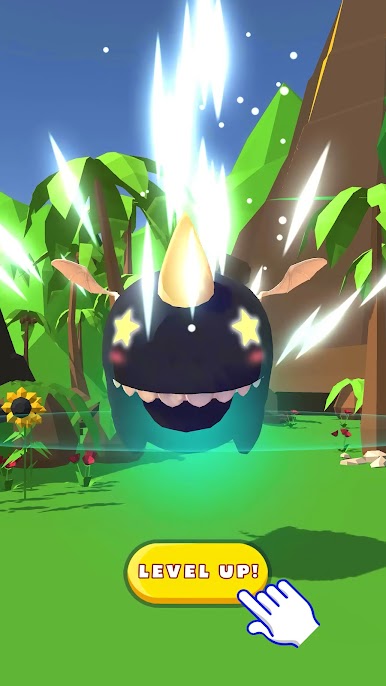
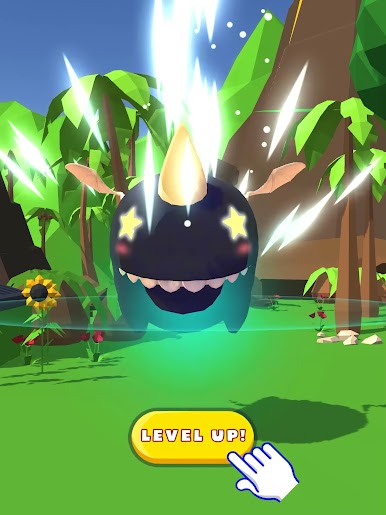
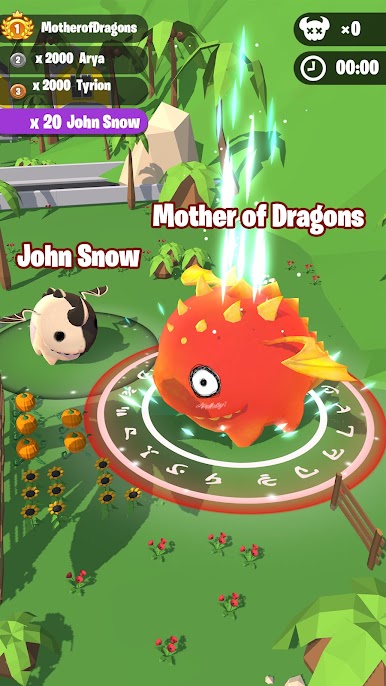
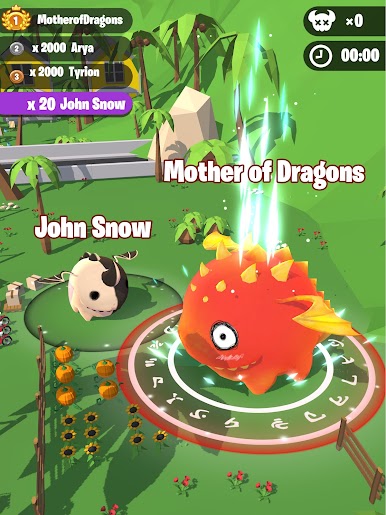
Play Dragon Wars io: Merge Dragons on PC. It’s easy to get started.
-
Download and install BlueStacks on your PC
-
Complete Google sign-in to access the Play Store, or do it later
-
Look for Dragon Wars io: Merge Dragons in the search bar at the top right corner
-
Click to install Dragon Wars io: Merge Dragons from the search results
-
Complete Google sign-in (if you skipped step 2) to install Dragon Wars io: Merge Dragons
-
Click the Dragon Wars io: Merge Dragons icon on the home screen to start playing

